Skip to content
View in the app

A better way to browse. Learn more.

RDR2Mods.com

A full-screen app on your home screen with push notifications, badges and more.

To install this app on iOS and iPadOS
  1. Tap the Share icon in Safari
  2. Scroll the menu and tap Add to Home Screen.
  3. Tap Add in the top-right corner.
To install this app on Android
  1. Tap the 3-dot menu (⋮) in the top-right corner of the browser.
  2. Tap Add to Home screen or Install app.
  3. Confirm by tapping Install.
403 files
    • 1,953 Downloads
    • 31248 Views
    • 1.88 MB File Size
    • 2 Comments
    Updated
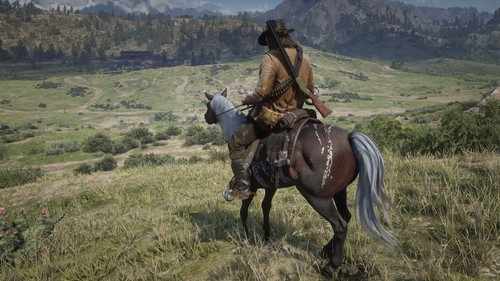
  1. Hire up to 9 gunmen at saloons that will travel and protect you!
    • 4,886 Downloads
    • 41328 Views
    • 2.11 MB File Size
    • 1 Comments
    Updated
    • 1,637 Downloads
    • 18298 Views
    • 148 kB File Size
    Updated
    • 13,514 Downloads
    • 89683 Views
    • 2.58 MB File Size
    Updated
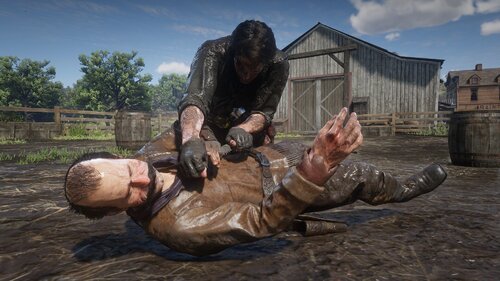
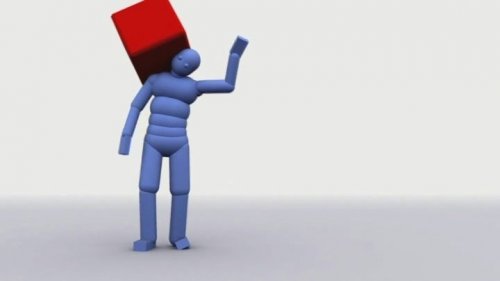
  2. Tutorial Euphoria Ragdoll Gore
    • 2,836 Downloads
    • 45397 Views
    • 1.89 MB File Size
    • 10 Comments
    Updated
    • 9,001 Downloads
    • 62257 Views
    • 2.81 MB File Size
    • 3 Comments
    Updated
    • 3,163 Downloads
    • 29460 Views
    • 28.13 kB File Size
    Updated
    • 6,937 Downloads
    • 225179 Views
    • 173 kB File Size
    • 3 Comments
    Updated
    • 1,323 Downloads
    • 12509 Views
    • 323.26 kB File Size
    Updated
    • 5,465 Downloads
    • 54734 Views
    • 101.86 kB File Size
    Updated
  3. Removes the whistle sound effect used by the police in Saint Denis when you are wanted.
    • 267 Downloads
    • 197967 Views
    • 2.19 kB File Size
    Updated
  4. Removes the sound effect played whenever you lose honor.
    • 1,013 Downloads
    • 209600 Views
    • 46.93 MB File Size
    • 1 Comments
    Updated
  5. Replaces A Talisman With RDR1-like Poncho
    • 18,547 Downloads
    • 130494 Views
    • 25.94 MB File Size
    • 25 Comments
    Updated
    • 1,017 Downloads
    • 18452 Views
    • 1.99 MB File Size
    Updated
    • 4,860 Downloads
    • 94836 Views
    • 4.65 MB File Size
    • 11 Comments
    Updated
    • 4,332 Downloads
    • 36651 Views
    • 5.44 kB File Size
    • 4 Comments
    Updated

Account

Navigation

Search

Search

Configure browser push notifications

Chrome (Android)
  1. Tap the lock icon next to the address bar.
  2. Tap Permissions → Notifications.
  3. Adjust your preference.
Chrome (Desktop)
  1. Click the padlock icon in the address bar.
  2. Select Site settings.
  3. Find Notifications and adjust your preference.