Skip to content
View in the app

A better way to browse. Learn more.

RDR2Mods.com

A full-screen app on your home screen with push notifications, badges and more.

To install this app on iOS and iPadOS
  1. Tap the Share icon in Safari
  2. Scroll the menu and tap Add to Home Screen.
  3. Tap Add in the top-right corner.
To install this app on Android
  1. Tap the 3-dot menu (⋮) in the top-right corner of the browser.
  2. Tap Add to Home screen or Install app.
  3. Confirm by tapping Install.
20 files
    • 2,717 Downloads
    • 26116 Views
    • 9.62 MB File Size
    • 1 Comments
    Updated
    • 13,479 Downloads
    • 89400 Views
    • 2.58 MB File Size
    Updated
    • 3,153 Downloads
    • 29341 Views
    • 28.13 kB File Size
    Updated
    • 1,008 Downloads
    • 18168 Views
    • 1.99 MB File Size
    Updated
    • 5,355 Downloads
    • 54039 Views
    • 251.67 kB File Size
    Updated
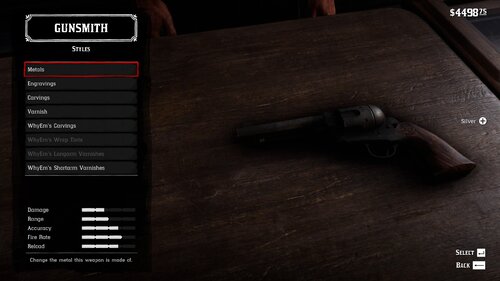
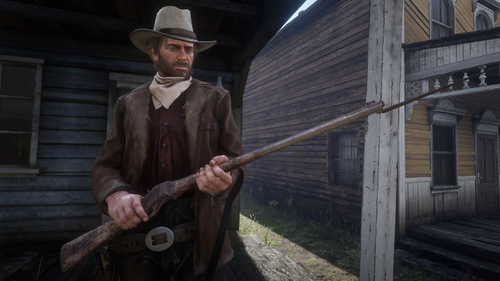
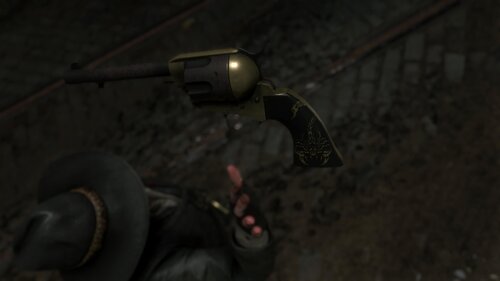
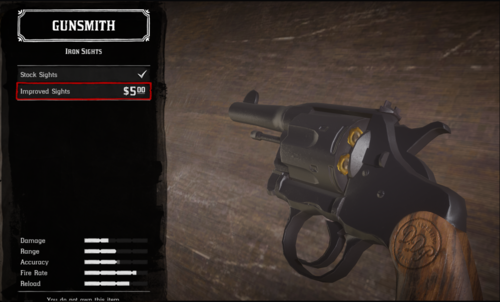
  1. Oxidized Gun Tints by Nateruzz
    • 2,780 Downloads
    • 49631 Views
    • 17.54 kB File Size
    • 4 Comments
    Updated
    • 22,737 Downloads
    • 142965 Views
    • 111.89 kB File Size
    • 3 Comments
    Updated
    • 14,252 Downloads
    • 69753 Views
    • 8.38 kB File Size
    Updated
    • 273 Downloads
    • 32294 Views
    • 3.28 kB File Size
    • 3 Comments
    Updated
    • 1,679 Downloads
    • 31309 Views
    • 207.14 kB File Size
    • 1 Comments
    Updated
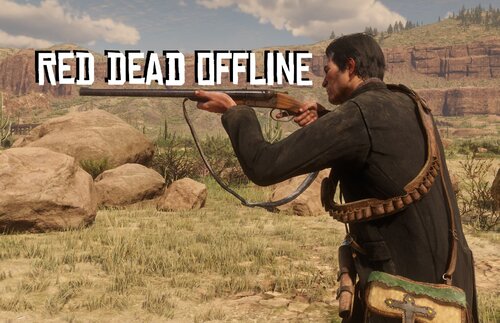
  2. Adds the Buffalo Sharps rifle.
    • 5,568 Downloads
    • 86622 Views
    • 3.45 MB File Size
    • 8 Comments
    Updated
    • 51,034 Downloads
    • 195859 Views
    • 58.62 MB File Size
    • 26 Comments
    Updated
    • 1,263,080 Downloads
    • 4619052 Views
    • 23.82 MB File Size
    • 488 Comments
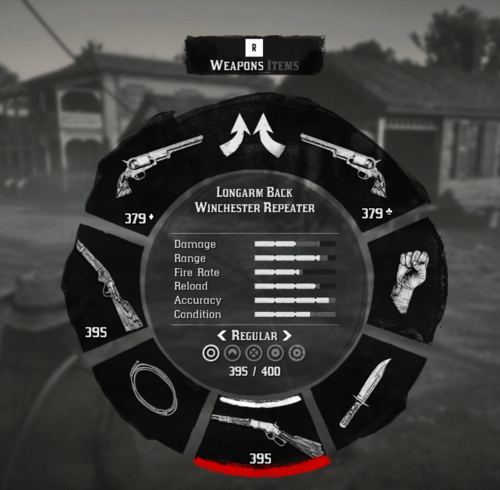
    LMS in Weapon
    Updated
    • 28,393 Downloads
    • 228253 Views
    • 8.63 kB File Size
    • 10 Comments
    Updated
    • 2,547 Downloads
    • 40025 Views
    • 563 B File Size
    Updated
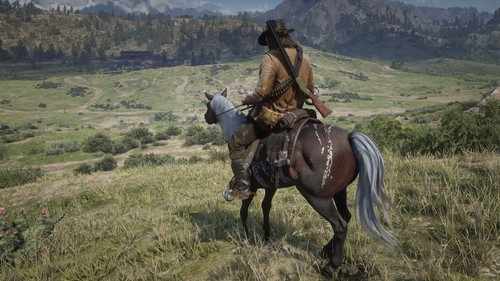
  3. Don't you just hate how slow the Scofield is? well, this mod is just for you
    • 10,688 Downloads
    • 74275 Views
    • 8.34 kB File Size
    • 3 Comments
    Updated

Account

Navigation

Search

Search

Configure browser push notifications

Chrome (Android)
  1. Tap the lock icon next to the address bar.
  2. Tap Permissions → Notifications.
  3. Adjust your preference.
Chrome (Desktop)
  1. Click the padlock icon in the address bar.
  2. Select Site settings.
  3. Find Notifications and adjust your preference.