Skip to content
View in the app

A better way to browse. Learn more.

RDR2Mods.com

A full-screen app on your home screen with push notifications, badges and more.

To install this app on iOS and iPadOS
  1. Tap the Share icon in Safari
  2. Scroll the menu and tap Add to Home Screen.
  3. Tap Add in the top-right corner.
To install this app on Android
  1. Tap the 3-dot menu (⋮) in the top-right corner of the browser.
  2. Tap Add to Home screen or Install app.
  3. Confirm by tapping Install.
Trending Downloads
    • 20 Downloads
    • 278 Views
    • 119.05 kB File Size
    Updated
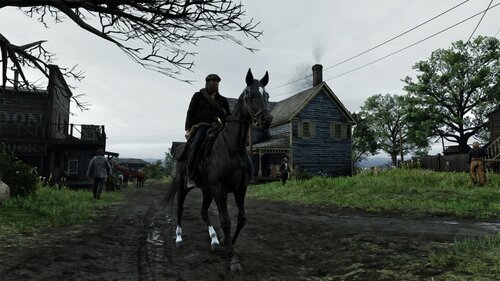
  1. See a downed citizen? Call Code Red Dead Insurance immediately. A network doctor will be dispatched
    #2 trending in Red Dead Redemption 2
    • 86 Downloads
    • 1861 Views
    • 1.17 MB File Size
    Updated
  2. Liar's dice in Red Dead Redemption 2
    #3 trending in Red Dead Redemption 2
    • 659 Downloads
    • 12425 Views
    • 805 kB File Size
    Updated
    • 2,745 Downloads
    • 26146 Views
    • 280.13 kB File Size
    • 3 Comments
    Updated
    • 14,516 Downloads
    • 140488 Views
    • 61.86 MB File Size
    • 17 Comments
    Updated
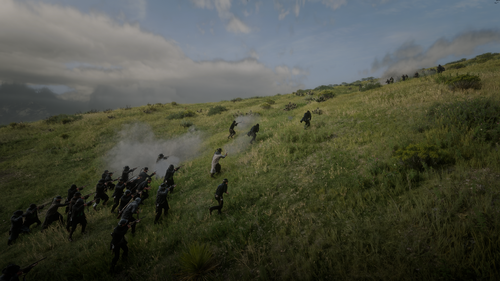
  3. You lose all items, money, weapons, ammo, food, etc upon dying and also your cores are reset.
    #6 trending in Red Dead Redemption 2
    • 521 Downloads
    • 11217 Views
    • 185.32 kB File Size
    Updated
    • 1,178 Downloads
    • 10735 Views
    • 2.93 GB File Size
    Updated
    • 1,228 Downloads
    • 15055 Views
    • 43.27 MB File Size
    Updated
    • 853 Downloads
    • 145352 Views
    • 2.65 MB File Size
    Updated
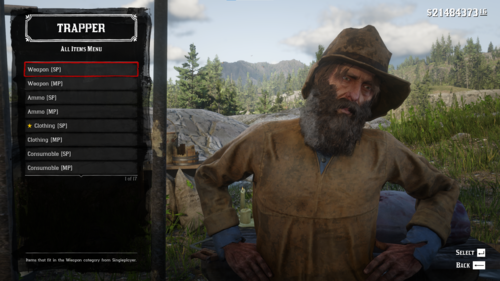
  4. YMT Editing simple trainer
    #10 trending in Red Dead Redemption 2
    • 1,114 Downloads
    • 8915 Views
    • 255.2 kB File Size
    CID9 in Tools
    Updated

Account

Navigation

Search

Search

Configure browser push notifications

Chrome (Android)
  1. Tap the lock icon next to the address bar.
  2. Tap Permissions → Notifications.
  3. Adjust your preference.
Chrome (Desktop)
  1. Click the padlock icon in the address bar.
  2. Select Site settings.
  3. Find Notifications and adjust your preference.