Jump to content
View in the app

A better way to browse. Learn more.

RDR2Mods.com

A full-screen app on your home screen with push notifications, badges and more.

To install this app on iOS and iPadOS
  1. Tap the Share icon in Safari
  2. Scroll the menu and tap Add to Home Screen.
  3. Tap Add in the top-right corner.
To install this app on Android
  1. Tap the 3-dot menu (⋮) in the top-right corner of the browser.
  2. Tap Add to Home screen or Install app.
  3. Confirm by tapping Install.
395 files
    • 2,346 Downloads
    • 22221 Views
    • 9.62 MB File Size
    Updated
    • 229 Downloads
    • 7653 Views
    • 4 kB File Size
    Updated
  1. Gang outposts
    • 748 Downloads
    • 10347 Views
    • 7.54 kB File Size
    Updated
    • 10,552 Downloads
    • 71395 Views
    • 444.2 kB File Size
    Updated
    • 8,772 Downloads
    • 92129 Views
    • 45.72 MB File Size
    • 30 Comments
    Updated
    • 2,592 Downloads
    • 32656 Views
    • 113.93 kB File Size
    Updated
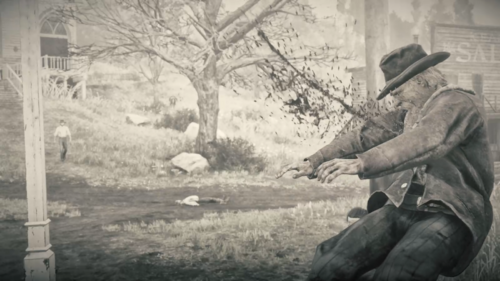
  2. euphoria ragdoll realistic live leak
    • 21,350 Downloads
    • 117108 Views
    • 81.67 kB File Size
    • 2 Comments
    Updated
    • 7,301 Downloads
    • 39134 Views
    • 37.31 MB File Size
    • 3 Comments
    Updated
    • 1,780 Downloads
    • 28242 Views
    • 1.88 MB File Size
    • 2 Comments
    Updated
  3. Hire up to 9 gunmen at saloons that will travel and protect you!
    • 4,512 Downloads
    • 38319 Views
    • 2.11 MB File Size
    • 1 Comments
    Updated
    • 1,520 Downloads
    • 16300 Views
    • 148 kB File Size
    Updated
    • 12,993 Downloads
    • 85635 Views
    • 2.58 MB File Size
    Updated
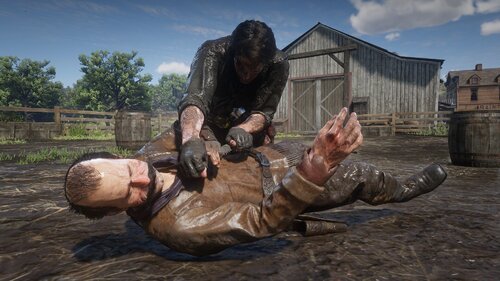
  4. Tutorial Euphoria Ragdoll Gore
    • 2,674 Downloads
    • 42792 Views
    • 1.89 MB File Size
    • 10 Comments
    Updated
    • 8,135 Downloads
    • 56095 Views
    • 2.81 MB File Size
    • 3 Comments
    Updated
    • 3,001 Downloads
    • 27699 Views
    • 28.13 kB File Size
    Updated
    • 6,106 Downloads
    • 216971 Views
    • 173 kB File Size
    • 3 Comments
    Updated

Configure browser push notifications

Chrome (Android)
  1. Tap the lock icon next to the address bar.
  2. Tap Permissions → Notifications.
  3. Adjust your preference.
Chrome (Desktop)
  1. Click the padlock icon in the address bar.
  2. Select Site settings.
  3. Find Notifications and adjust your preference.