.PNG.086893cf1d5c66fc954576cf3219788f.PNG)
goldenplaysterraria
Recognized Creator
-
Joined
-
Last visited
Everything posted by goldenplaysterraria
-
 Sorry it took so long to reply, I don't check this site often but I when I did, I did not receive a reply notification so I wasn't aware you'd sent one until I manually checked the thread. I'll let you know if I end up figuring a way to get the sound working, otherwise there's two public modding servers I'm aware of though I'm unsure if I'm allowed to link to them. The first is RMA, if you look up "dipsterr Nexus" and check his about me section you'll find the invite to it there. The second one's RDR2 Mod Developers but for that one I think it's invite-only so I'd need your Discord name to try and get you in. Someone in one of those servers should be a lot more knowledgeable than I am about the audio/content loading so best of luck if you're still working on this.
- 1363 comments
- 25 reviews
-
That's very strange, I honestly don't know as every time I've ever needed to load in online files those content.xml files have always done the trick and I'm not sure who would know more about it since WesternSpace left the community. I can see that the folder containing the audio is mentioned inside the content.xml, do the other .awcs in there work and if they don't, are other .awcs working including ones from other RDO files? One thing you could potentially try is streaming the .awc through LML, audio's a little weird- there's something you might have to do with the replace folder but in my experience streaming an asset through LML allows it to load in regardless of whether it's been unlocked or not.
- 1363 comments
- 25 reviews
-
I would recommend using file editing instead of hooking into the game's scripts. All you gotta do is set the disabled value=true values to "false" in the multiplayer content.xml files (like in these two mods). Note that doing this, whether using a script or not, can break stuff like sounds and animations, which is why mods typically only enable Online stuff conservatively. But you can just start out by enabling everything and slowly disable the stuff that's not needed
- 1363 comments
- 25 reviews
-
-

- 1
-
-
Just download Unhashed Pedestrian YMTs for the cs_vht_bathgirl file (drop it in LML > stream and copy over any assets you want from other YMT files) and Ultimate Ped Skeleton, then use the Pedestrian Gallery for a view of all the different models and go wild with it; once you've got everything set up right the most difficult thing is just resolving any clipping issues that come up with assets that weren't made for each other but hopefully that won't be something you have to worry about for now.
-
The horse textures are tint-based. They're not like normal textures because they don't use typical color values, they use RGB layers that get their color from a tint palette. I don't know what your texture looks like, but what you'll likely need to do is add your marking onto the red layer and then set the second tint value (Red) on the head model in the horse's YMT to a white palette like 0 or 18. And deselect all other layers, for markings you are only working with just the one.
-
After spending literal hours trying to troubleshoot a mod over an issue that was completely arbitrary, I've taken it upon myself to begin the unofficial RDR2 modding limitation document. This not only has some useful information on how to do stuff but also can be used to troubleshoot if any of your mods aren't working the way they should. RDR2 modding can be a hellhole and while I only just started this I'm allowing you to comment your own finds on the document as well so that we as a community can finally help each other figure out any common issues we're having with our mods. If you leave a comment on the document, be sure to be as precise as possible about what the issue is and what exactly causes it and do not add things that are relevant to only one specific mod. I would prefer for it to focus on actual game-breaking or immersion-breaking bugs but I did include a few things that aren't. Google DocsUnofficial RDR2 Modding Limitations Document
-
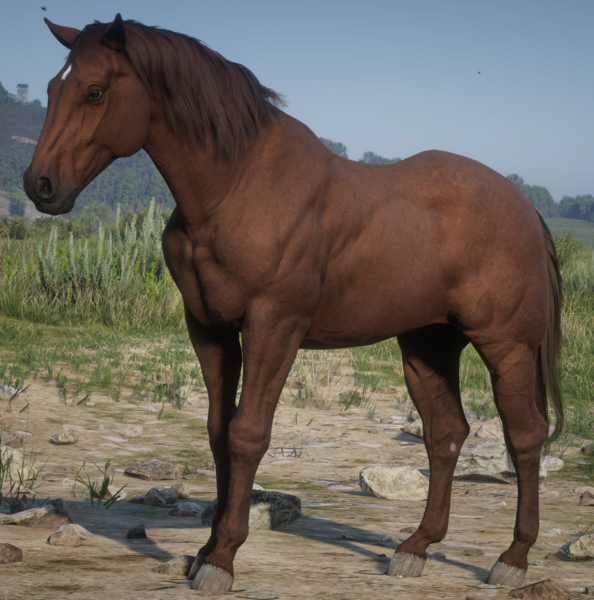
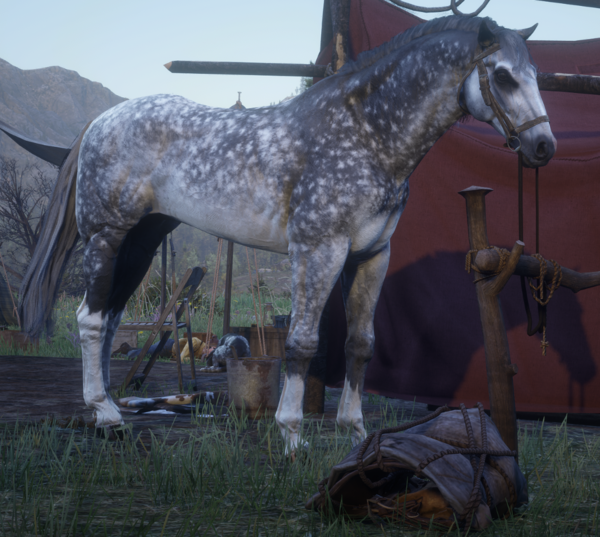
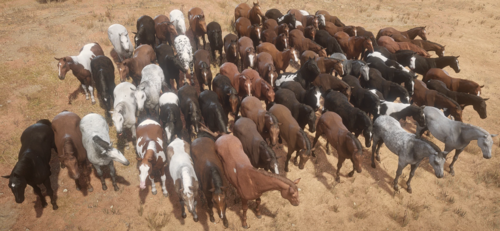
Beautiful horses from MDBranth and Horse Overhaul Mod, enhanced using Equine Improvements
-
-
 Thank you, I personally like it for how realistic it is but I do wish I could make it optional; unfortunately that isn't possible: The colors and info in the stable are hardcoded by the game's scripts and those are impossible to edit; it is possible to do a simple text replacement but that affects every horse that uses the same color/breed which severely limits what you can do with it. I actually could change the discoverable names (which is just the breed text that shows up when looking at the horse) but doing that would require editing Metapeds which a lot of other mods edit and it wouldn't work for the ambient/draft/wild horses because they use outfit variations.
 -
You can't change the text "Riding" to "Race" or the coat color because this is set via a script, and we can't edit scripts. You CAN replace the text itself through a strings file, but doing so will affect every single horse that also uses that same text (i.e if you change the text "Arabian" you will be changing the text for every single Arabian). For the voice, you'll need a Metapeds.ymt file and from there you can navigate to the <AnimalAudioObject> for the Ardennes and from there you can copy that section from the Ardennes over to whatever horse you're looking to change.
-
 RGB = Rose Gray Bay. Download Rampage Trainer as the page instructs, open up the menu with F5 and click on the following: Spawner --> Ped Spawner --> Horses --> Arabian --> Rose Grey Bay In that order, and the horse should be spawned in.
- 494 comments
- 15 reviews
-
Just spawn in the RGB Arabian with Rampage Trainer, that's the easiest and most solid way
- 494 comments
- 15 reviews
-
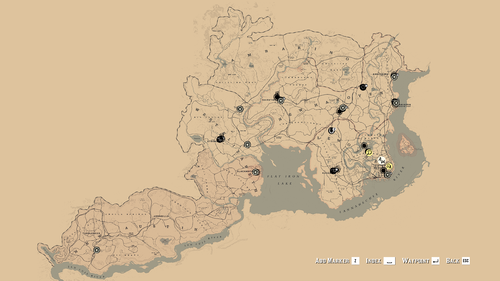 Just found a new bug with the mod: In Pouring Forth Oil IV, if the radar is removed the game doesn't know what to do on the ride so it spawns the train early, which fails the mission. It also crashes later in the mission during the shootout with the law
 -
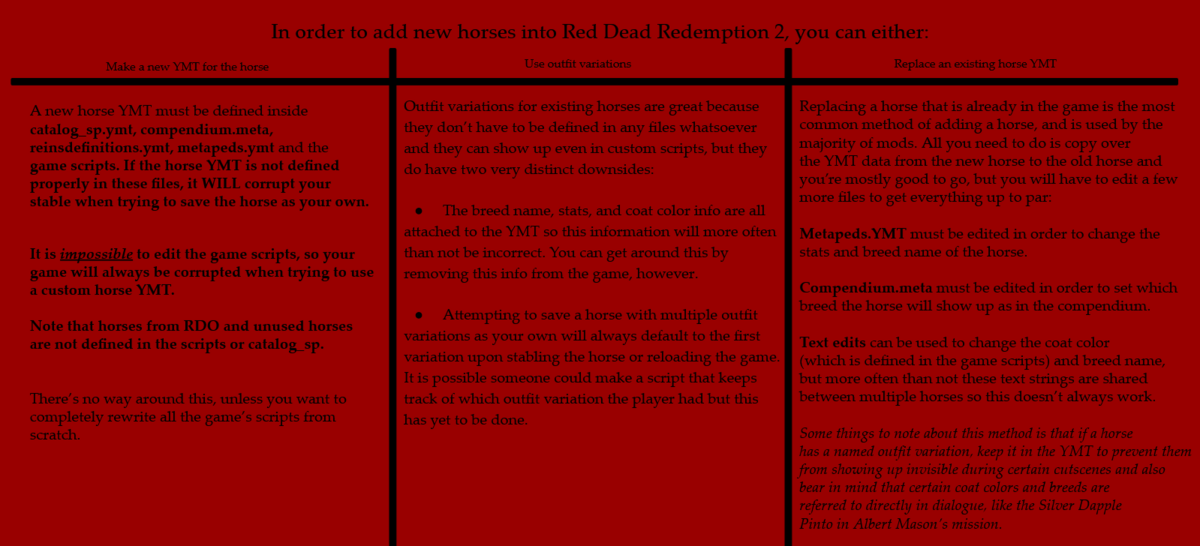
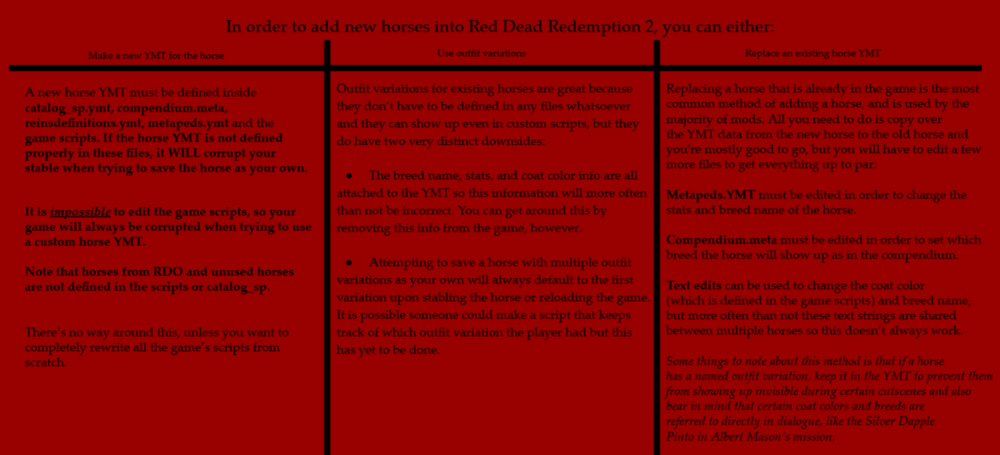
I'm sure there's plenty of people in the community that are curious about implementing new horses into the game, so here's a general overview as to how you would go about doing that. Note that this isn't meant to be a YMT or file editing tutorial, but rather just a general explanation of how implementing horses into the game would be done properly. Let me know if you have any questions about this! Note: If the image doesn't load for you, click here.
-
Version.dll only breaks one particular story mission in the epilogue and a single duelist encounter, you should try using Rampage Trainer though afaik it's better than this in every way
- 1363 comments
- 25 reviews
-
This occurs when you don't have the requirements for the mod installed correctly (Specifically because you need Online Content Unlocker OR Version.dll)
-
Yes, it's true that Super Ultimate Horse Mod adds in a small handful of horses via catalog_sp. This is because these very specific horses were already defined in the base game scripts (which as I mentioned, can't be edited) and just went unused in the final game, all they needed were catalog entries. Sorry I'm so late replying lol I don't know why I didn't get a notification on this thread
-
-
We can't edit the game scripts at this moment in time. If the horse isn't in the scripts, your save will be corrupted upon saving the horse as your own. It's as simple as that
-
 I was already aware prior that any horse not in the scripts and catalog_sp has the effect of what seems to be permanently deleting slots in your stable and can overwrite your primary horse with a chestnut tennessee walker, so when I saw the black chestnut thoroughbred spawned in the mod I immediately took the horse from the bandits and rode to the stables and was able to verify that the slot was gone after stabling the horse.
- 113 comments
- 3 reviews
-
Important Note for anyone using this mod: This mod adds the Black Chestnut Thoroughbred from RDO as one of the horses that the gang members ride around on, which you were never intended to be able to have in story mode. Do NOT ride or stable this horse or your save WILL BE corrupted
- 113 comments
- 3 reviews
-
-
- 1
-
-
 Does this mod include the RDO Sorrel Breton seen in the thumbnail? I was just curious because I know this mod has been updated a ton since then and I'm sure you're already aware but all the horses from RDO can corrupt your save if you try to keep them
 -
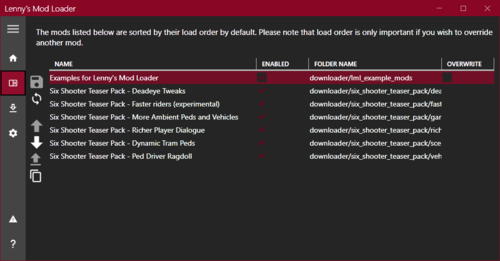 There's a major bug with either this or scripthook that's been bothering me ever since I started modding... For some reason, if my monitor turns off and then back on again (which happens often) while the game is running it starts running my computer hard (causing the fans to go crazy) until I pause and unpause the game. This isn't an issue without mods and seems like an unintentional thing that really makes it annoying to use and makes me concerned about potential damage to the hardware on my PC, not sure if anybody else has experienced this but if it is a common issue it'd be great to see it resolved.
- 785 comments
- 8 reviews
-
For the main mod all you gotta do is unzip the file and drop the main folder inside of your LML folder. If you want to use the Individual Files but don't have the base mod you'll need to drop the Textures folder into LML and from there you'll just drop any ymts you want to use into your stream folder.
-
.thumb.PNG.9b1b9bdbbaae8edb695ac8be487eeac3.PNG)