Jump to content
View in the app

A better way to browse. Learn more.

RDR2Mods.com

A full-screen app on your home screen with push notifications, badges and more.

To install this app on iOS and iPadOS
  1. Tap the Share icon in Safari
  2. Scroll the menu and tap Add to Home Screen.
  3. Tap Add in the top-right corner.
To install this app on Android
  1. Tap the 3-dot menu (⋮) in the top-right corner of the browser.
  2. Tap Add to Home screen or Install app.
  3. Confirm by tapping Install.
392 files
    • 1,940 Downloads
    • 29793 Views
    • 145.61 kB File Size
    • 7 Comments
    Updated
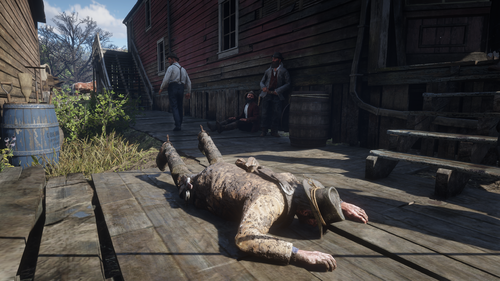
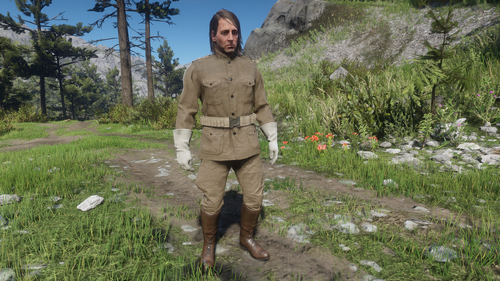
  1. Re-live core memories from John's teenage years
    • 652 Downloads
    • 22952 Views
    • 1.55 MB File Size
    Updated
    • 8,144 Downloads
    • 95405 Views
    • 5.4 kB File Size
    Updated
    • 483 Downloads
    • 12621 Views
    • 3.82 MB File Size
    Updated
    • 17,221 Downloads
    • 96426 Views
    • 108.82 kB File Size
    • 9 Comments
    Updated
    • 663 Downloads
    • 15006 Views
    • 242.54 kB File Size
    Updated
    • 6,233 Downloads
    • 49803 Views
    • 3.88 MB File Size
    • 11 Comments
    Updated
    • 246 Downloads
    • 12831 Views
    • 17.35 kB File Size
    Updated
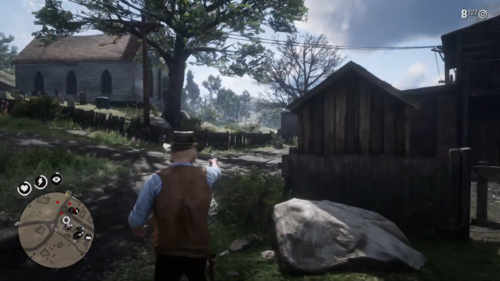
  2. Collectables In Range
    • 8,056 Downloads
    • 48335 Views
    • 85.75 kB File Size
    Updated
    • 119,097 Downloads
    • 403263 Views
    • 43.57 MB File Size
    • 11 Comments
    Updated
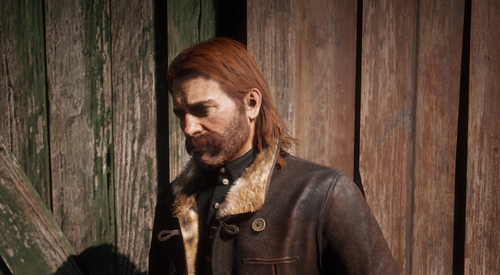
  3. Sometimes, you gotta wonder what exactly Mary Linton was thinking.
    • 7,623 Downloads
    • 67716 Views
    • 128.73 kB File Size
    Updated
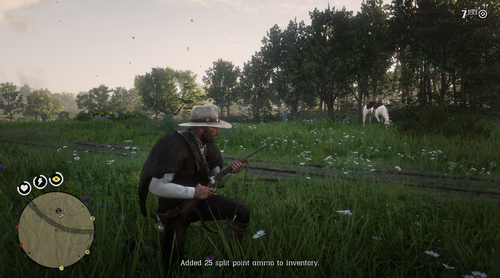
  4. Carrying the entirety of the Van Der Linde gang on your back is a hell of a workout routine.
    • 7,022 Downloads
    • 65819 Views
    • 128.86 kB File Size
    • 1 Comments
    Updated
  5. Had enough of muddy brown and silver?
    • 2,152 Downloads
    • 25940 Views
    • 17.29 MB File Size
    • 1 Comments
    Updated
    • 754 Downloads
    • 16801 Views
    • 3.94 MB File Size
    Updated
    • 2,572 Downloads
    • 34863 Views
    • 20.83 MB File Size
    • 1 Comments
    Updated
    • 496 Downloads
    • 11858 Views
    • 71.02 MB File Size
    Updated

Configure browser push notifications

Chrome (Android)
  1. Tap the lock icon next to the address bar.
  2. Tap Permissions → Notifications.
  3. Adjust your preference.
Chrome (Desktop)
  1. Click the padlock icon in the address bar.
  2. Select Site settings.
  3. Find Notifications and adjust your preference.