
Skip to content
View in the app

A better way to browse. Learn more.

RDR2Mods.com

A full-screen app on your home screen with push notifications, badges and more.

To install this app on iOS and iPadOS
  1. Tap the Share icon in Safari
  2. Scroll the menu and tap Add to Home Screen.
  3. Tap Add in the top-right corner.
To install this app on Android
  1. Tap the 3-dot menu (⋮) in the top-right corner of the browser.
  2. Tap Add to Home screen or Install app.
  3. Confirm by tapping Install.
400 files
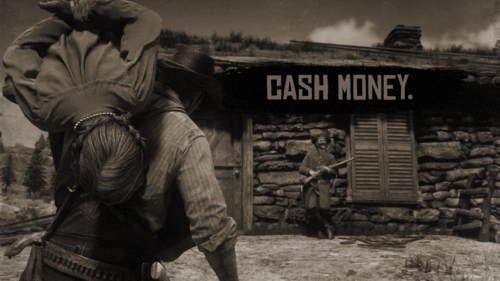
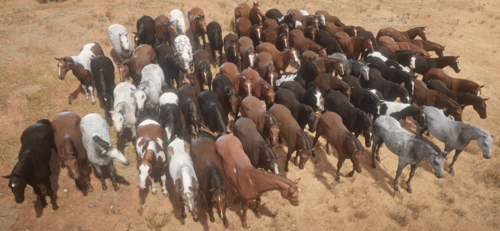
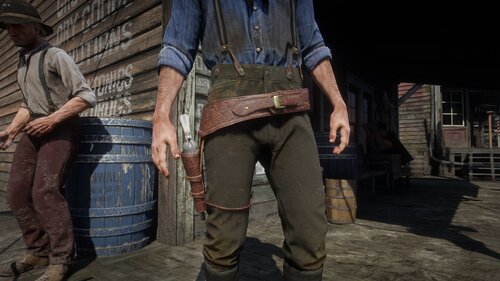
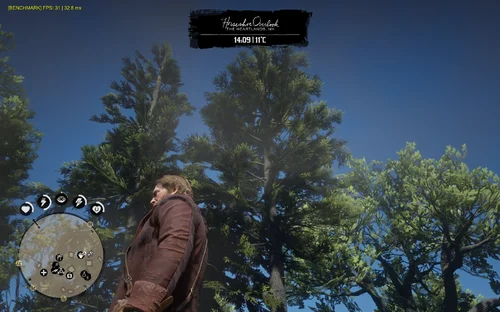
  1. Shoot it out with bandits, hunt down outlaws and walk the streets with a star.
    • 154,720 Downloads
    • 763953 Views
    • 17.34 MB File Size
    • 132 Comments
    LMS in RDRFR
    Updated
    • 5,252 Downloads
    • 36194 Views
    • 132.77 kB File Size
    • 2 Comments
    Updated
    • 54,123 Downloads
    • 298556 Views
    • 9.19 MB File Size
    • 6 Comments
    Updated
    • 626 Downloads
    • 3746 Views
    • 207.45 kB File Size
    Updated
    • 91 Downloads
    • 2739 Views
    • 11.78 MB File Size
    Updated
    • 691 Downloads
    • 4563 Views
    • 34.94 MB File Size
    Updated
    • 293 Downloads
    • 3065 Views
    • 2.65 MB File Size
    Updated
    • 13,578 Downloads
    • 131613 Views
    • 37.09 MB File Size
    • 17 Comments
    Updated
    • 221 Downloads
    • 2801 Views
    • 27.99 MB File Size
    Updated
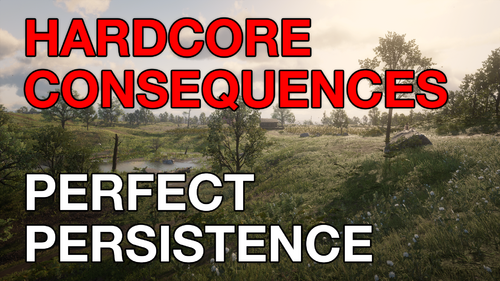
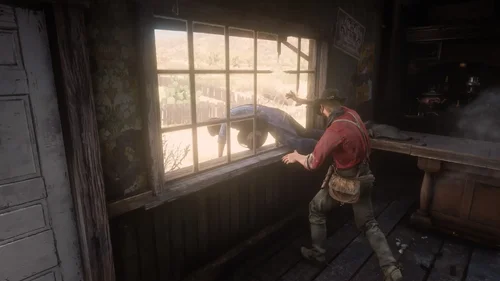
  2. You lose all items, money, weapons, ammo, food, etc upon dying and also your cores are reset.
    • 379 Downloads
    • 8213 Views
    • 185.32 kB File Size
    Updated
    • 1,661 Downloads
    • 10251 Views
    • 10.67 kB File Size
    • 1 Comments
    Updated
  3. Have you been in a gunfight in RDRFR, and frantically searched for the N button on your keyboard for
    • 434 Downloads
    • 10923 Views
    • 37.11 MB File Size
    Updated
    • 431 Downloads
    • 10615 Views
    • 36.74 kB File Size
    Updated
    • 11,746 Downloads
    • 56689 Views
    • 198.52 kB File Size
    Updated
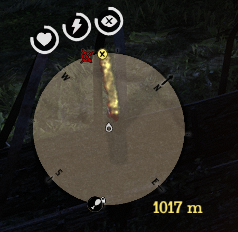
  4. This mod shows distance between waypoint and player.
    • 1,604 Downloads
    • 8064 Views
    • 62.48 kB File Size
    • 1 Comments
    Updated
    • 1,019 Downloads
    • 12100 Views
    • 43.27 MB File Size
    Updated

Account

Navigation

Search

Search

Configure browser push notifications

Chrome (Android)
  1. Tap the lock icon next to the address bar.
  2. Tap Permissions → Notifications.
  3. Adjust your preference.
Chrome (Desktop)
  1. Click the padlock icon in the address bar.
  2. Select Site settings.
  3. Find Notifications and adjust your preference.