Skip to content
View in the app

A better way to browse. Learn more.

RDR2Mods.com

A full-screen app on your home screen with push notifications, badges and more.

To install this app on iOS and iPadOS
  1. Tap the Share icon in Safari
  2. Scroll the menu and tap Add to Home Screen.
  3. Tap Add in the top-right corner.
To install this app on Android
  1. Tap the 3-dot menu (⋮) in the top-right corner of the browser.
  2. Tap Add to Home screen or Install app.
  3. Confirm by tapping Install.

Foreknown

Members
  • Joined

  • Last visited

Everything posted by Foreknown

  1. @MergingApollo Spent time modding yesterday and today, all mods have been working as anticipated as well without any extra tweaking. So can confirm Rockstar Launcher works on Linux via Heroic Games Launcher (with some tinkering) on CachyOS and modding works as well.
  2. Also, the mod I believe you are looking for is "Red Dead Offline" as mentioned previously here.
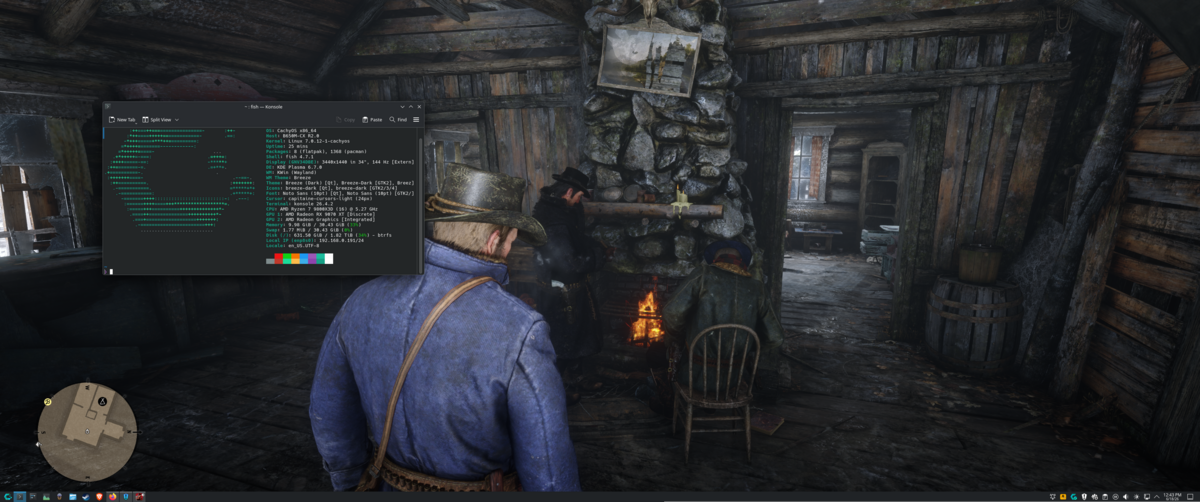
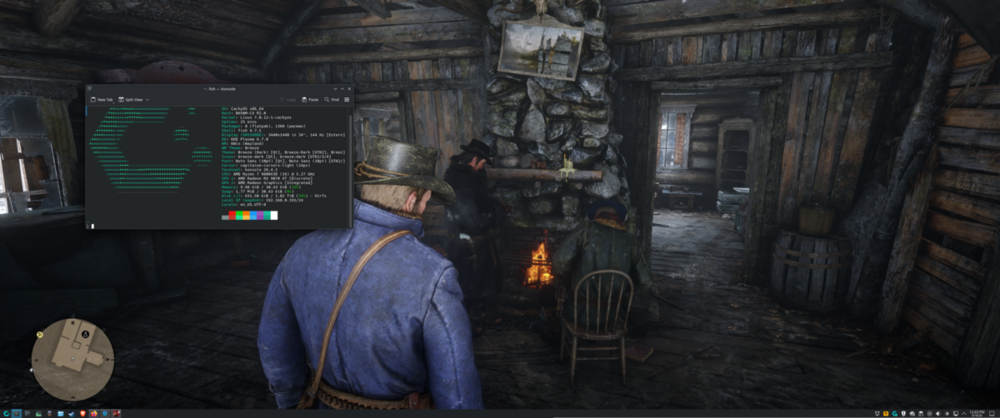
  3. Yoooo Just did this myself last night as I was curious and missed playing RDR2 (used to play on PS4 a long time ago). I am also on Linux (CachyOS) and after a bit of tinkering I was able to get Rockstar Launcher running through Heroic Games Launcher. I am starting modding today, so have yet to give confirmation on how well that works specifically, but I can tell you that you CAN run it on Linux if you are up for a few steps of tinkering. I wouldn't buy it again through steam if you already purchased and put time into it! (Screenshot for proof)

Account

Navigation

Search

Search

Configure browser push notifications

Chrome (Android)
  1. Tap the lock icon next to the address bar.
  2. Tap Permissions → Notifications.
  3. Adjust your preference.
Chrome (Desktop)
  1. Click the padlock icon in the address bar.
  2. Select Site settings.
  3. Find Notifications and adjust your preference.