Leaderboard
-
- All areas
- Articles
- Article Comments
- Pages
- Page Comments
- Natives
- Native Comments
- Parameters
- Components
- Component Comments
- Voices
- Voice Comments
- Speech Lines
- Speech Line Comments
- Tutorials
- Tutorial Comments
- Peds
- Ped Comments
- Animations
- Animation Comments
- Releases
- Release Comments
- Guides
- Guide Comments
- Features
- Feature Comments
- Settings
- Setting Comments
- Files
- File Comments
- File Reviews
- Images
- Image Comments
- Albums
- Album Comments
- Topics
- Posts
-
-
Gunter Severloh
Recognized Creator2Points232Posts -
Standing Bear
Members1Points3Posts -
ShadyALT1
Members1Points10Posts -
Capricorn666
Members1Points1Posts




Popular Content
Showing content with the highest reputation since 02/20/2026 in Posts
-
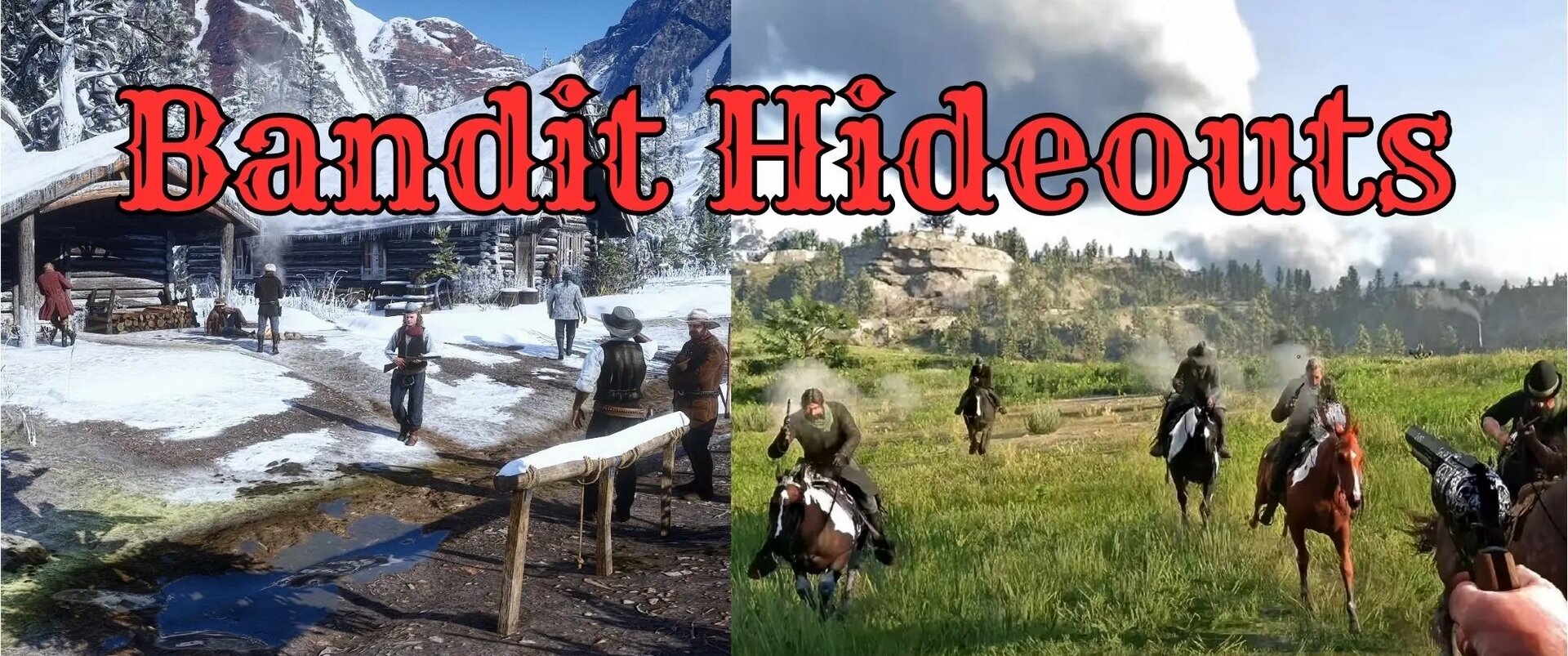
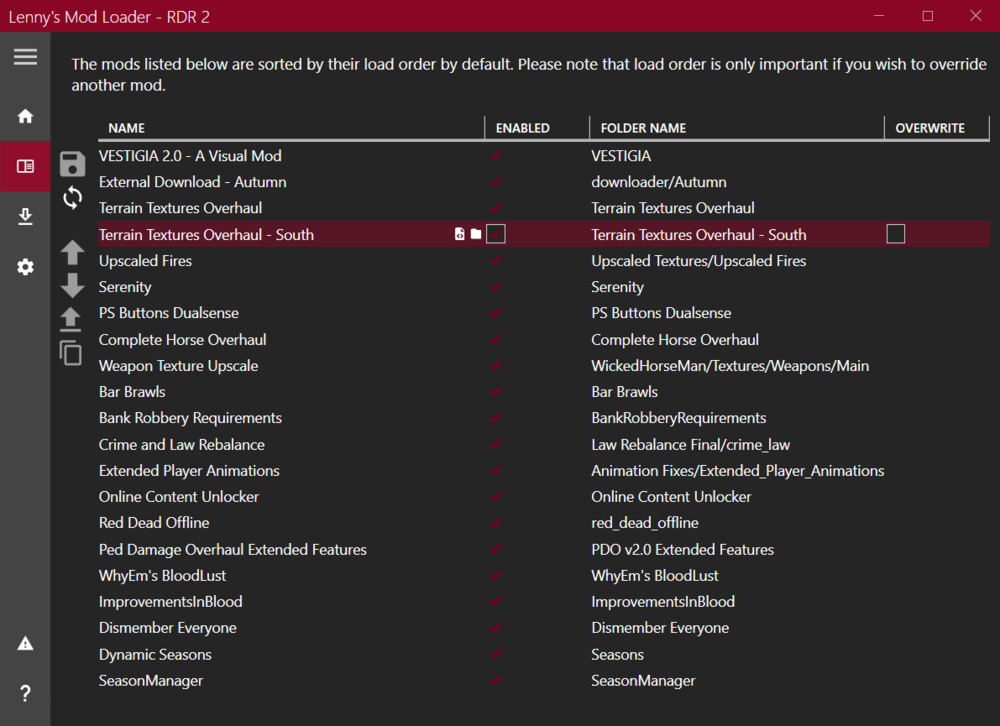
1 pointHello everyone, I recently installed some mods for Red Dead Redemption 2, but I don’t really understand how to organize them in LML. Some mods are working, while others aren’t (such as Vestigia). I would really appreciate your help.
 1 point
 -
As you can see in the settings itself of the ini, it disables the startup, overlay, and interface, unless your using something for developing a mod or working on a script their really not needed. Disadvantages? Not really, game wont load with it enabled so that is a disadvantage just having it enabled, outside that idk, im sure someone else could comment on the subject, but imo your not losing anything with those set.1 point
-
Getting back to this subject i have some possible solutions for those getting the infinite loading screen. Based on my own discoveries, and feedback on my Bandit Hideouts mod with similar issues, we solved this, so here are a couple of solutions that may fix the issue if your using either AB Scripthhook or ScripthookRDR2 V2 version. If your using ScripthookRDR2 V2 then you need to set the following to false in the ScriptHookConfig.ini like this: [Lua] Load on startup = false [Interface] Enable = false [Overlay] Enable = false [General] Enable Reload Hotkey = true Show errors = true Show notifications = true [Open Key] Hold Key = 16 Press Key = 45 If your using Rampage trainer along with AB Scripthook then Rampage may be causing the issue.1 point
-
1 pointIn general. Take everything that is in the folder in ModLoader and move it to the root of the game. Delete the ModLoader folder itself. It helped me)1 point
-
holy hell you guys are 100% right there really are no passengers on the trains that is insane1 point
-
1 pointReal life mod; Ranching, cattle driving and rustling. Being an outlaw and have a posse in SP (using ped models instead of the protagonists). Be able to sell cattle at the livestock towns. Be able to work on the ranch, buy some of the ranches available in the game and work on it. Breeding horses and selling them aswell, since you can deliver a foal in the Epilogue, that might aswell be available for modding or simply giving something similar to be worked around on a mod. Be able to capture wild horses, get them back to your ranch and take care of it, feed it and then sell them in the market, make some profit. Be able to use a ped without losing dead eye and eagle eye for hunting. I once tried using the native americans ped and I unfortunetly lost the ability to eagle eye and dead eye for hunting, it was a pain but free aim got me through with it. Be able to spawn any horse in the game, max out bonding level with a click and be done with it. Be able to grow hair and beard with a click and be done with it. Brothels. Wifes. Really, Real Life Mod from GTA 5 would be amazing in RDR2, I guess this will become real when RedM arrives, but would be awesome to do all this in SP.1 point