
Jump to content
View in the app

A better way to browse. Learn more.

RDR2Mods.com

A full-screen app on your home screen with push notifications, badges and more.

To install this app on iOS and iPadOS
  1. Tap the Share icon in Safari
  2. Scroll the menu and tap Add to Home Screen.
  3. Tap Add in the top-right corner.
To install this app on Android
  1. Tap the 3-dot menu (⋮) in the top-right corner of the browser.
  2. Tap Add to Home screen or Install app.
  3. Confirm by tapping Install.
118 files
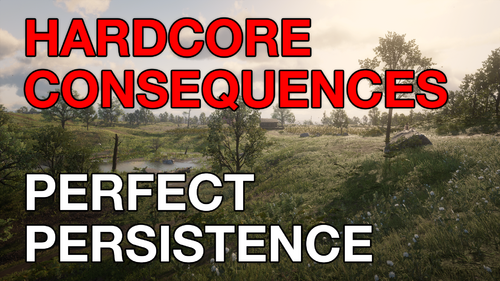
  1. You lose all items, money, weapons, ammo, food, etc upon dying and also your cores are reset.
    • 96 Downloads
    • 2991 Views
    • 185.32 kB File Size
    Updated
    • 51,027 Downloads
    • 283007 Views
    • 264.79 kB File Size
    • 6 Comments
    Updated
    • 4,280 Downloads
    • 29679 Views
    • 127.7 kB File Size
    • 2 Comments
    Updated
    • 698 Downloads
    • 8522 Views
    • 43.27 MB File Size
    Updated
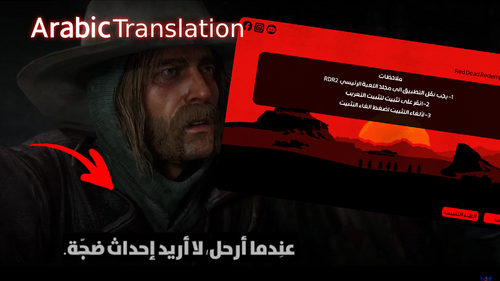
  2. Arabic Translation
    • 20,044 Downloads
    • 71308 Views
    • 6.89 MB File Size
    • 1 Comments
    Updated
    • 2,892 Downloads
    • 14356 Views
    • 159.62 kB File Size
    Updated
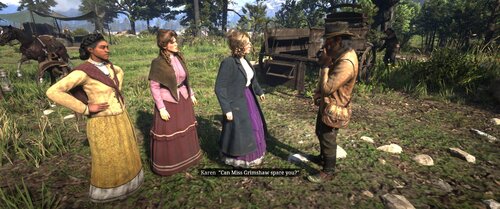
  3. Go on patrol anywhere, and everywhere!
    • 1,628 Downloads
    • 24243 Views
    • 22.23 kB File Size
    Updated
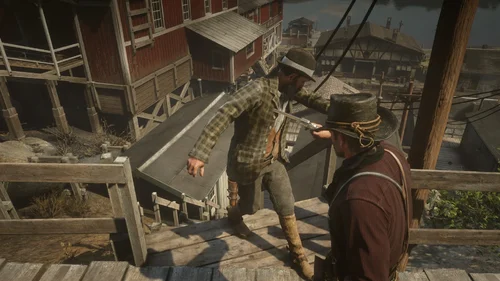
  4. First/Third person cutscenes + cinematic freecam!
    • 1,784 Downloads
    • 39923 Views
    • 143.31 kB File Size
    • 2 Comments
    Updated
  5. A mod for Red Dead Redemption 2 that adds a permanent bonfire to every location an NPC dies.
    • 85 Downloads
    • 9982 Views
    • 5.13 MB File Size
    • 1 Comments
    Updated
    • 4,821 Downloads
    • 40723 Views
    • 104.66 kB File Size
    Updated
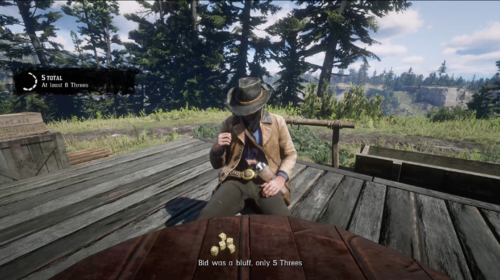
  6. Liar's dice in Red Dead Redemption 2
    • 573 Downloads
    • 10805 Views
    • 805 kB File Size
    Updated
  7. Randomizes Ped Guns and Ammo types! Forget realism for a moment and have fun!
    • 704 Downloads
    • 11761 Views
    • 123.82 kB File Size
    Updated
    • 227 Downloads
    • 7624 Views
    • 4 kB File Size
    Updated
    • 10,505 Downloads
    • 71031 Views
    • 444.2 kB File Size
    Updated
    • 8,729 Downloads
    • 91747 Views
    • 45.72 MB File Size
    • 30 Comments
    Updated
    • 2,583 Downloads
    • 32512 Views
    • 113.93 kB File Size
    Updated

Configure browser push notifications

Chrome (Android)
  1. Tap the lock icon next to the address bar.
  2. Tap Permissions → Notifications.
  3. Adjust your preference.
Chrome (Desktop)
  1. Click the padlock icon in the address bar.
  2. Select Site settings.
  3. Find Notifications and adjust your preference.