Skip to content
View in the app

A better way to browse. Learn more.

RDR2Mods.com

A full-screen app on your home screen with push notifications, badges and more.

To install this app on iOS and iPadOS
  1. Tap the Share icon in Safari
  2. Scroll the menu and tap Add to Home Screen.
  3. Tap Add in the top-right corner.
To install this app on Android
  1. Tap the 3-dot menu (⋮) in the top-right corner of the browser.
  2. Tap Add to Home screen or Install app.
  3. Confirm by tapping Install.
119 files
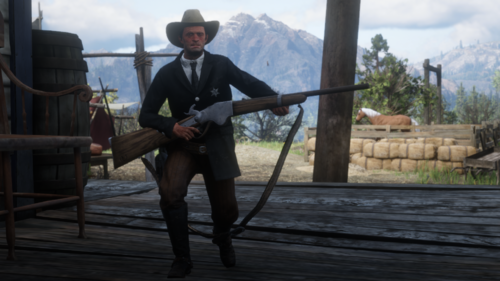
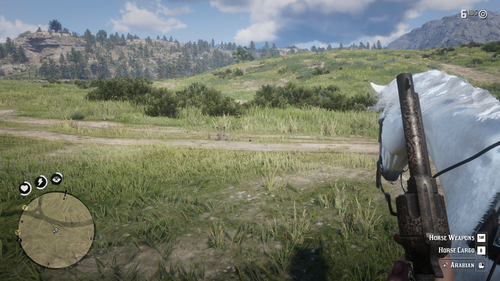
  1. Automatically switch to first person when on foot, and back to previous view when mounted.
    • 477 Downloads
    • 16295 Views
    • 2.46 kB File Size
    • 2 Comments
    Updated
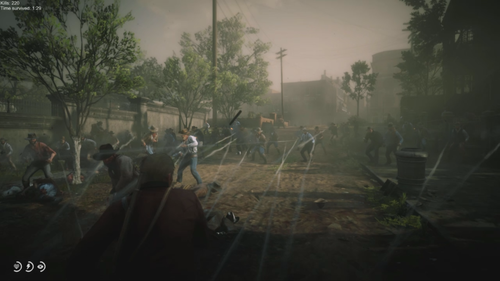
  2. Fight an infinite number of enemies!
    • 656 Downloads
    • 26669 Views
    • 207.77 kB File Size
    • 1 Comments
    Updated
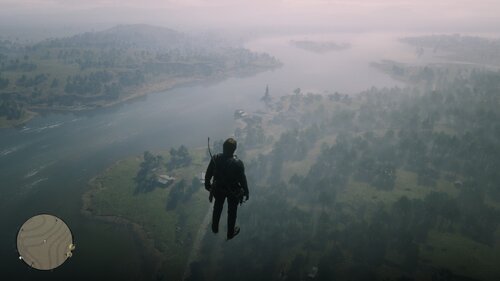
  3. This mod simply allow you to fly.
    • 2,403 Downloads
    • 34040 Views
    • 4.68 kB File Size
    Updated
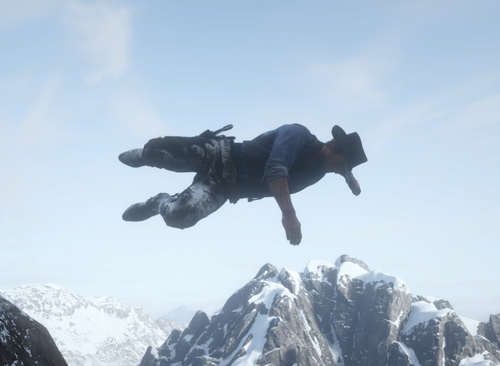
  4. A simple ragdoll mod
    • 6,371 Downloads
    • 93559 Views
    • 39.96 kB File Size
    • 16 Comments
    Updated
  5. Makes all NPCs mini or any size you want!
    • 728 Downloads
    • 28277 Views
    • 74.14 kB File Size
    • 5 Comments
    Updated
    • 1,827 Downloads
    • 58809 Views
    • 2.04 kB File Size
    • 2 Comments
    Updated
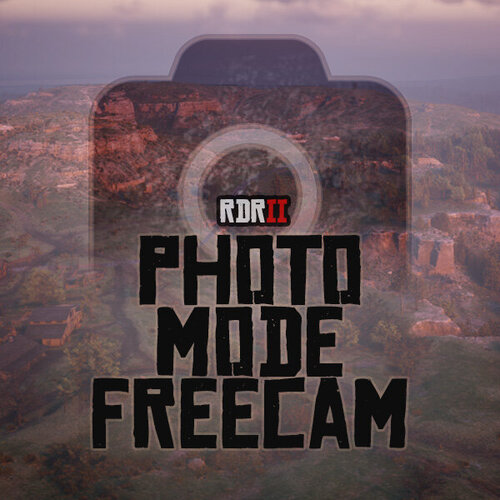
  6. Unlimited freecam movement in Photo Mode.
    • 11,898 Downloads
    • 95135 Views
    • 129.73 kB File Size
    • 13 Comments
    Updated

Account

Navigation

Search

Search

Configure browser push notifications

Chrome (Android)
  1. Tap the lock icon next to the address bar.
  2. Tap Permissions → Notifications.
  3. Adjust your preference.
Chrome (Desktop)
  1. Click the padlock icon in the address bar.
  2. Select Site settings.
  3. Find Notifications and adjust your preference.