Jump to content
View in the app

A better way to browse. Learn more.

RDR2Mods.com

A full-screen app on your home screen with push notifications, badges and more.

To install this app on iOS and iPadOS
  1. Tap the Share icon in Safari
  2. Scroll the menu and tap Add to Home Screen.
  3. Tap Add in the top-right corner.
To install this app on Android
  1. Tap the 3-dot menu (⋮) in the top-right corner of the browser.
  2. Tap Add to Home screen or Install app.
  3. Confirm by tapping Install.
395 files
    • 927 Downloads
    • 26845 Views
    • 4.03 kB File Size
    • 1 Comments
    Updated
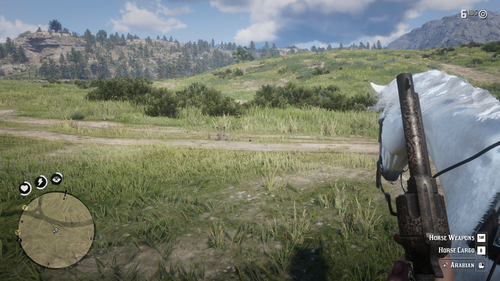
  1. Automatically switch to first person when on foot, and back to previous view when mounted.
    • 454 Downloads
    • 15925 Views
    • 2.46 kB File Size
    • 2 Comments
    Updated
  2. Educational resource for mod development
    • 938 Downloads
    • 16358 Views
    • 48.92 kB File Size
    • 1 Comments
    LMS in Misc
    Updated
  3. Educational resource for mod development
    • 905 Downloads
    • 10078 Views
    • 46.9 kB File Size
    LMS in Misc
    Updated
  4. Fight an infinite number of enemies!
    • 644 Downloads
    • 26213 Views
    • 207.77 kB File Size
    • 1 Comments
    Updated
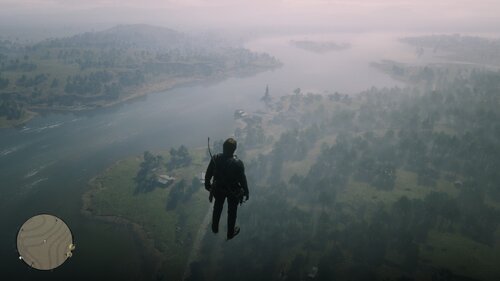
  5. This mod simply allow you to fly.
    • 2,361 Downloads
    • 33382 Views
    • 4.68 kB File Size
    Updated
  6. A simple ragdoll mod
    • 6,314 Downloads
    • 92265 Views
    • 39.96 kB File Size
    • 16 Comments
    Updated
  7. Makes all NPCs mini or any size you want!
    • 700 Downloads
    • 27416 Views
    • 74.14 kB File Size
    • 5 Comments
    Updated
    • 1,793 Downloads
    • 57859 Views
    • 2.04 kB File Size
    • 2 Comments
    Updated
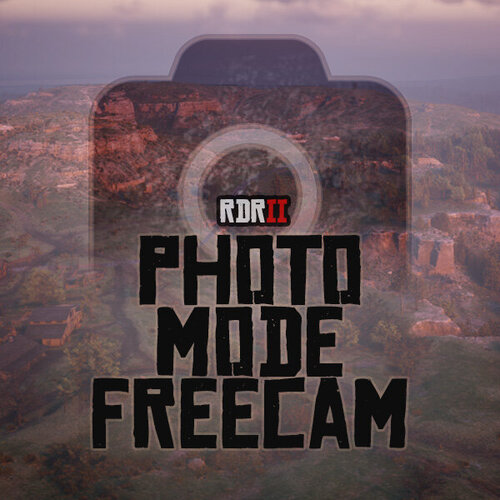
  8. Unlimited freecam movement in Photo Mode.
    • 11,677 Downloads
    • 93008 Views
    • 129.73 kB File Size
    • 13 Comments
    Updated
    • 826 Downloads
    • 23256 Views
    • 12.07 MB File Size
    Updated

Configure browser push notifications

Chrome (Android)
  1. Tap the lock icon next to the address bar.
  2. Tap Permissions → Notifications.
  3. Adjust your preference.
Chrome (Desktop)
  1. Click the padlock icon in the address bar.
  2. Select Site settings.
  3. Find Notifications and adjust your preference.