




INFINA
Welcome TO INFINA! RDR2's first AI mission Generator (Probably not a good thing)
🤠 ABOUT THIS MOD
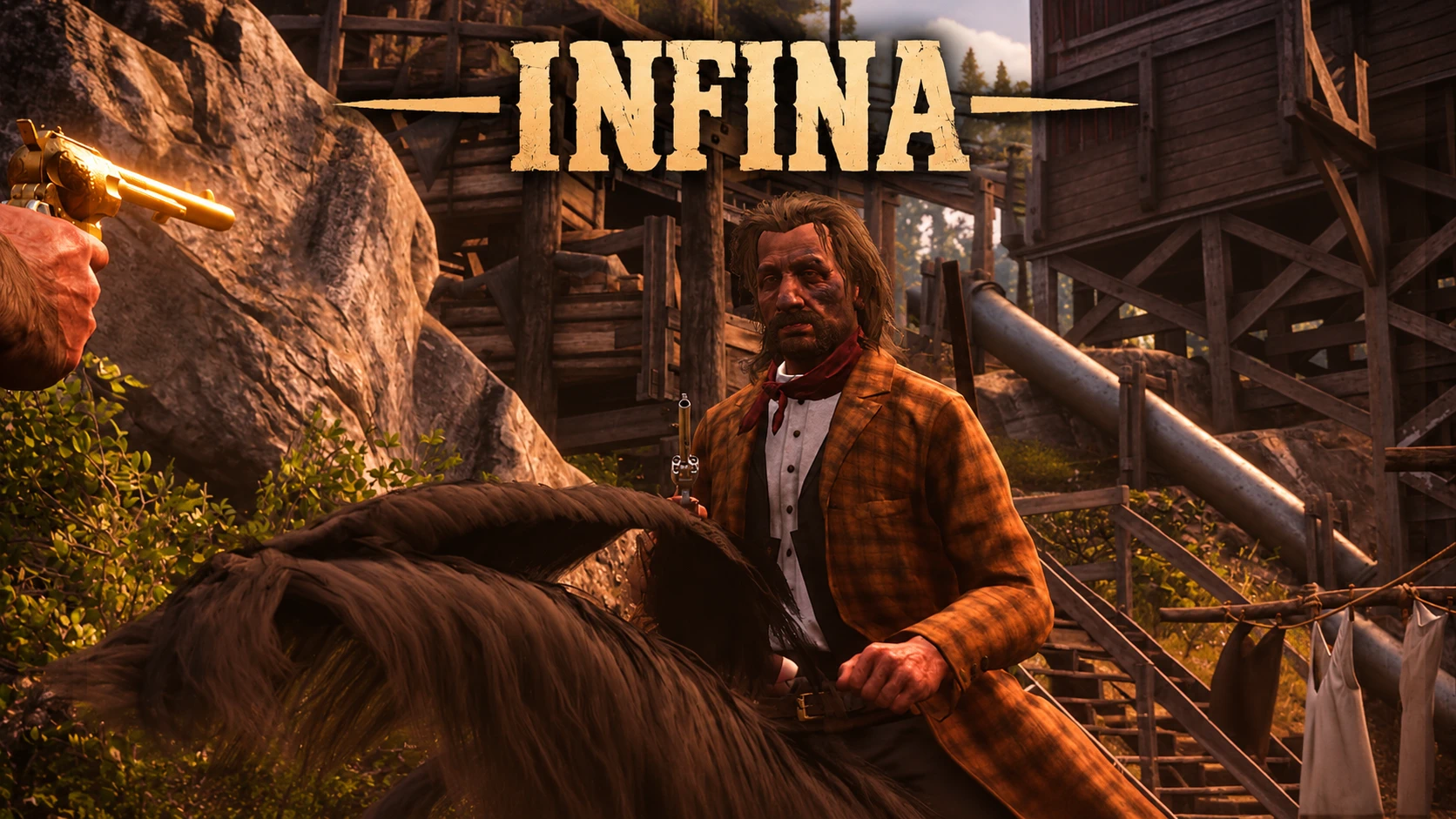
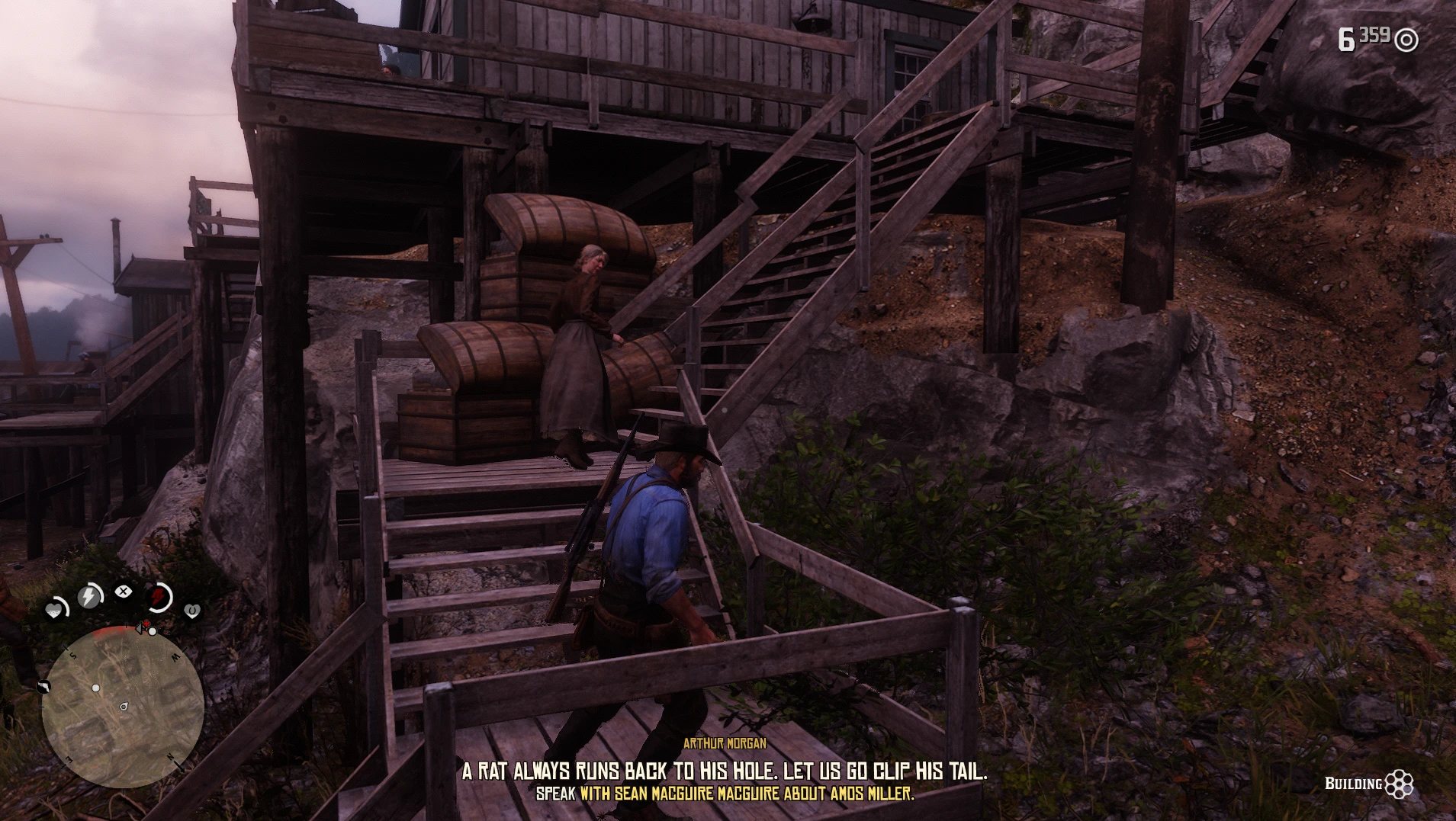
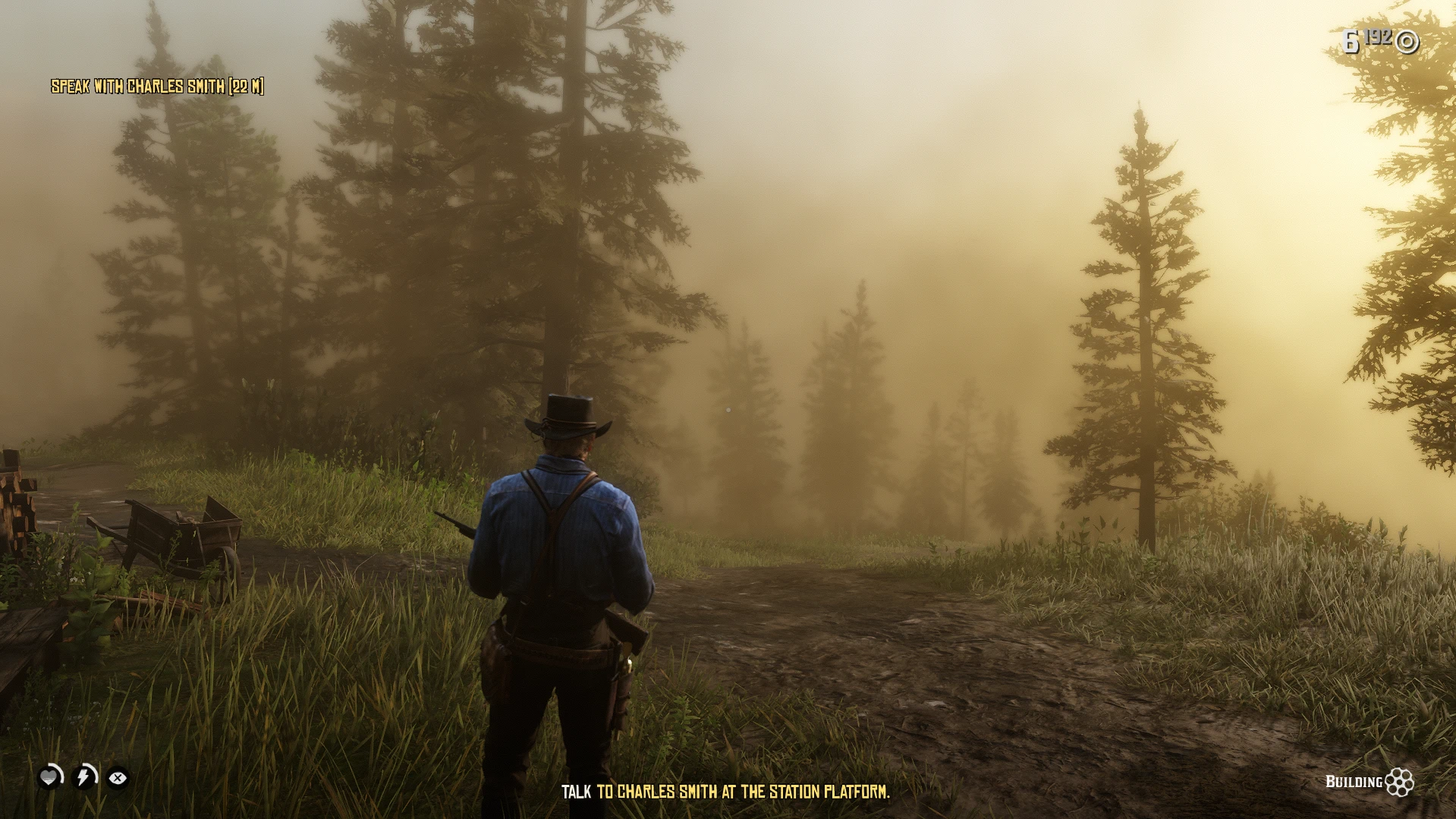
INFINA creates emergent, playable missions almost instantly inside your game.
right now, the missions are pretty scuffed. This is an early, experimental project built for fun and chaos not a replacement for handcrafted, narrative missions made by real humans. Expect some jank, but expect it to improve as the engine is updated and improved.
🎮 HOW TO USE
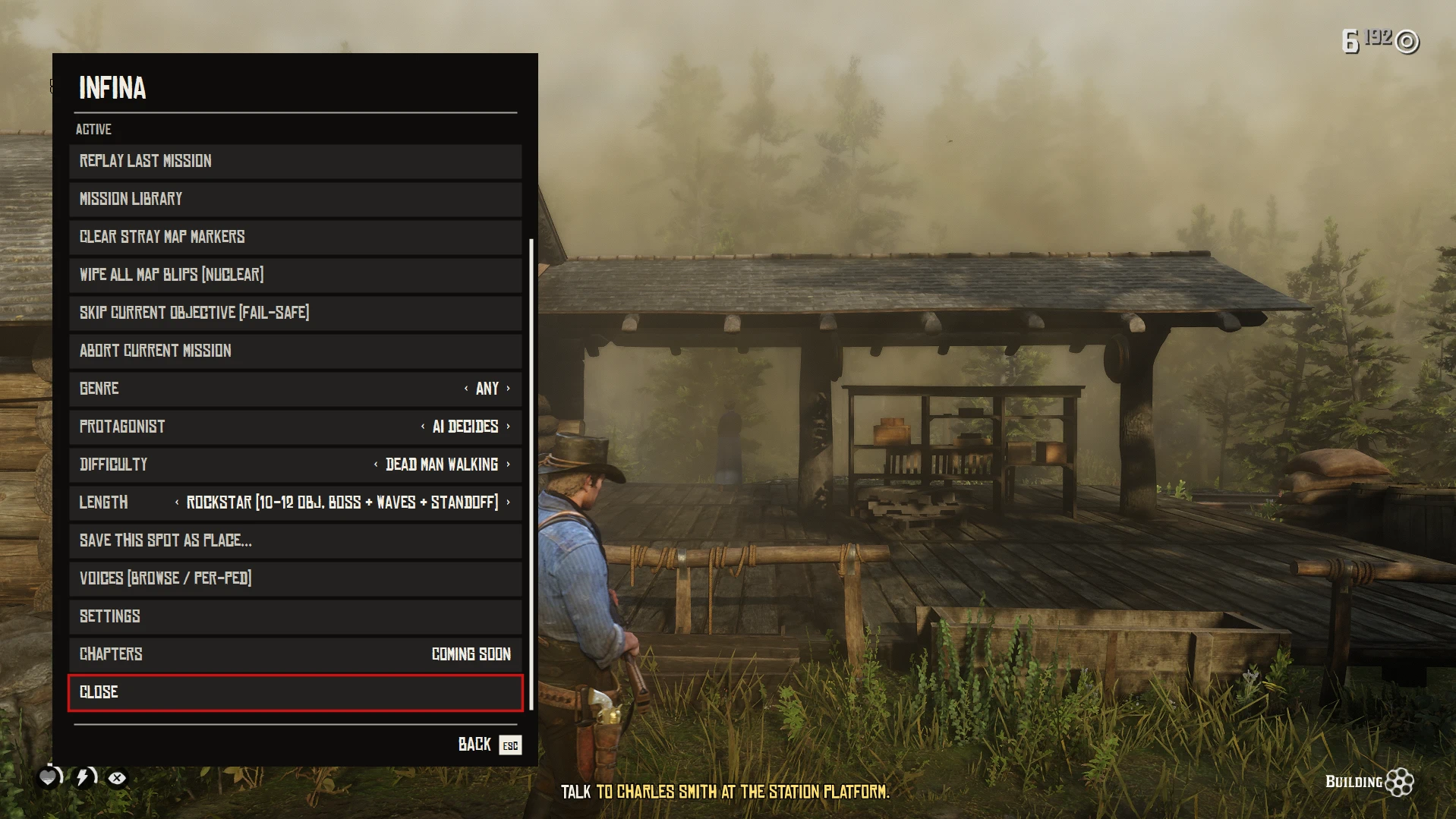
Press [F9] in-game to bring up the Infina menu.
Choose to generate a completely randomized encounter or type your own custom prompt.
Upcoming: Multi-part Chapter storylines are in development and dropping in a future update!
🔑 API KEYS & SETUP
Infina requires external APIs to write dialogue and synthesize character voices:
Gemini API Key (Required): Handles quest logic, branching context, and dialogue scripts.
Fish.audio API Key (Recommended): Handles voice synthesis.
Note on limits: You can run on Gemini alone, but you run a high risk of aggressive rate limits when handling voice generation. Both services offer free tiers that comfortably let you run around ~100 missions a day for free. Paid tiers will give slightly sharper responses, but the free tier works totally fine out of the box.
📦 INSTALLATION
Install ScriptHookRDR2 and ScriptHookRDR2.NET.
Download and extract the Infina archive.
Drag and drop the .dll and the Infina_Stuff folder directly into your game's /scripts/ directory (create the folder if it doesn't exist).
Add your keys into settings in the UI.
❓ FREQUENTLY ASKED QUESTIONS
Does this overwrite existing missions or break save files?
No! Everything spawns into the active sandbox session and clears out via native cleanup routines when the mission is completed or failed. No persistent data is forced into your main save file.
Does this cause FPS drops or freezing?
Nope! All mission generation and logic drafting run asynchronously through cloud requests. The game engine does not hang, stutter, or drop frames while the scenario is being compiled.
❓ Known bugs
Some story characters showing up as random
people. 🟡 Planned to be fixed by release v0.2
Recommended Comments
Create an account or sign in to comment