




Skip to content
View in the app

A better way to browse. Learn more.

RDR2Mods.com

A full-screen app on your home screen with push notifications, badges and more.

To install this app on iOS and iPadOS
  1. Tap the Share icon in Safari
  2. Scroll the menu and tap Add to Home Screen.
  3. Tap Add in the top-right corner.
To install this app on Android
  1. Tap the 3-dot menu (⋮) in the top-right corner of the browser.
  2. Tap Add to Home screen or Install app.
  3. Confirm by tapping Install.

Quickfire Dead Eye 1.0.0

(0 reviews)

1 Screenshot

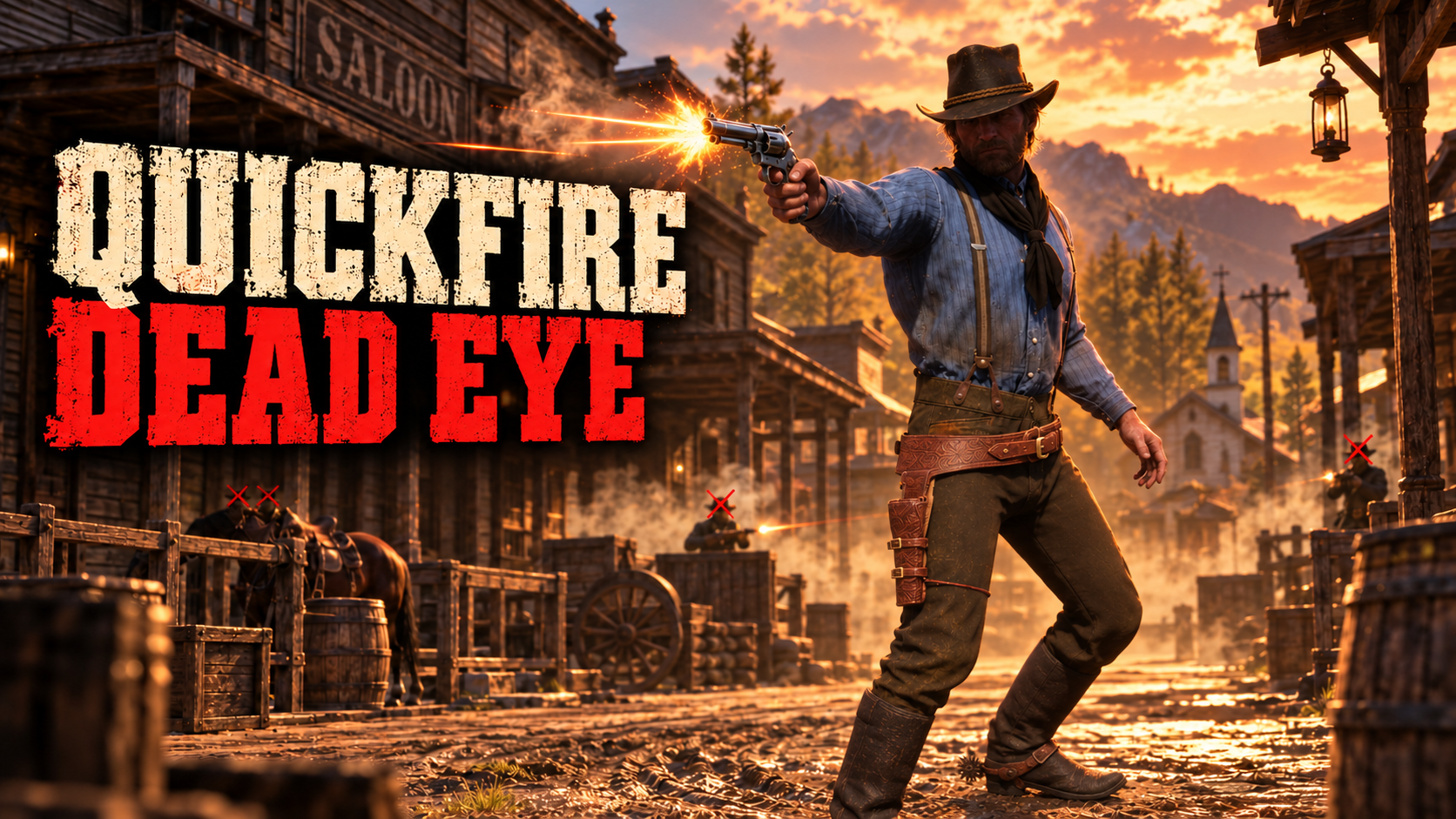
Lets you fire shots in quick succession after you tagged your targets with Dead Eye.

Tagged targets will now still get shot even if off screen. Disabled auto reload when entering Dead Eye, disabled Dead Eye visuals and sound (adjustable in the .ini file).
Shooting speed and world speed are also adjustable in the .ini file.


Requires Script Hook.
For installation, put the .asi and .ini files inside the main RDR2 folder.

https://youtu.be/MwjQO3GcOBA

Edited by alfabravozapa

User Feedback

Recommended Comments

There are no comments to display.

Create an account or sign in to comment

Account

Navigation

Search

Search

Configure browser push notifications

Chrome (Android)
  1. Tap the lock icon next to the address bar.
  2. Tap Permissions → Notifications.
  3. Adjust your preference.
Chrome (Desktop)
  1. Click the padlock icon in the address bar.
  2. Select Site settings.
  3. Find Notifications and adjust your preference.