Jump to content
View in the app

A better way to browse. Learn more.

RDR2Mods.com

A full-screen app on your home screen with push notifications, badges and more.

To install this app on iOS and iPadOS
  1. Tap the Share icon in Safari
  2. Scroll the menu and tap Add to Home Screen.
  3. Tap Add in the top-right corner.
To install this app on Android
  1. Tap the 3-dot menu (⋮) in the top-right corner of the browser.
  2. Tap Add to Home screen or Install app.
  3. Confirm by tapping Install.
20 files
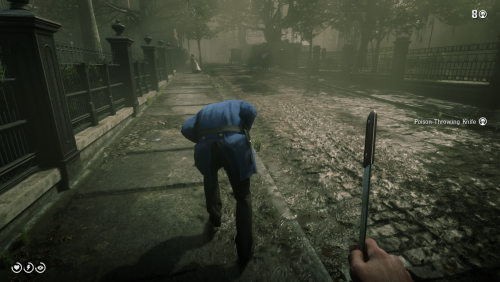
  1. Knock 'em back, way back!
    • 2,040 Downloads
    • 19183 Views
    • 9.62 MB File Size
    Updated
    • 12,505 Downloads
    • 82178 Views
    • 2.58 MB File Size
    Updated
    • 2,861 Downloads
    • 26118 Views
    • 28.13 kB File Size
    Updated
  2. Bayonet
    • 825 Downloads
    • 12037 Views
    • 1.99 MB File Size
    Updated
    • 4,380 Downloads
    • 44510 Views
    • 251.67 kB File Size
    Updated
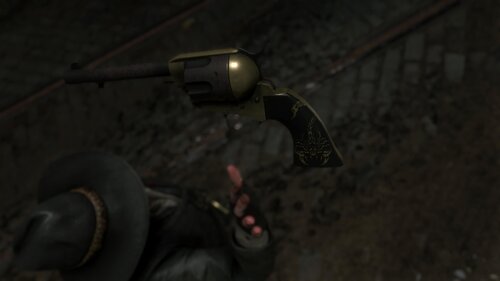
  3. Oxidized Gun Tints by Nateruzz
    • 2,486 Downloads
    • 45271 Views
    • 17.54 kB File Size
    • 4 Comments
    Updated
    • 20,853 Downloads
    • 130521 Views
    • 111.89 kB File Size
    • 3 Comments
    Updated
    • 12,532 Downloads
    • 62012 Views
    • 8.38 kB File Size
    Updated
    • 245 Downloads
    • 29337 Views
    • 3.28 kB File Size
    • 3 Comments
    Updated
    • 1,584 Downloads
    • 28671 Views
    • 207.14 kB File Size
    • 1 Comments
    Updated
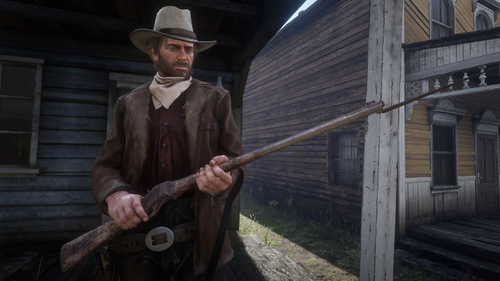
  4. Adds the Buffalo Sharps rifle.
    • 5,256 Downloads
    • 80957 Views
    • 3.45 MB File Size
    • 8 Comments
    Updated
    • 48,914 Downloads
    • 184832 Views
    • 58.62 MB File Size
    • 26 Comments
    Updated
  5. RDO who?
    • 1,132,303 Downloads
    • 4078170 Views
    • 23.82 MB File Size
    • 482 Comments
    LMS in Weapon
    Updated
    • 26,247 Downloads
    • 209998 Views
    • 8.63 kB File Size
    • 10 Comments
    Updated
    • 2,371 Downloads
    • 36656 Views
    • 563 B File Size
    Updated
  6. Don't you just hate how slow the Scofield is? well, this mod is just for you
    • 10,007 Downloads
    • 67618 Views
    • 8.34 kB File Size
    • 2 Comments
    Updated

Configure browser push notifications

Chrome (Android)
  1. Tap the lock icon next to the address bar.
  2. Tap Permissions → Notifications.
  3. Adjust your preference.
Chrome (Desktop)
  1. Click the padlock icon in the address bar.
  2. Select Site settings.
  3. Find Notifications and adjust your preference.