





Feel free to buy me a coffee!!
https://cash.app/pay/link/4z3oc3x7
(if link does not work - $shaun10197)
DISCORD
==============================================================================
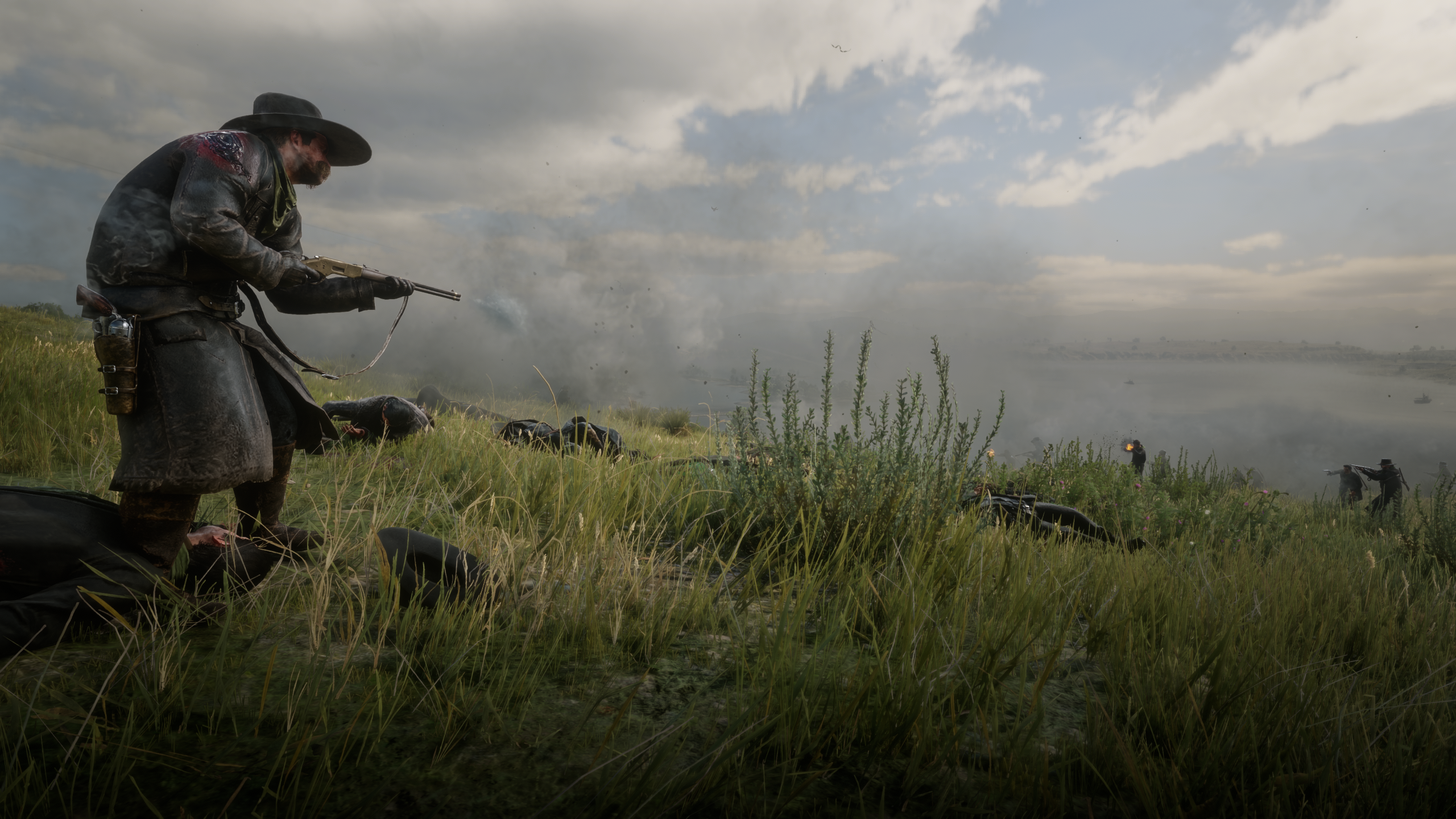
SHAUN'S GUN FIGHTS - stage gunfights between gangs, lawmen and soldiers
by shaun9797
==============================================================================
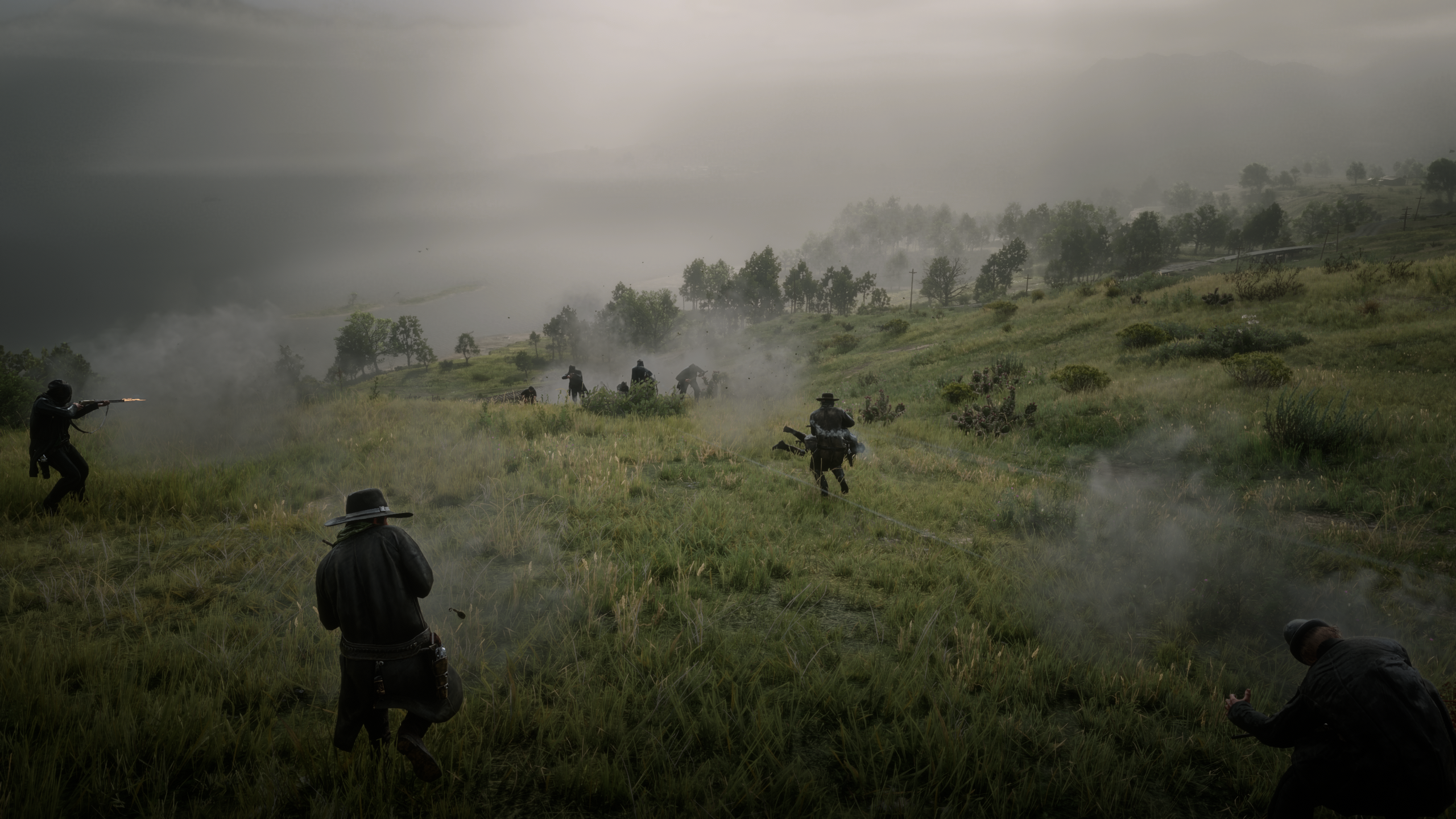
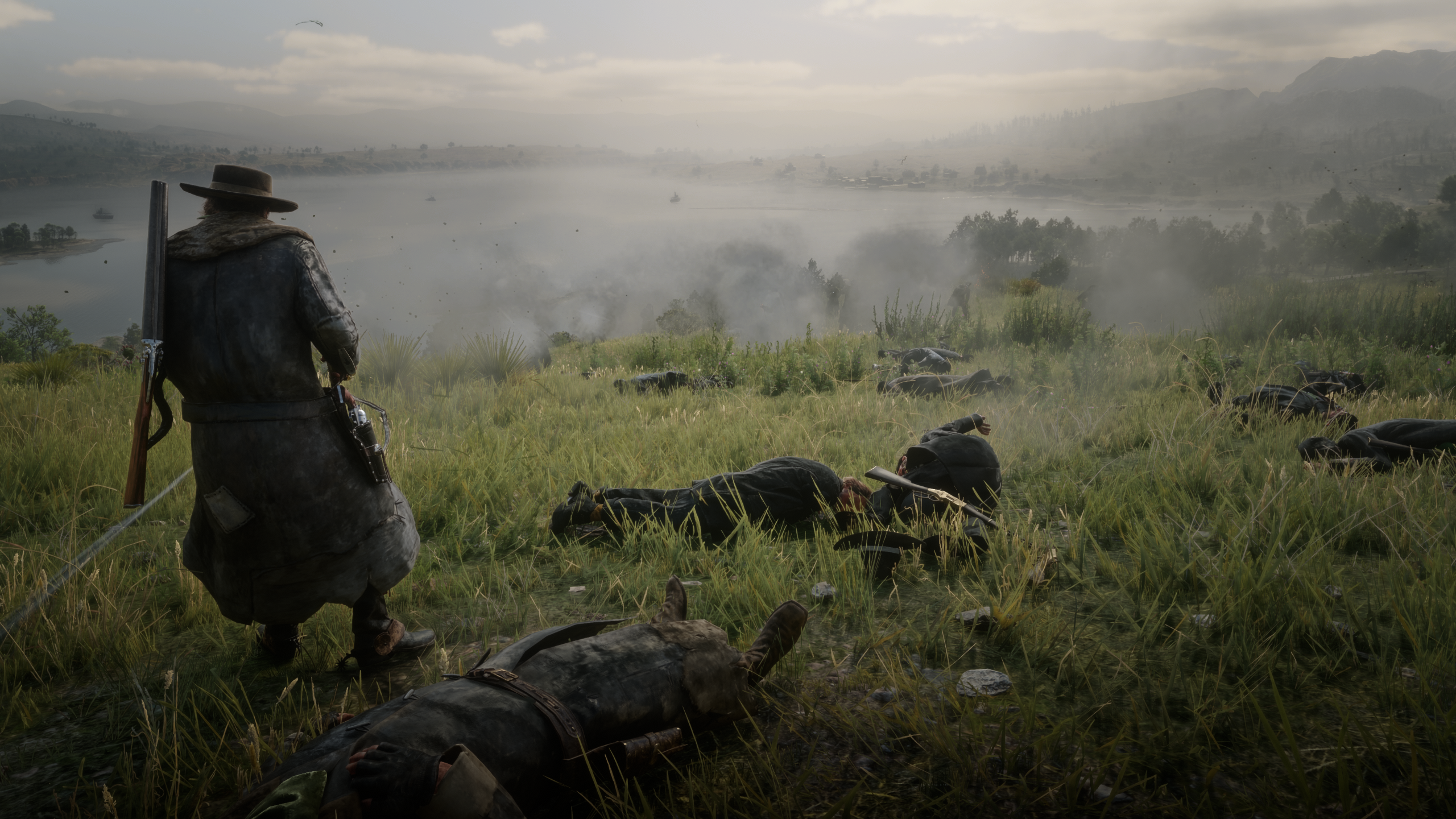
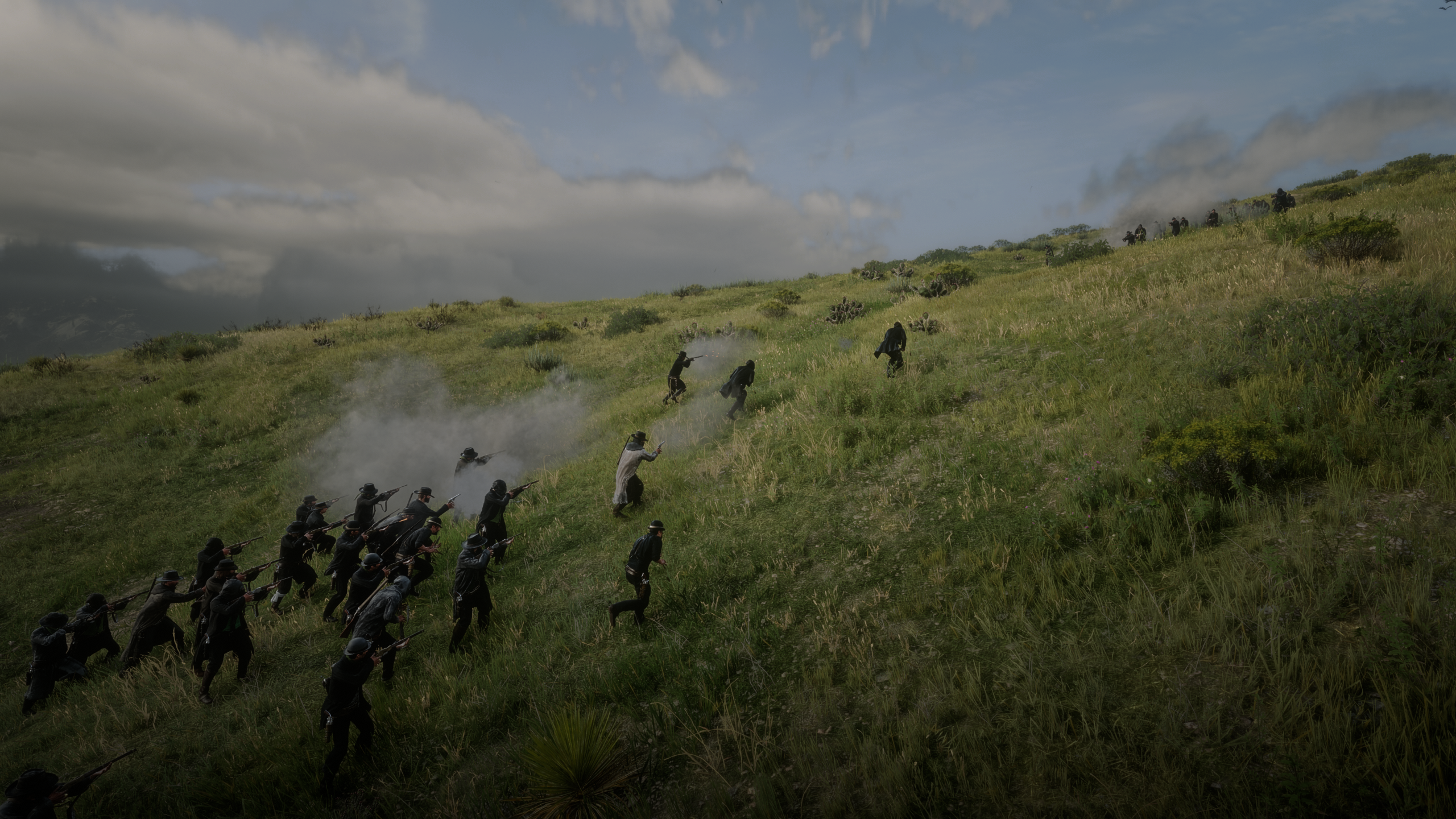
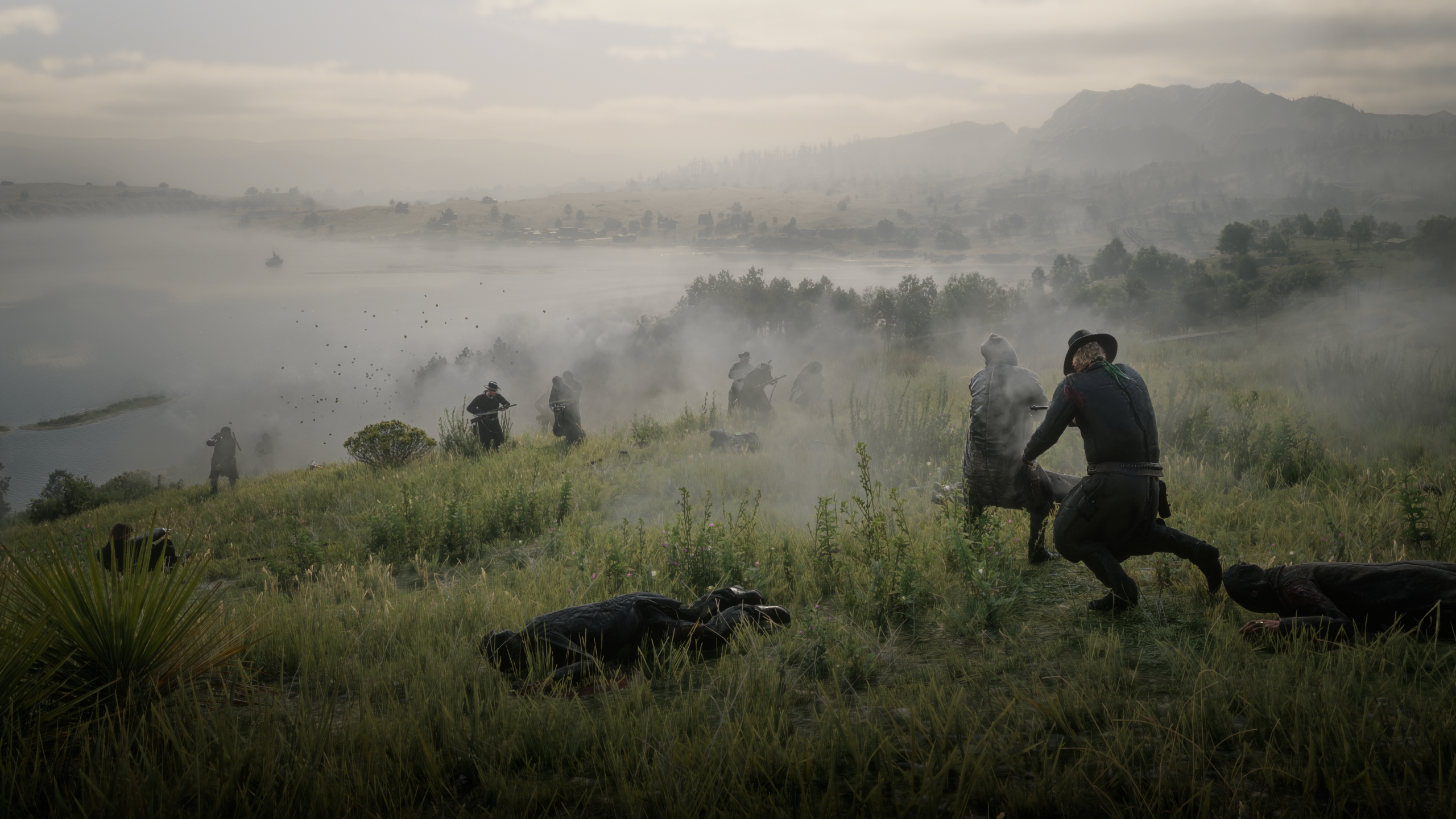
Open a menu, pick two sides, and watch them shoot it out: O'Driscolls against
Lemoyne Raiders, Pinkertons against the Del Lobos, the Army against the
Skinner Brothers. Up to 30 a side. The fighters spawn in front of you or at
your map waypoint and go after each other, not you. Stay back and watch,
join a side, or have everyone come after you.
REQUIREMENTS
------------
- Script Hook RDR2 (by Alexander Blade)
- Story mode only (Script Hook mods don't run in Red Dead Online)
INSTALL
-------
1. Copy GunFights.asi into your Red Dead Redemption 2 game folder (the folder
with RDR2.exe in it).
2. Optional: copy GunFights.ini there as well. If you don't, the mod creates
one with the default settings the first time you start the game.
UNINSTALL
---------
Delete GunFights.asi, GunFights.ini and GunFights.log from the game folder.
UPDATING
--------
Replace GunFights.asi. Your GunFights.ini keeps working as it is: any new
settings are added to it automatically, with their default values. If you
want the latest explanations in it too, delete it and the mod writes a fresh
one (your menu setup goes back to the defaults).
KEYS
----
F7 open / close the menu
Numpad 8/2 move up / down
Numpad 4/6 change the highlighted value
Numpad 5 select
Numpad 0 back / close
Num Lock must be ON, otherwise the numpad sends arrow keys. Every key can be
changed in GunFights.ini.
THE MENU
--------
Red Team / Blue Team opens that team's page:
Faction O'Driscolls, Lemoyne Raiders, Murfree Brood, Skinner
Brothers, Del Lobos, Laramie Gang, Night Folk, Bounty
Hunters, Grays, Braithwaites, Pinkertons, Lawmen, US Army,
Townsfolk
Fighters 1 to 30
Weapons Faction weapons (each faction's usual guns), Revolvers,
Pistols, Repeaters, Rifles, Shotguns, Sniper rifles, Mixed
Accuracy Low, Normal, High, Deadeye
Toughness Normal, Tough, Very tough (more health; headshots still kill)
Spawn at In front of me: ahead of where you're looking (40 m by
default).
Map waypoint: at your waypoint, if it's close enough (250 m by
default). The game only runs people properly near you, so
fights far away could stall.
Your side Neutral: both sides ignore you. Stray bullets that hit you
don't count, but if YOU shoot one of them, his whole team
turns on you.
Join Red / Join Blue: that team is on your side, the other
team hunts you.
Everyone hates you: both teams come after you.
You can change sides in the middle of a fight.
Just pointing your gun at your allies, or at a neutral team,
doesn't turn them on you: the mod sends them straight back to
the fight. Only shooting them does.
Battle Settings opens the settings page:
Spawn distance how far ahead of you the fight starts (10-150 m)
Team gap how far apart the two teams start (10-120 m)
Group spread how loosely each team stands (2-20 m)
Waypoint limit furthest waypoint allowed (50-500 m)
Cleanup distance ride further than this and the fight is cleaned up
(100-1000 m, or Off)
Max fighters cap on both teams together (10-60)
Make room On: clears space in the world for big fights (see
below). Off: never removes anything.
Start Fight spawns both teams and closes the menu so you can watch.
Stop Fight ends it: the survivors calm down and walk off.
Clear Bodies removes the dead, including those from earlier fights.
Remove Everyone removes every fighter the mod has spawned, alive or dead,
including survivors who walked off after Stop Fight.
The menu remembers your last setup, even after you restart the game.
DURING A FIGHT
--------------
- The top of the screen shows how many are left on each side, and the map
and radar show the fighters as red and blue dots. When one side is wiped
out, the winner is announced. Hogtied fighters count as out.
- Lawmen and bounty-hunter posses (who come after you when you have a
bounty) are kept away while the mod's fighters are around, so the fight
stays the size you picked, even if you shoot the survivors afterwards.
The law comes back after Stop Fight, Remove Everyone, riding away, or
your death. Crimes you commit nearby meanwhile go unpunished too.
- If you die, every fighter is removed as the screen fades, so nobody keeps
hunting you after you respawn.
- Starting a new fight hands the old fighters back to the game. Riding
further away than the Cleanup distance (400 m by default) does the same.
BIG FIGHTS
----------
If you ask for more fighters than Max fighters allows (40 by default), both
teams are scaled down and the message at the top says so. Raise Max fighters
in Battle Settings for up to 30 a side.
The game itself holds only about 150 people at once, counting townsfolk,
riders, horses and animals. With Make room on, the mod clears space before a
big fight. It removes, in this order: leftovers from earlier fights, bodies,
animals far away, then townsfolk far away and off screen. It never removes
story characters, shopkeepers, camp members, your horse, riders, wagon
drivers or anyone within 30 m of you. If there's still not enough room, both
teams are shrunk evenly and the message says how many fit.
SETTINGS
--------
GunFights.ini explains every setting. You can change it while the game is
running: save it and the mod picks up the change within a second.
The distances, Max fighters and Make room can also be changed in the menu
(Battle Settings); the menu saves them into the INI.
Only in the INI:
[Keys] MenuKey and the numpad keys
[Fight] CombatMovement 1 = hold cover, 2 = push forward, 3 = charge
ShowScore 1 = show the count at the top of the screen
ShowBlips 1 = red and blue dots on the map and radar
Ammo rounds given for each gun
HoldOffLaw 1 = keep the law away while fighters are out
IgnoreAiming 1 = aiming at allies or a neutral team
doesn't turn them on you
[Accuracy] / [Toughness] what each menu level really means
[General] DebugLog 1 = detailed log, for troubleshooting
Recommended Comments
Create an account or sign in to comment