Skip to content
View in the app

A better way to browse. Learn more.

RDR2Mods.com

A full-screen app on your home screen with push notifications, badges and more.

To install this app on iOS and iPadOS
  1. Tap the Share icon in Safari
  2. Scroll the menu and tap Add to Home Screen.
  3. Tap Add in the top-right corner.
To install this app on Android
  1. Tap the 3-dot menu (⋮) in the top-right corner of the browser.
  2. Tap Add to Home screen or Install app.
  3. Confirm by tapping Install.
19 files
    • 14099 Downloads
    • 94061 Views
    • 2.58 MB File Size
    Updated
    • 3321 Downloads
    • 31181 Views
    • 28.13 kB File Size
    Updated
    • 1159 Downloads
    • 21193 Views
    • 1.99 MB File Size
    Updated
    • 6013 Downloads
    • 59686 Views
    • 251.67 kB File Size
    Updated
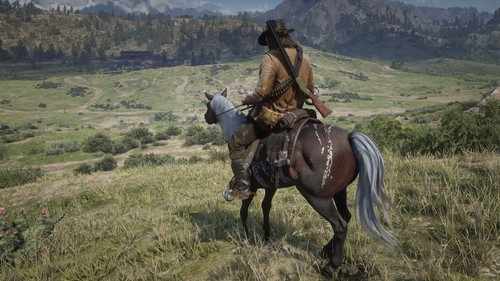
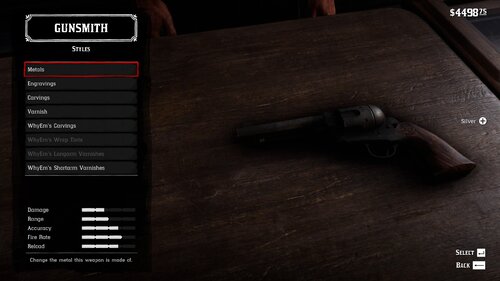
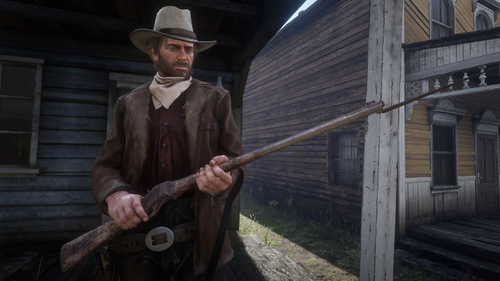
  1. Oxidized Gun Tints by Nateruzz
    • 2975 Downloads
    • 52466 Views
    • 17.54 kB File Size
    • 4 Comments
    Updated
    • 24007 Downloads
    • 150756 Views
    • 111.89 kB File Size
    • 3 Comments
    Updated
    • 15150 Downloads
    • 73773 Views
    • 8.38 kB File Size
    Updated
    • 285 Downloads
    • 36006 Views
    • 3.28 kB File Size
    • 3 Comments
    Updated
    • 1760 Downloads
    • 34953 Views
    • 207.14 kB File Size
    • 1 Comments
    Updated
  2. Adds the Buffalo Sharps rifle.
    • 5767 Downloads
    • 92399 Views
    • 3.45 MB File Size
    • 8 Comments
    Updated
    • 52370 Downloads
    • 203222 Views
    • 58.62 MB File Size
    • 26 Comments
    Updated
    • 1353804 Downloads
    • 4910344 Views
    • 23.82 MB File Size
    • 494 Comments
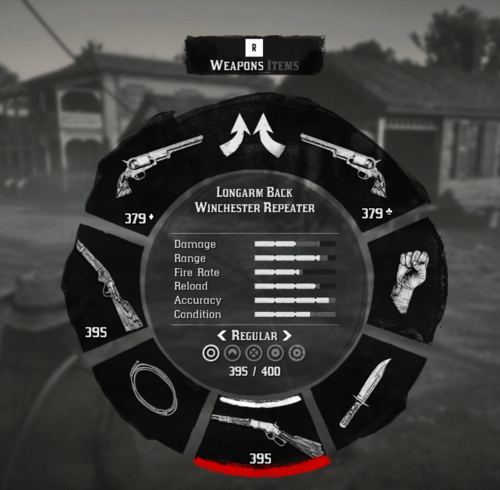
    LMS in Weapon
    Updated
    • 29731 Downloads
    • 240948 Views
    • 8.63 kB File Size
    • 10 Comments
    Updated
    • 2649 Downloads
    • 44095 Views
    • 563 B File Size
    Updated
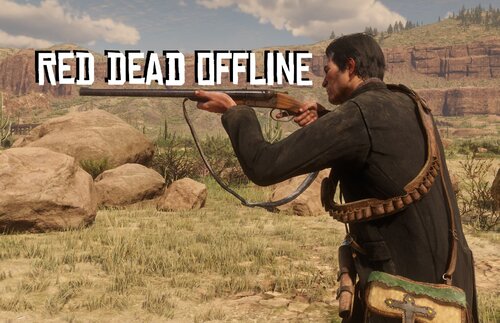
  3. Don't you just hate how slow the Scofield is? well, this mod is just for you
    • 11049 Downloads
    • 80869 Views
    • 8.34 kB File Size
    • 3 Comments
    Updated
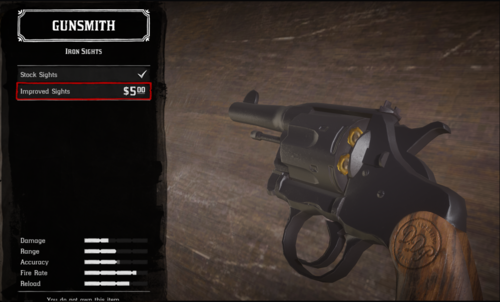
  4. snub nose.
    • 4755 Downloads
    • 52995 Views
    • 84.3 kB File Size
    Submitted

Account

Navigation

Search

Search

Configure browser push notifications

Chrome (Android)
  1. Tap the lock icon next to the address bar.
  2. Tap Permissions → Notifications.
  3. Adjust your preference.
Chrome (Desktop)
  1. Click the padlock icon in the address bar.
  2. Select Site settings.
  3. Find Notifications and adjust your preference.