Skip to content
View in the app

A better way to browse. Learn more.

RDR2Mods.com

A full-screen app on your home screen with push notifications, badges and more.

To install this app on iOS and iPadOS
  1. Tap the Share icon in Safari
  2. Scroll the menu and tap Add to Home Screen.
  3. Tap Add in the top-right corner.
To install this app on Android
  1. Tap the 3-dot menu (⋮) in the top-right corner of the browser.
  2. Tap Add to Home screen or Install app.
  3. Confirm by tapping Install.
20 files
    • 1,240,800 Downloads
    • 4456827 Views
    • 23.82 MB File Size
    • 488 Comments
    LMS in Weapon
    Updated
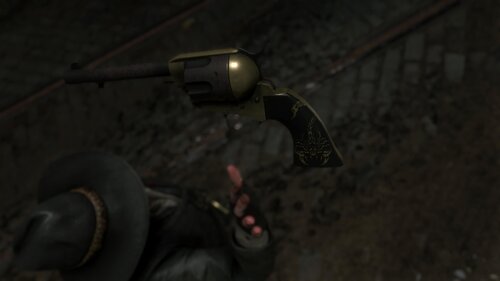
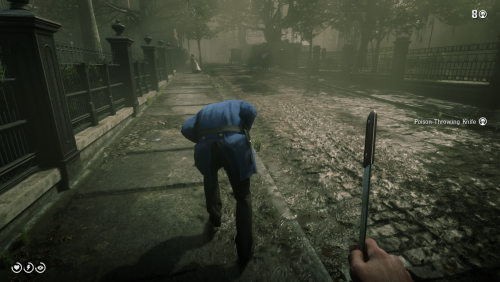
  1. Don't you just hate how slow the Scofield is? well, this mod is just for you
    • 10,608 Downloads
    • 73170 Views
    • 8.34 kB File Size
    • 3 Comments
    Updated
  2. Now in singleplayer!
    • 98,636 Downloads
    • 478445 Views
    • 713.99 kB File Size
    • 102 Comments
    LMS in Weapon
    Updated
    • 267 Downloads
    • 31630 Views
    • 3.28 kB File Size
    • 3 Comments
    Updated
    • 22,378 Downloads
    • 140913 Views
    • 111.89 kB File Size
    • 3 Comments
    Updated
    • 50,728 Downloads
    • 194136 Views
    • 58.62 MB File Size
    • 26 Comments
    Updated
    • 2,605 Downloads
    • 24594 Views
    • 9.62 MB File Size
    Updated
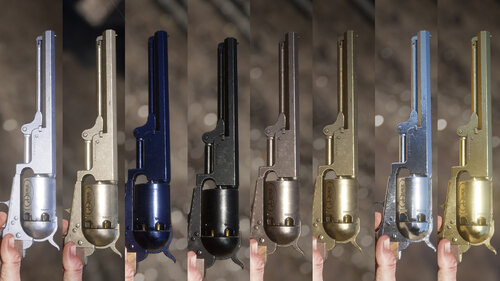
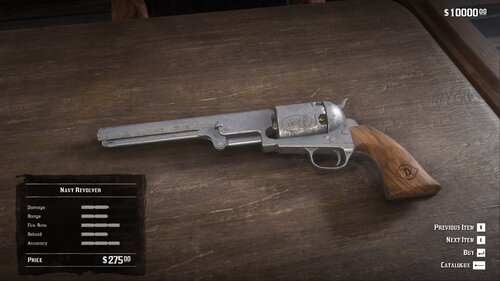
  3. Oxidized Gun Tints by Nateruzz
    • 2,735 Downloads
    • 48818 Views
    • 17.54 kB File Size
    • 4 Comments
    Updated
    • 5,175 Downloads
    • 52577 Views
    • 251.67 kB File Size
    Updated
    • 3,112 Downloads
    • 28868 Views
    • 28.13 kB File Size
    Updated
    • 28,066 Downloads
    • 225135 Views
    • 8.63 kB File Size
    • 10 Comments
    Updated
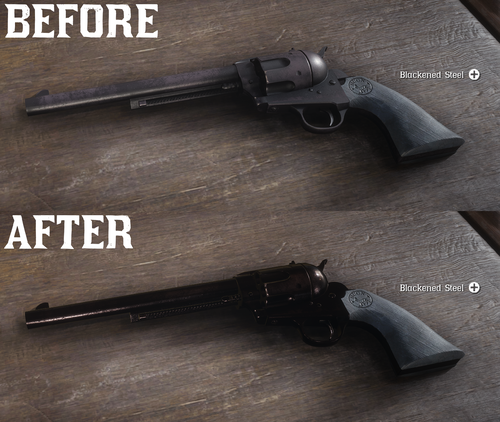
  4. All base gun metals are modified to look more reflective and realistic.
    • 39,863 Downloads
    • 175986 Views
    • 6.41 kB File Size
    • 7 Comments
    Updated
    • 13,320 Downloads
    • 88304 Views
    • 2.58 MB File Size
    Updated
    • 13,950 Downloads
    • 68498 Views
    • 8.38 kB File Size
    Updated
    • 1,666 Downloads
    • 30798 Views
    • 207.14 kB File Size
    • 1 Comments
    Updated
    • 62,677 Downloads
    • 205570 Views
    • 6.46 kB File Size
    • 6 Comments
    Updated

Account

Navigation

Search

Search

Configure browser push notifications

Chrome (Android)
  1. Tap the lock icon next to the address bar.
  2. Tap Permissions → Notifications.
  3. Adjust your preference.
Chrome (Desktop)
  1. Click the padlock icon in the address bar.
  2. Select Site settings.
  3. Find Notifications and adjust your preference.