
Jump to content
View in the app

A better way to browse. Learn more.

RDR2Mods.com

A full-screen app on your home screen with push notifications, badges and more.

To install this app on iOS and iPadOS
  1. Tap the Share icon in Safari
  2. Scroll the menu and tap Add to Home Screen.
  3. Tap Add in the top-right corner.
To install this app on Android
  1. Tap the 3-dot menu (⋮) in the top-right corner of the browser.
  2. Tap Add to Home screen or Install app.
  3. Confirm by tapping Install.
20 files
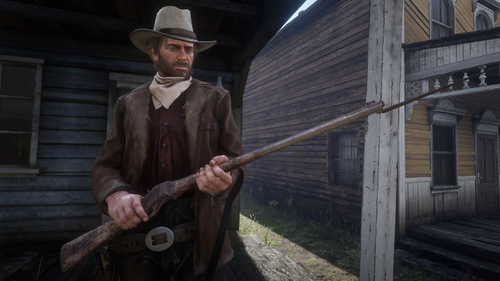
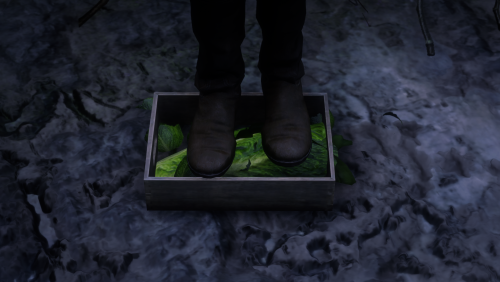
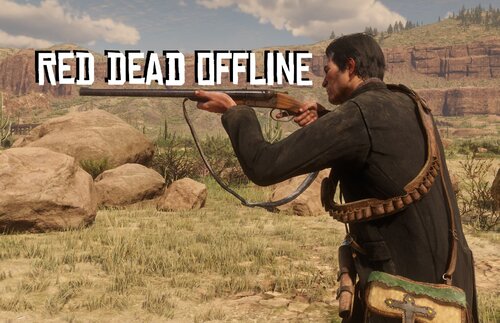
  1. RDO who?
    • 1,145,666 Downloads
    • 4126641 Views
    • 23.82 MB File Size
    • 483 Comments
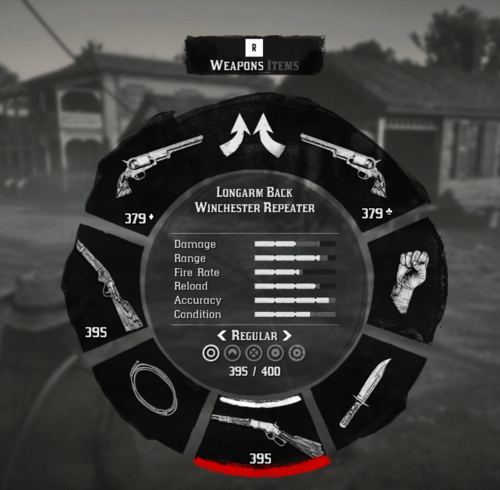
    LMS in Weapon
    Updated
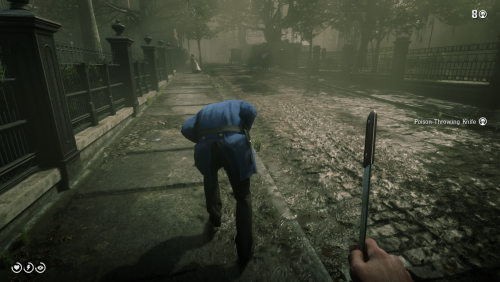
  2. Now in singleplayer!
    • 94,680 Downloads
    • 453371 Views
    • 713.99 kB File Size
    • 101 Comments
    LMS in Weapon
    Updated
    • 49,125 Downloads
    • 185973 Views
    • 58.62 MB File Size
    • 26 Comments
    Updated
    • 26,441 Downloads
    • 211791 Views
    • 8.63 kB File Size
    • 10 Comments
    Updated
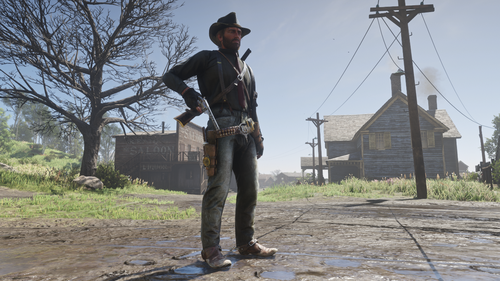
  3. Adds the Buffalo Sharps rifle.
    • 5,278 Downloads
    • 81739 Views
    • 3.45 MB File Size
    • 8 Comments
    Updated
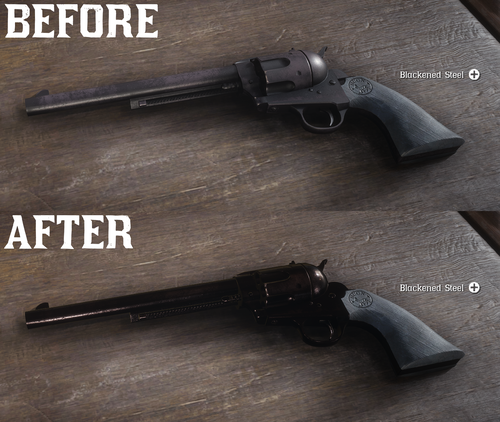
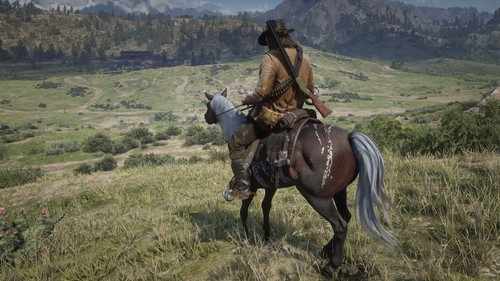
  4. All base gun metals are modified to look more reflective and realistic.
    • 37,952 Downloads
    • 167112 Views
    • 6.41 kB File Size
    • 7 Comments
    Updated
    • 59,662 Downloads
    • 193430 Views
    • 6.46 kB File Size
    • 6 Comments
    Updated
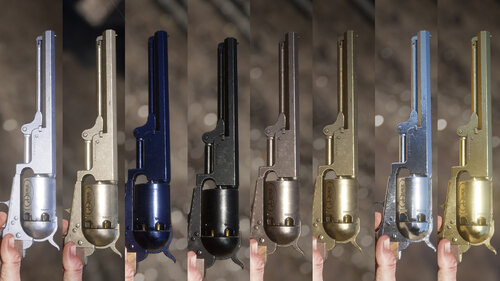
  5. Oxidized Gun Tints by Nateruzz
    • 2,514 Downloads
    • 45712 Views
    • 17.54 kB File Size
    • 4 Comments
    Updated
    • 247 Downloads
    • 29454 Views
    • 3.28 kB File Size
    • 3 Comments
    Updated
    • 21,028 Downloads
    • 131740 Views
    • 111.89 kB File Size
    • 3 Comments
    Updated
  6. Don't you just hate how slow the Scofield is? well, this mod is just for you
    • 10,073 Downloads
    • 68191 Views
    • 8.34 kB File Size
    • 2 Comments
    Updated
    • 1,604 Downloads
    • 28930 Views
    • 207.14 kB File Size
    • 1 Comments
    Updated
    • 12,661 Downloads
    • 62662 Views
    • 8.38 kB File Size
    Updated
    • 12,595 Downloads
    • 82805 Views
    • 2.58 MB File Size
    Updated
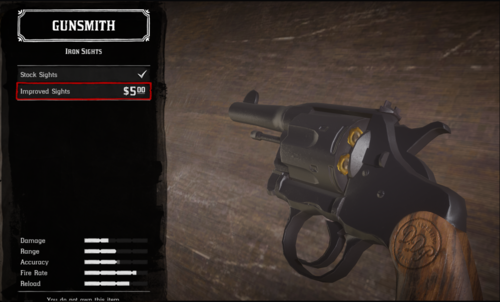
  7. snub nose.
    • 4,321 Downloads
    • 45211 Views
    • 84.3 kB File Size
    Submitted
    • 2,386 Downloads
    • 37520 Views
    • 563 B File Size
    Updated

Configure browser push notifications

Chrome (Android)
  1. Tap the lock icon next to the address bar.
  2. Tap Permissions → Notifications.
  3. Adjust your preference.
Chrome (Desktop)
  1. Click the padlock icon in the address bar.
  2. Select Site settings.
  3. Find Notifications and adjust your preference.