Skip to content
View in the app

A better way to browse. Learn more.

RDR2Mods.com

A full-screen app on your home screen with push notifications, badges and more.

To install this app on iOS and iPadOS
  1. Tap the Share icon in Safari
  2. Scroll the menu and tap Add to Home Screen.
  3. Tap Add in the top-right corner.
To install this app on Android
  1. Tap the 3-dot menu (⋮) in the top-right corner of the browser.
  2. Tap Add to Home screen or Install app.
  3. Confirm by tapping Install.
20 files
    • 2,585 Downloads
    • 24460 Views
    • 9.62 MB File Size
    Updated
    • 13,305 Downloads
    • 88161 Views
    • 2.58 MB File Size
    Updated
    • 3,104 Downloads
    • 28785 Views
    • 28.13 kB File Size
    Updated
    • 971 Downloads
    • 17198 Views
    • 1.99 MB File Size
    Updated
    • 5,147 Downloads
    • 52323 Views
    • 251.67 kB File Size
    Updated
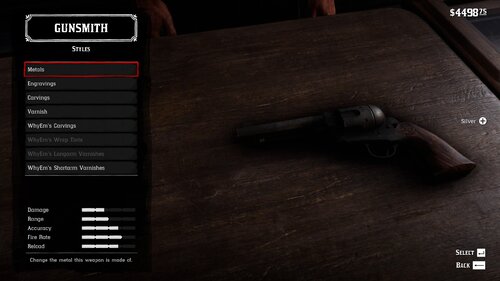
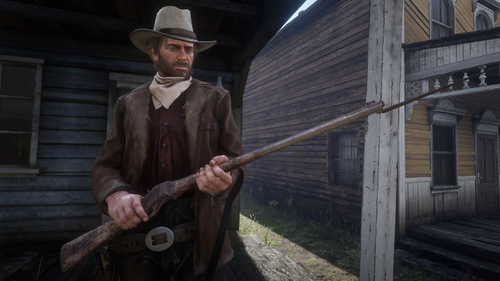
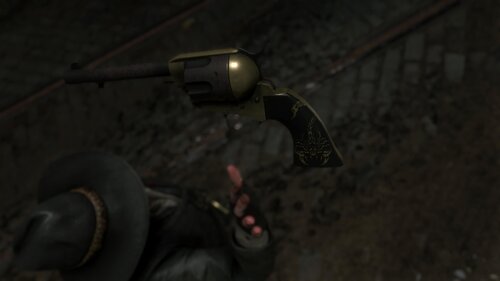
  1. Oxidized Gun Tints by Nateruzz
    • 2,731 Downloads
    • 48759 Views
    • 17.54 kB File Size
    • 4 Comments
    Updated
    • 22,334 Downloads
    • 140627 Views
    • 111.89 kB File Size
    • 3 Comments
    Updated
    • 13,907 Downloads
    • 68348 Views
    • 8.38 kB File Size
    Updated
    • 267 Downloads
    • 31364 Views
    • 3.28 kB File Size
    • 3 Comments
    Updated
    • 1,664 Downloads
    • 30634 Views
    • 207.14 kB File Size
    • 1 Comments
    Updated
  2. Adds the Buffalo Sharps rifle.
    • 5,517 Downloads
    • 85236 Views
    • 3.45 MB File Size
    • 8 Comments
    Updated
    • 50,680 Downloads
    • 193860 Views
    • 58.62 MB File Size
    • 26 Comments
    Updated
    • 1,237,575 Downloads
    • 4446501 Views
    • 23.82 MB File Size
    • 488 Comments
    LMS in Weapon
    Updated
    • 28,009 Downloads
    • 224489 Views
    • 8.63 kB File Size
    • 10 Comments
    Updated
    • 2,499 Downloads
    • 39540 Views
    • 563 B File Size
    Updated
  3. Don't you just hate how slow the Scofield is? well, this mod is just for you
    • 10,587 Downloads
    • 72885 Views
    • 8.34 kB File Size
    • 3 Comments
    Updated

Account

Navigation

Search

Search

Configure browser push notifications

Chrome (Android)
  1. Tap the lock icon next to the address bar.
  2. Tap Permissions → Notifications.
  3. Adjust your preference.
Chrome (Desktop)
  1. Click the padlock icon in the address bar.
  2. Select Site settings.
  3. Find Notifications and adjust your preference.