Skip to content
View in the app

A better way to browse. Learn more.

RDR2Mods.com

A full-screen app on your home screen with push notifications, badges and more.

To install this app on iOS and iPadOS
  1. Tap the Share icon in Safari
  2. Scroll the menu and tap Add to Home Screen.
  3. Tap Add in the top-right corner.
To install this app on Android
  1. Tap the 3-dot menu (⋮) in the top-right corner of the browser.
  2. Tap Add to Home screen or Install app.
  3. Confirm by tapping Install.
20 files
    • 2,586 Downloads
    • 24467 Views
    • 9.62 MB File Size
    Updated
    • 13,306 Downloads
    • 88169 Views
    • 2.58 MB File Size
    Updated
    • 3,105 Downloads
    • 28787 Views
    • 28.13 kB File Size
    Updated
    • 971 Downloads
    • 17205 Views
    • 1.99 MB File Size
    Updated
    • 5,150 Downloads
    • 52338 Views
    • 251.67 kB File Size
    Updated
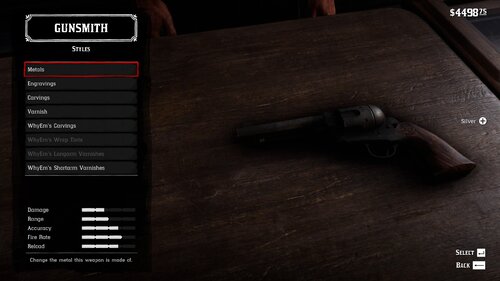
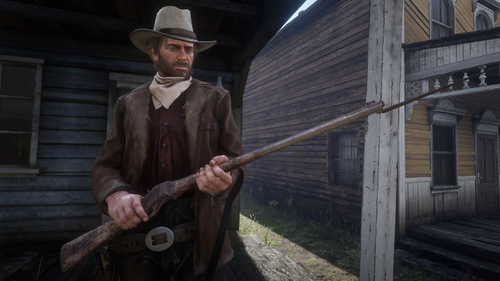
  1. Oxidized Gun Tints by Nateruzz
    • 2,731 Downloads
    • 48761 Views
    • 17.54 kB File Size
    • 4 Comments
    Updated
    • 22,337 Downloads
    • 140642 Views
    • 111.89 kB File Size
    • 3 Comments
    Updated
    • 13,909 Downloads
    • 68356 Views
    • 8.38 kB File Size
    Updated
    • 267 Downloads
    • 31375 Views
    • 3.28 kB File Size
    • 3 Comments
    Updated
    • 1,664 Downloads
    • 30644 Views
    • 207.14 kB File Size
    • 1 Comments
    Updated
  2. Adds the Buffalo Sharps rifle.
    • 5,517 Downloads
    • 85250 Views
    • 3.45 MB File Size
    • 8 Comments
    Updated
    • 50,681 Downloads
    • 193873 Views
    • 58.62 MB File Size
    • 26 Comments
    Updated
    • 1,237,800 Downloads
    • 4447174 Views
    • 23.82 MB File Size
    • 488 Comments
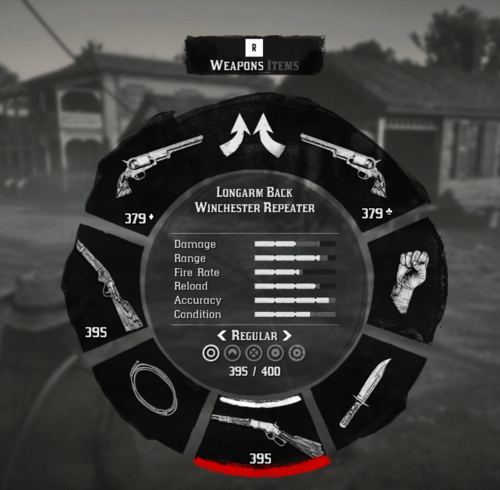
    LMS in Weapon
    Updated
    • 28,017 Downloads
    • 224537 Views
    • 8.63 kB File Size
    • 10 Comments
    Updated
    • 2,502 Downloads
    • 39553 Views
    • 563 B File Size
    Updated
  3. Don't you just hate how slow the Scofield is? well, this mod is just for you
    • 10,588 Downloads
    • 72896 Views
    • 8.34 kB File Size
    • 3 Comments
    Updated

Account

Navigation

Search

Search

Configure browser push notifications

Chrome (Android)
  1. Tap the lock icon next to the address bar.
  2. Tap Permissions → Notifications.
  3. Adjust your preference.
Chrome (Desktop)
  1. Click the padlock icon in the address bar.
  2. Select Site settings.
  3. Find Notifications and adjust your preference.