Jump to content
View in the app

A better way to browse. Learn more.

RDR2Mods.com

A full-screen app on your home screen with push notifications, badges and more.

To install this app on iOS and iPadOS
  1. Tap the Share icon in Safari
  2. Scroll the menu and tap Add to Home Screen.
  3. Tap Add in the top-right corner.
To install this app on Android
  1. Tap the 3-dot menu (⋮) in the top-right corner of the browser.
  2. Tap Add to Home screen or Install app.
  3. Confirm by tapping Install.
20 files
    • 2,349 Downloads
    • 22252 Views
    • 9.62 MB File Size
    Updated
    • 12,997 Downloads
    • 85659 Views
    • 2.58 MB File Size
    Updated
    • 3,002 Downloads
    • 27703 Views
    • 28.13 kB File Size
    Updated
    • 907 Downloads
    • 16244 Views
    • 1.99 MB File Size
    Updated
    • 4,858 Downloads
    • 49179 Views
    • 251.67 kB File Size
    Updated
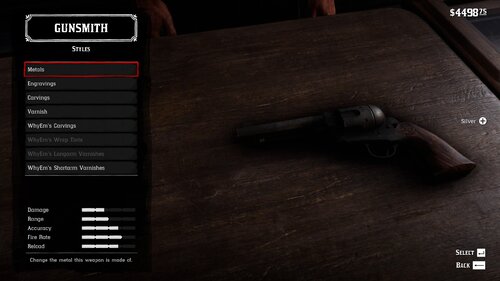
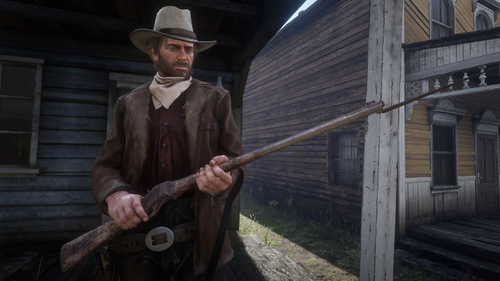
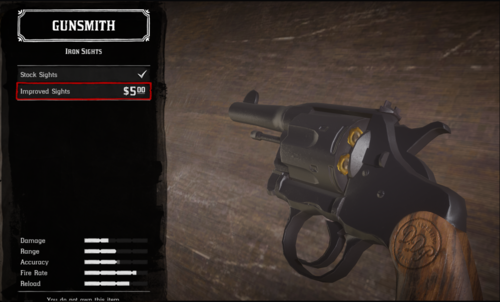
  1. Oxidized Gun Tints by Nateruzz
    • 2,630 Downloads
    • 47217 Views
    • 17.54 kB File Size
    • 4 Comments
    Updated
    • 21,698 Downloads
    • 136348 Views
    • 111.89 kB File Size
    • 3 Comments
    Updated
    • 13,264 Downloads
    • 65528 Views
    • 8.38 kB File Size
    Updated
    • 259 Downloads
    • 30670 Views
    • 3.28 kB File Size
    • 3 Comments
    Updated
    • 1,639 Downloads
    • 30106 Views
    • 207.14 kB File Size
    • 1 Comments
    Updated
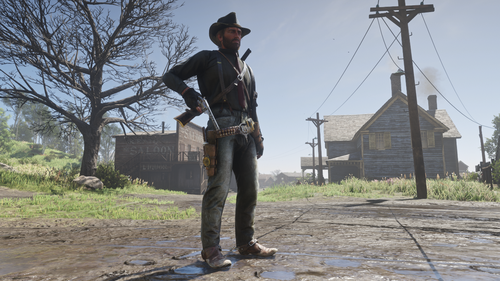
  2. Adds the Buffalo Sharps rifle.
    • 5,390 Downloads
    • 83659 Views
    • 3.45 MB File Size
    • 8 Comments
    Updated
    • 49,938 Downloads
    • 189775 Views
    • 58.62 MB File Size
    • 26 Comments
    Updated
    • 1,193,141 Downloads
    • 4291298 Views
    • 23.82 MB File Size
    • 488 Comments
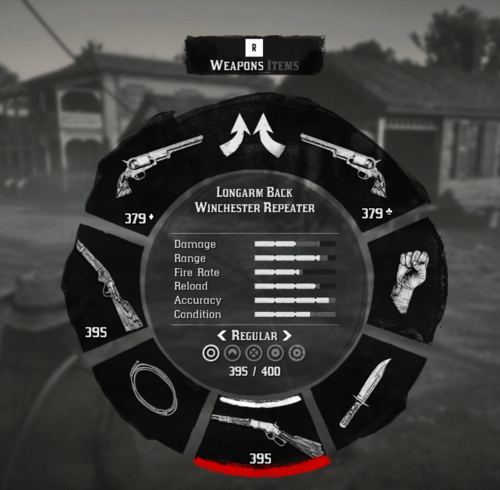
    LMS in Weapon
    Updated
    • 27,239 Downloads
    • 218835 Views
    • 8.63 kB File Size
    • 10 Comments
    Updated
    • 2,449 Downloads
    • 38718 Views
    • 563 B File Size
    Updated
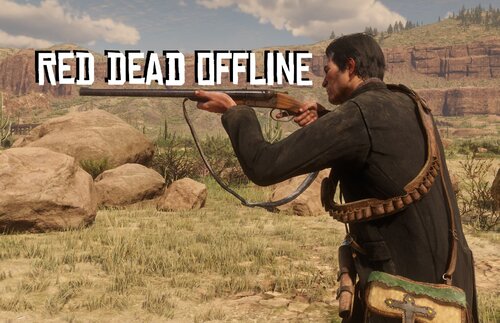
  3. Don't you just hate how slow the Scofield is? well, this mod is just for you
    • 10,296 Downloads
    • 71157 Views
    • 8.34 kB File Size
    • 3 Comments
    Updated

Configure browser push notifications

Chrome (Android)
  1. Tap the lock icon next to the address bar.
  2. Tap Permissions → Notifications.
  3. Adjust your preference.
Chrome (Desktop)
  1. Click the padlock icon in the address bar.
  2. Select Site settings.
  3. Find Notifications and adjust your preference.