Jump to content
View in the app

A better way to browse. Learn more.

RDR2Mods.com

A full-screen app on your home screen with push notifications, badges and more.

To install this app on iOS and iPadOS
  1. Tap the Share icon in Safari
  2. Scroll the menu and tap Add to Home Screen.
  3. Tap Add in the top-right corner.
To install this app on Android
  1. Tap the 3-dot menu (⋮) in the top-right corner of the browser.
  2. Tap Add to Home screen or Install app.
  3. Confirm by tapping Install.
20 files
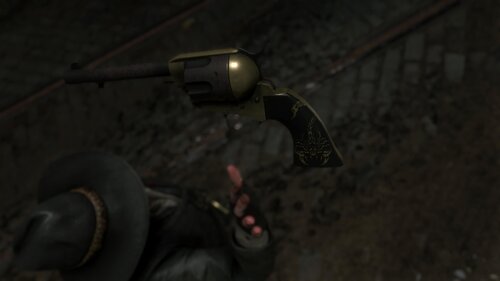
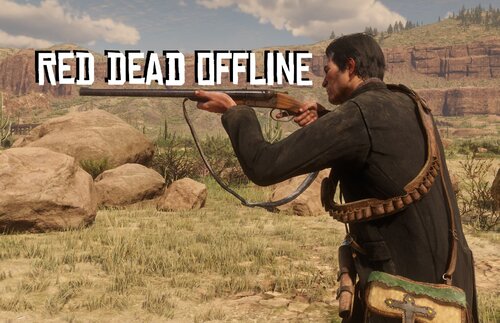
  1. RDO who?
    • 1,146,465 Downloads
    • 4129470 Views
    • 23.82 MB File Size
    • 483 Comments
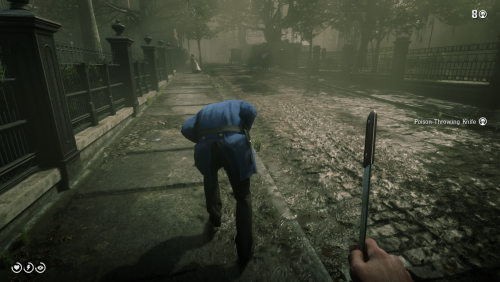
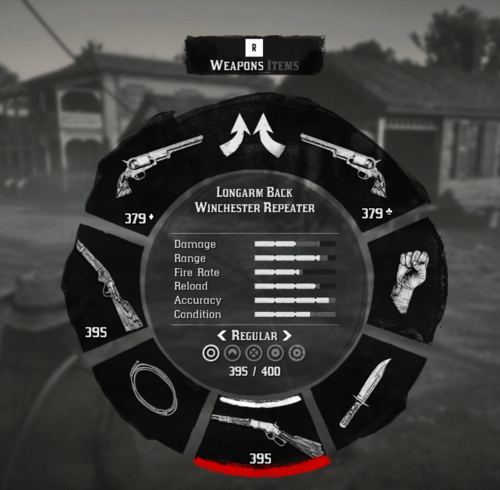
    LMS in Weapon
    Updated
    • 59,688 Downloads
    • 193624 Views
    • 6.46 kB File Size
    • 6 Comments
    Updated
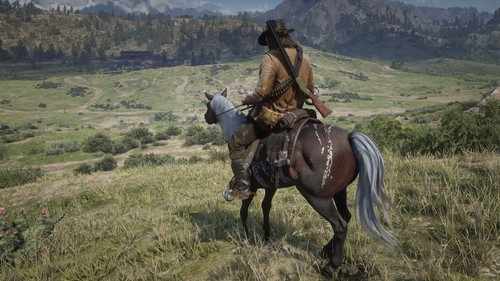
  2. Now in singleplayer!
    • 94,712 Downloads
    • 453627 Views
    • 713.99 kB File Size
    • 101 Comments
    LMS in Weapon
    Updated
    • 12,668 Downloads
    • 62688 Views
    • 8.38 kB File Size
    Updated
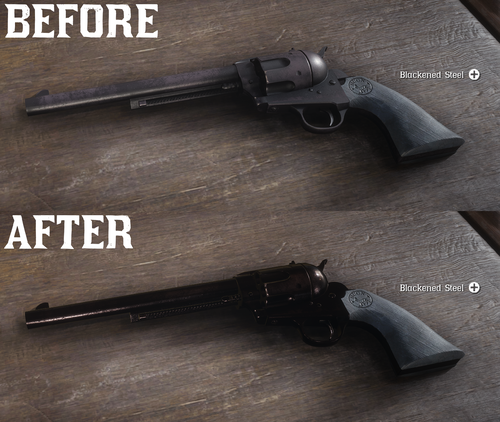
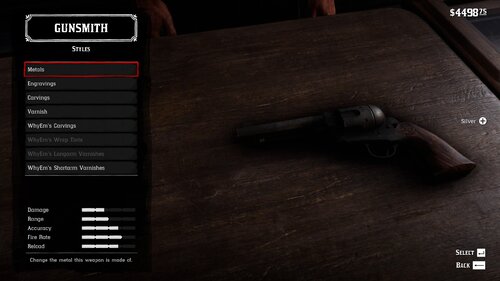
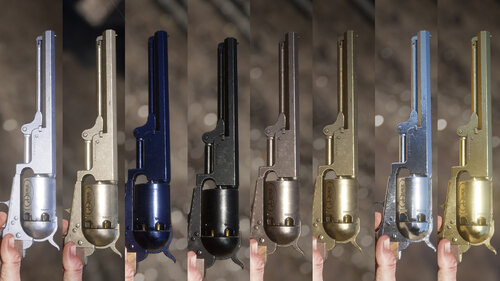
  3. All base gun metals are modified to look more reflective and realistic.
    • 37,970 Downloads
    • 167196 Views
    • 6.41 kB File Size
    • 7 Comments
    Updated
    • 1,604 Downloads
    • 28945 Views
    • 207.14 kB File Size
    • 1 Comments
    Updated
    • 247 Downloads
    • 29466 Views
    • 3.28 kB File Size
    • 3 Comments
    Updated
    • 12,597 Downloads
    • 82838 Views
    • 2.58 MB File Size
    Updated
    • 21,036 Downloads
    • 131805 Views
    • 111.89 kB File Size
    • 3 Comments
    Updated
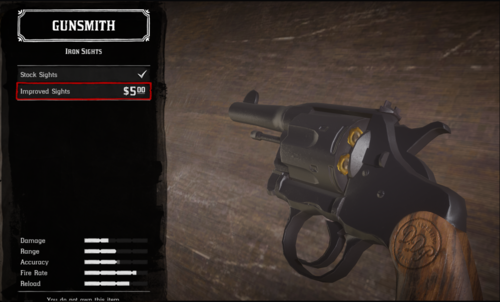
  4. snub nose.
    • 4,321 Downloads
    • 45225 Views
    • 84.3 kB File Size
    Submitted
  5. Oxidized Gun Tints by Nateruzz
    • 2,517 Downloads
    • 45735 Views
    • 17.54 kB File Size
    • 4 Comments
    Updated
  6. Don't you just hate how slow the Scofield is? well, this mod is just for you
    • 10,078 Downloads
    • 68216 Views
    • 8.34 kB File Size
    • 2 Comments
    Updated
    • 2,388 Downloads
    • 37551 Views
    • 563 B File Size
    Updated
    • 26,450 Downloads
    • 211981 Views
    • 8.63 kB File Size
    • 10 Comments
    Updated
    • 49,133 Downloads
    • 186021 Views
    • 58.62 MB File Size
    • 26 Comments
    Updated
    • 2,904 Downloads
    • 26495 Views
    • 28.13 kB File Size
    Updated

Configure browser push notifications

Chrome (Android)
  1. Tap the lock icon next to the address bar.
  2. Tap Permissions → Notifications.
  3. Adjust your preference.
Chrome (Desktop)
  1. Click the padlock icon in the address bar.
  2. Select Site settings.
  3. Find Notifications and adjust your preference.