Jump to content
View in the app

A better way to browse. Learn more.

RDR2Mods.com

A full-screen app on your home screen with push notifications, badges and more.

To install this app on iOS and iPadOS
  1. Tap the Share icon in Safari
  2. Scroll the menu and tap Add to Home Screen.
  3. Tap Add in the top-right corner.
To install this app on Android
  1. Tap the 3-dot menu (⋮) in the top-right corner of the browser.
  2. Tap Add to Home screen or Install app.
  3. Confirm by tapping Install.
20 files
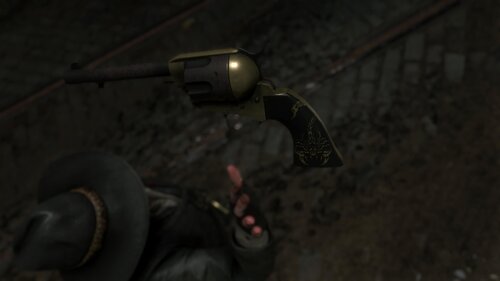
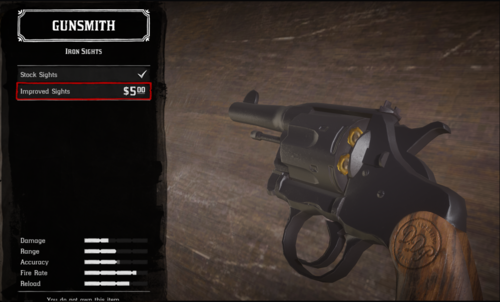
  1. snub nose.
    • 4,397 Downloads
    • 46576 Views
    • 84.3 kB File Size
    Submitted
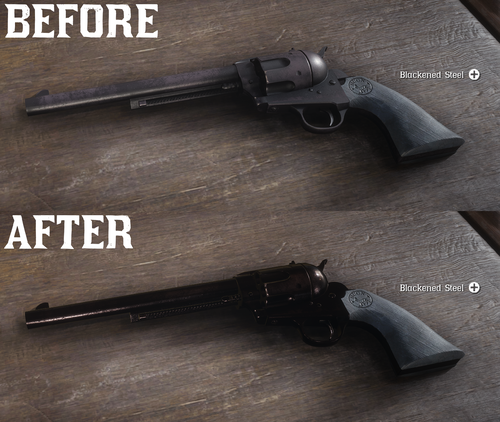
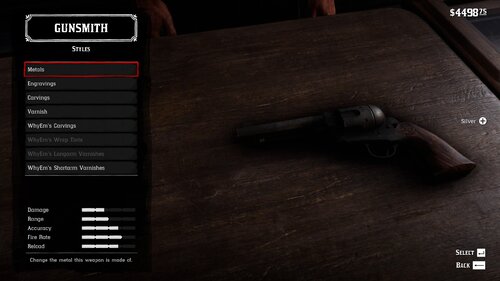
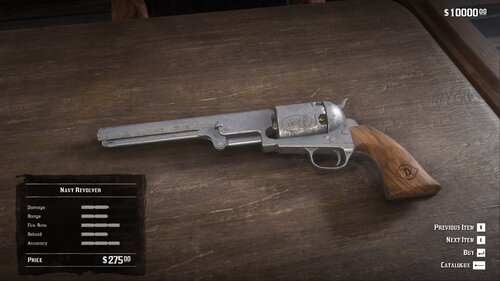
  2. All base gun metals are modified to look more reflective and realistic.
    • 38,957 Downloads
    • 171915 Views
    • 6.41 kB File Size
    • 7 Comments
    Updated
    • 1,192,885 Downloads
    • 4290425 Views
    • 23.82 MB File Size
    • 488 Comments
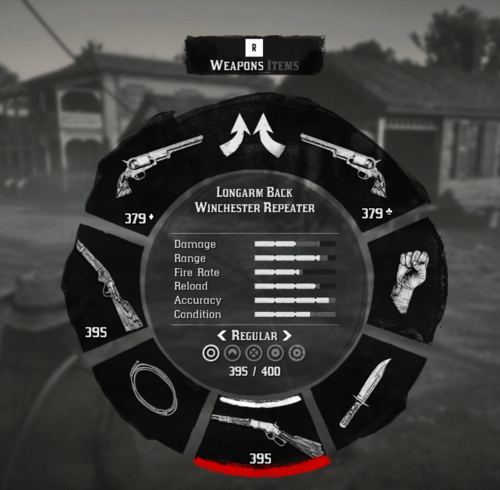
    LMS in Weapon
    Updated
    • 27,234 Downloads
    • 218809 Views
    • 8.63 kB File Size
    • 10 Comments
    Updated
    • 2,449 Downloads
    • 38718 Views
    • 563 B File Size
    Updated
    • 4,857 Downloads
    • 49163 Views
    • 251.67 kB File Size
    Updated
    • 1,639 Downloads
    • 30103 Views
    • 207.14 kB File Size
    • 1 Comments
    Updated
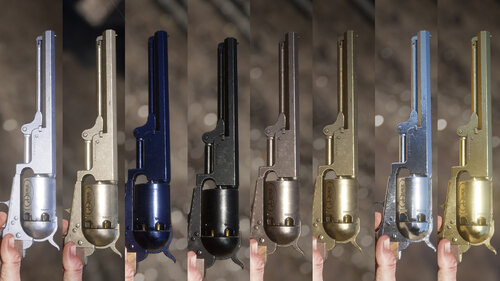
  3. Oxidized Gun Tints by Nateruzz
    • 2,629 Downloads
    • 47208 Views
    • 17.54 kB File Size
    • 4 Comments
    Updated
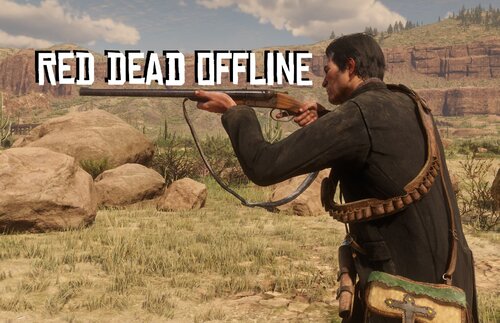
  4. Now in singleplayer!
    • 96,639 Downloads
    • 467231 Views
    • 713.99 kB File Size
    • 102 Comments
    LMS in Weapon
    Updated
    • 907 Downloads
    • 16244 Views
    • 1.99 MB File Size
    Updated
    • 61,176 Downloads
    • 200206 Views
    • 6.46 kB File Size
    • 6 Comments
    Updated
    • 49,937 Downloads
    • 189768 Views
    • 58.62 MB File Size
    • 26 Comments
    Updated
    • 21,693 Downloads
    • 136311 Views
    • 111.89 kB File Size
    • 3 Comments
    Updated
  5. Don't you just hate how slow the Scofield is? well, this mod is just for you
    • 10,293 Downloads
    • 71138 Views
    • 8.34 kB File Size
    • 3 Comments
    Updated
    • 13,261 Downloads
    • 65516 Views
    • 8.38 kB File Size
    Updated
    • 12,995 Downloads
    • 85640 Views
    • 2.58 MB File Size
    Updated

Configure browser push notifications

Chrome (Android)
  1. Tap the lock icon next to the address bar.
  2. Tap Permissions → Notifications.
  3. Adjust your preference.
Chrome (Desktop)
  1. Click the padlock icon in the address bar.
  2. Select Site settings.
  3. Find Notifications and adjust your preference.