Jump to content
View in the app

A better way to browse. Learn more.

RDR2Mods.com

A full-screen app on your home screen with push notifications, badges and more.

To install this app on iOS and iPadOS
  1. Tap the Share icon in Safari
  2. Scroll the menu and tap Add to Home Screen.
  3. Tap Add in the top-right corner.
To install this app on Android
  1. Tap the 3-dot menu (⋮) in the top-right corner of the browser.
  2. Tap Add to Home screen or Install app.
  3. Confirm by tapping Install.
26 files
  1. This mod makes rain/snow/water more dangerous by adding a new core!
    • 5,008 Downloads
    • 65293 Views
    • 114.89 kB File Size
    • 22 Comments
    Updated
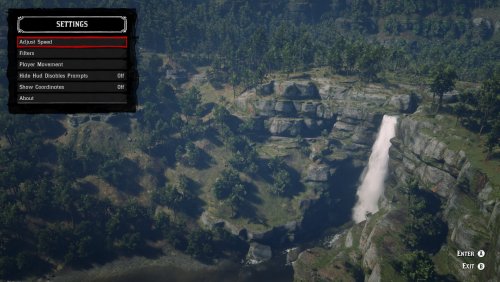
  2. Red Dead Freecam
    • 4,530 Downloads
    • 49567 Views
    • 434.49 kB File Size
    • 13 Comments
    Updated
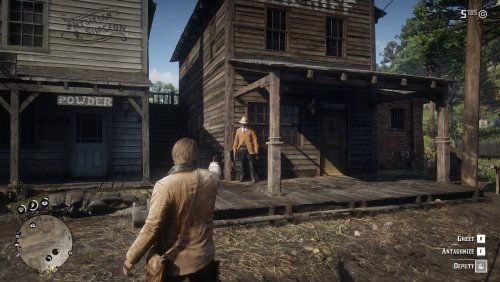
  3. Now you can't see me!
    • 58,468 Downloads
    • 230288 Views
    • 55.2 kB File Size
    • 10 Comments
    Updated
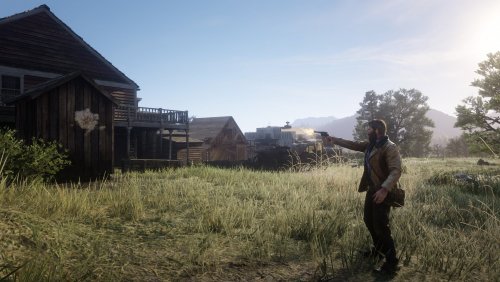
  4. Shoot bad guys without the intrusive hitmarker!
    • 47,513 Downloads
    • 219304 Views
    • 55.63 kB File Size
    • 20 Comments
    Updated
  5. Extremely customizable trainer
    • 8,905 Downloads
    • 131554 Views
    • 676.49 kB File Size
    • 64 Comments
    Updated
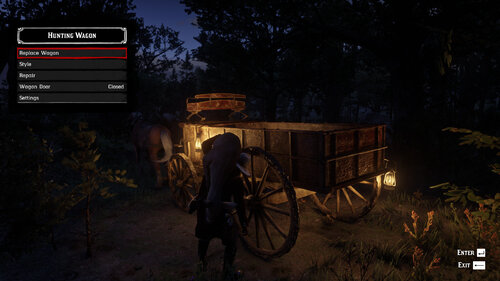
  6. Allows you to store pelts & hunted animals on the back of a hunting wagon.
    • 17,681 Downloads
    • 134330 Views
    • 197.03 kB File Size
    • 23 Comments
    Updated
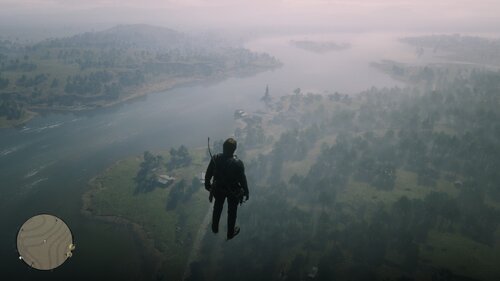
  7. This mod simply allow you to fly.
    • 2,360 Downloads
    • 33357 Views
    • 4.68 kB File Size
    Updated
  8. A simple ragdoll mod
    • 6,313 Downloads
    • 92139 Views
    • 39.96 kB File Size
    • 16 Comments
    Updated
  9. Makes all NPCs mini or any size you want!
    • 700 Downloads
    • 27337 Views
    • 74.14 kB File Size
    • 5 Comments
    Updated
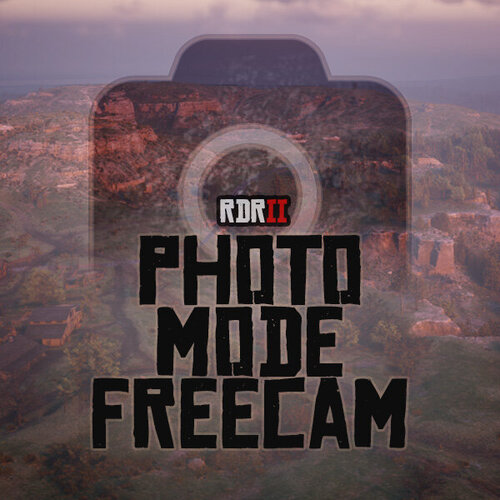
  10. Unlimited freecam movement in Photo Mode.
    • 11,666 Downloads
    • 92857 Views
    • 129.73 kB File Size
    • 13 Comments
    Updated

Configure browser push notifications

Chrome (Android)
  1. Tap the lock icon next to the address bar.
  2. Tap Permissions → Notifications.
  3. Adjust your preference.
Chrome (Desktop)
  1. Click the padlock icon in the address bar.
  2. Select Site settings.
  3. Find Notifications and adjust your preference.