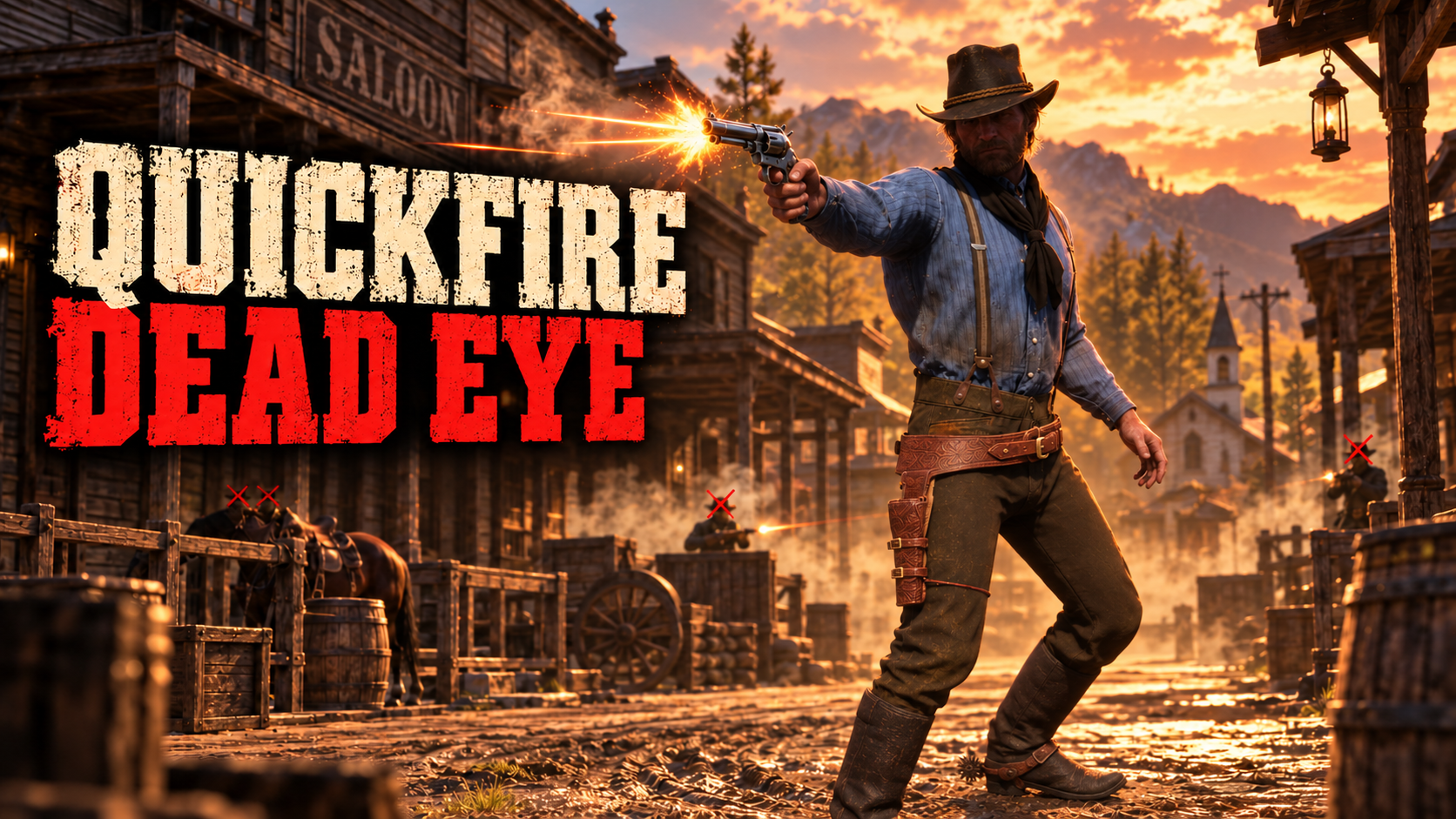
Lets you fire shots in quick succession after you tagged your targets with Dead Eye.
Tagged targets will now still get shot even if off screen. Disabled auto reload when entering Dead Eye, disabled Dead Eye visuals and sound (adjustable in the .ini file).
Shooting speed and world speed are also adjustable in the .ini file.
Requires Script Hook.
For installation, put the .asi and .ini files inside the main RDR2 folder.
https://youtu.be/MwjQO3GcOBA
Edited by alfabravozapa
Recommended Comments
Create an account or sign in to comment