





Pasted content
Have your been in a gunfight in RDRFR, and searched frantically for the N button on your keyboard to call in reinforcements? Well, not anymore partner! This here callout, will call in, YOUR selected reinforcements automatically!

1. An official copy of RDR2. (sorry deputy, RDRFR won't work on other versions)
2.RDRFR - *Be sure to delete the version.dll file that comes with installing RDRFR!
3. RDRFR UNELASHED *Essential to free roam patrolling
1. Download and unzip to your desired location. When unzipped you'll have a folder named rdrfr.
2. Place the rdrfr folder into the main RDR2 install location. That is the same place where your RDR2.exe is located.
3. If done correctly, open the rdrfr folder, and you'll find the selected files in place
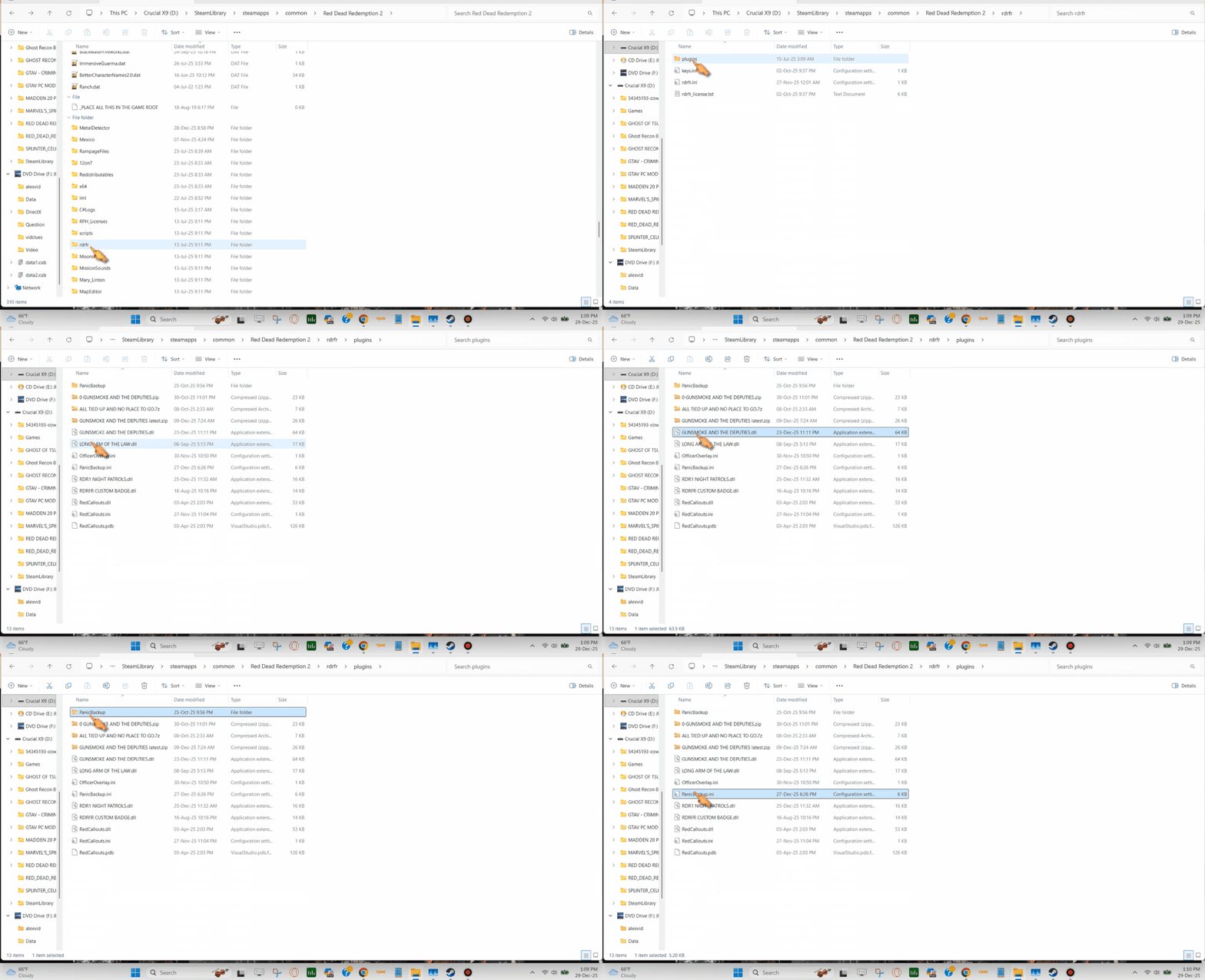
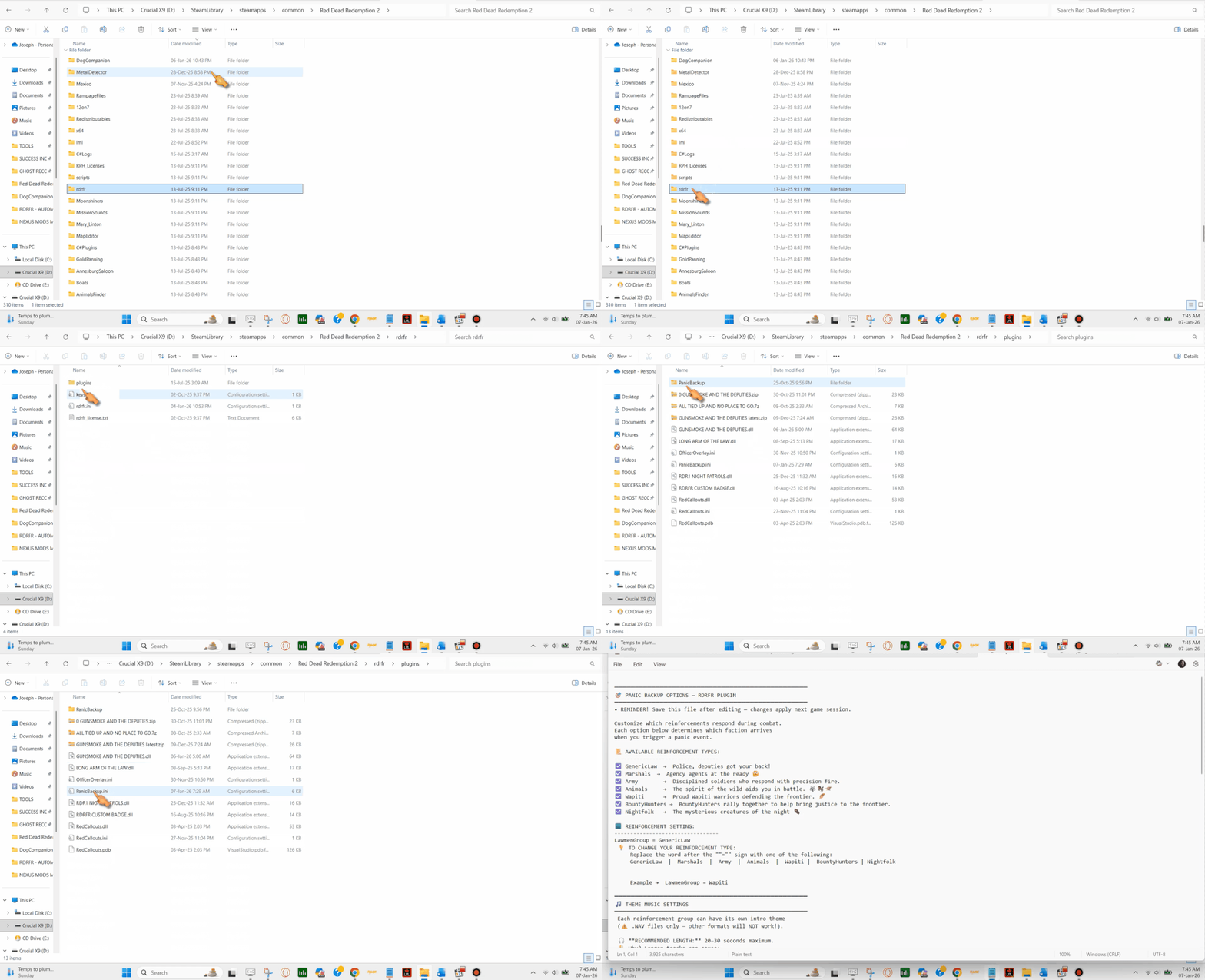
To choose your backup, we'll need to edit the.ini file, which is located here: RDR2>rdrfr>plugins>PanicBackup.ini. Here's a demonstration.
Now, that we've opened our .ini file, let's take a look at our backup groups here:
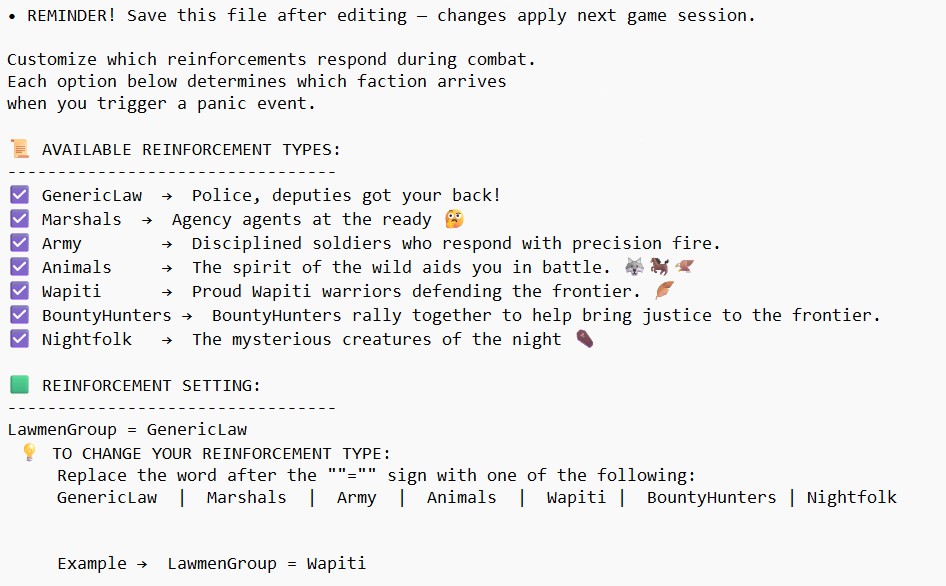
Please note that at the top of the text there's a REMINDER to save the after you've completed your edits. Moving below we see that there's SEVEN available reinforcement types. Just below you'll see how you change them. The default is:
LawmenGroup = GenericLaw
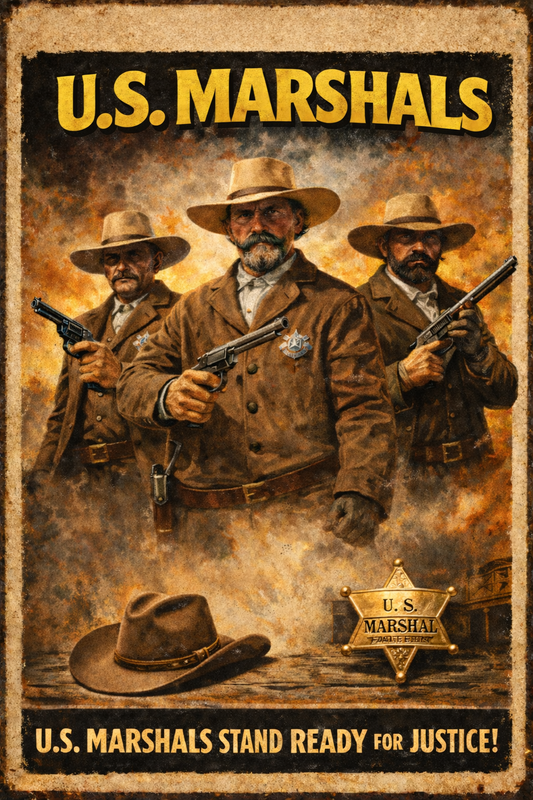
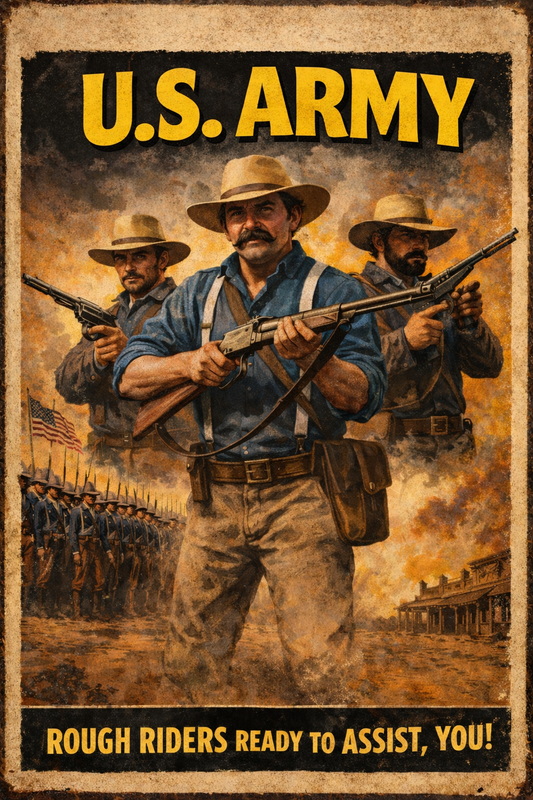
To change the reinforcement type, simply change word after the = sign to either Marshals, Army, Animals, Wapiti, BountyHunters, or Nightfolk.
At the bottom of the above screen we see an example of changing the reinforcements to the Wapiti.
Now that you know how to change your reinforcements, let's show the names in the .ini, with the reinforcement you'll have.
GenericLaw
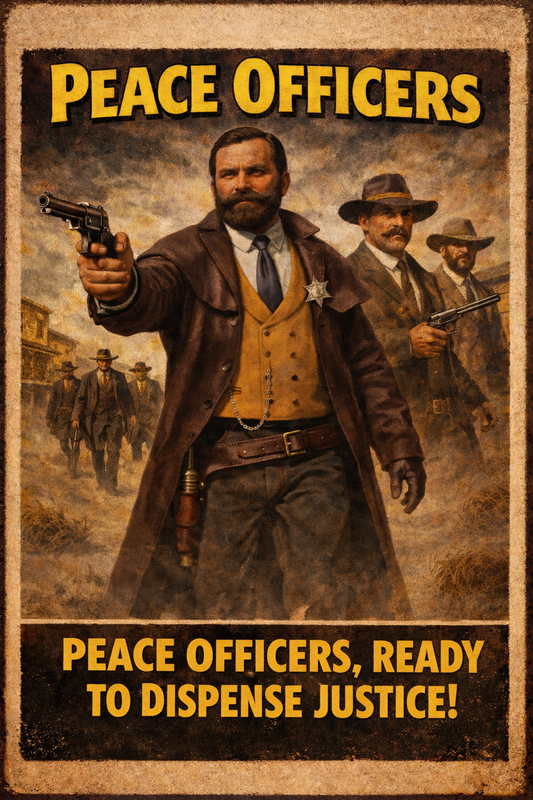
MARSHALS
ARMY
ANIMALS
.png)
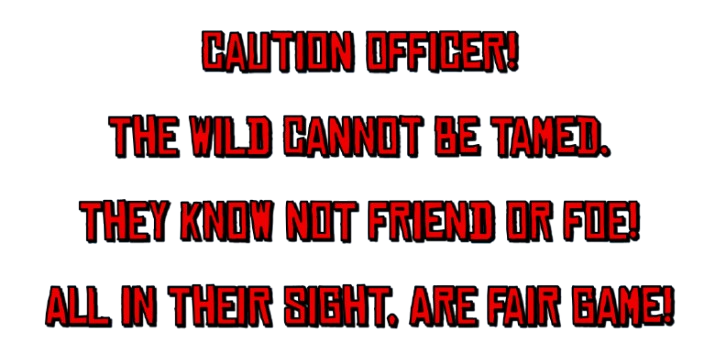
WAPITI
.png)
BOUNTY HUNTERS
.png)
NIGHTFOLK
.png)
SO, HOW DOES IT WORK?
GO ON DUTY.
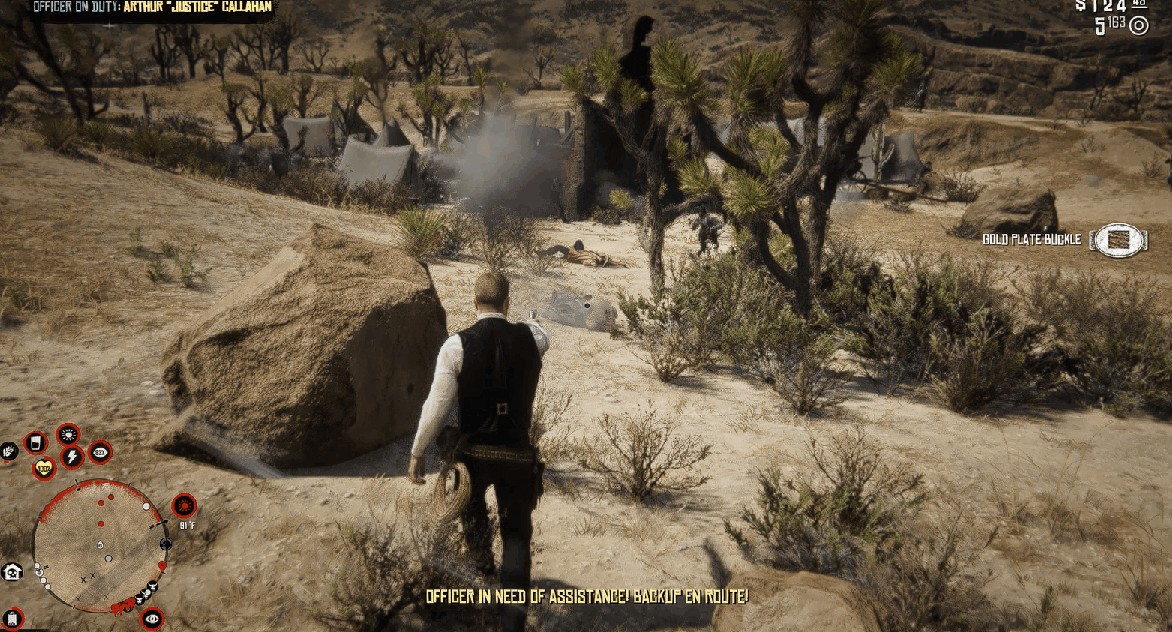
WHEN YOU'RE IN A GUNFIGHT, OR IF YOU LASSO SOMEONE, YOU'LL SEE THIS ONSCREEN PROMPT
YOUR REINFORCEMENTS WILL ARRIVE ON THE SCENE
Here are some examples of the what you'll see in game:
AN INFRANTRYMAN HELPS TAKE BACK FORT MERCER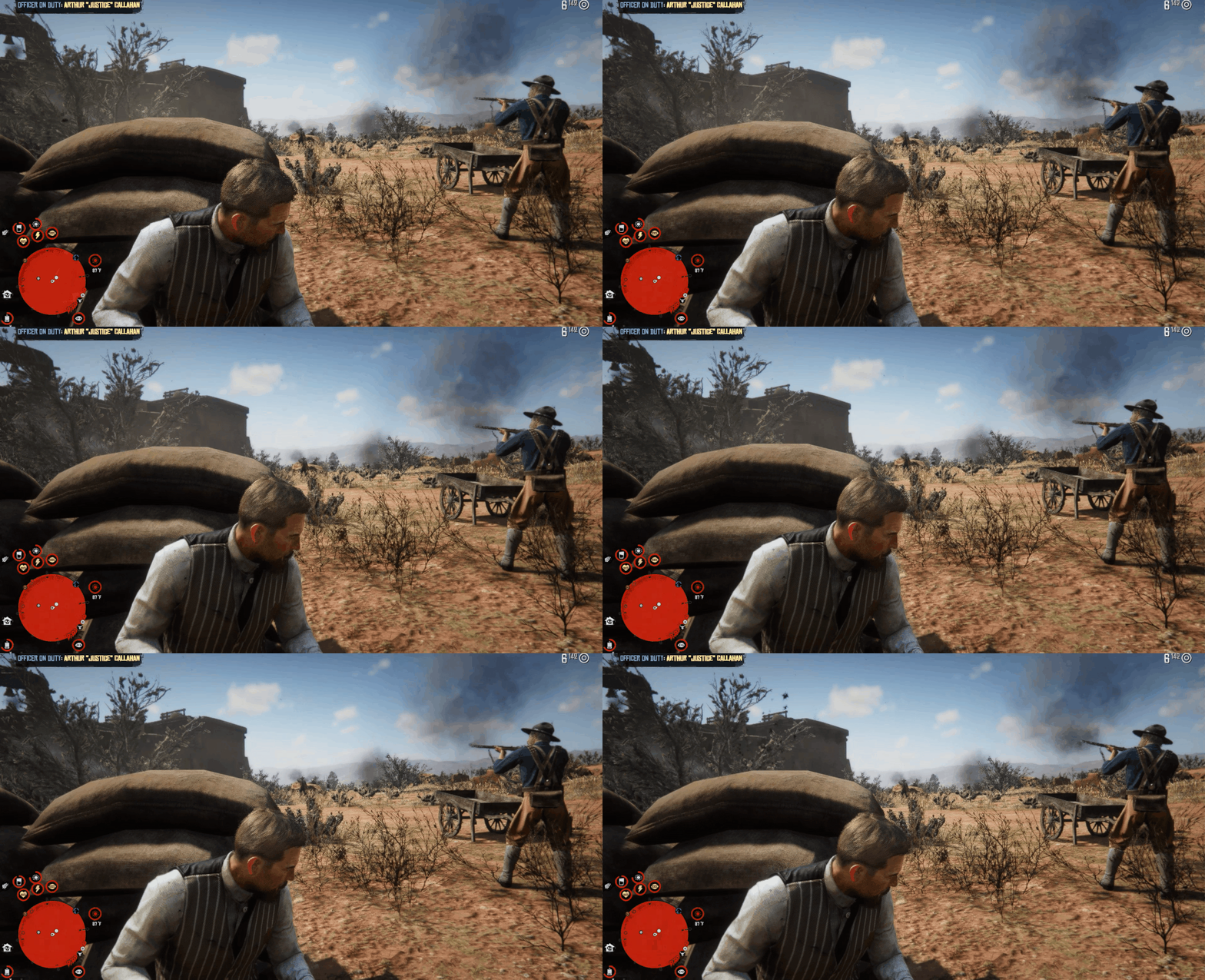
A WAPITI WARRIOR ENGAGES IN LETHAL HAND TO HAND COMBAT
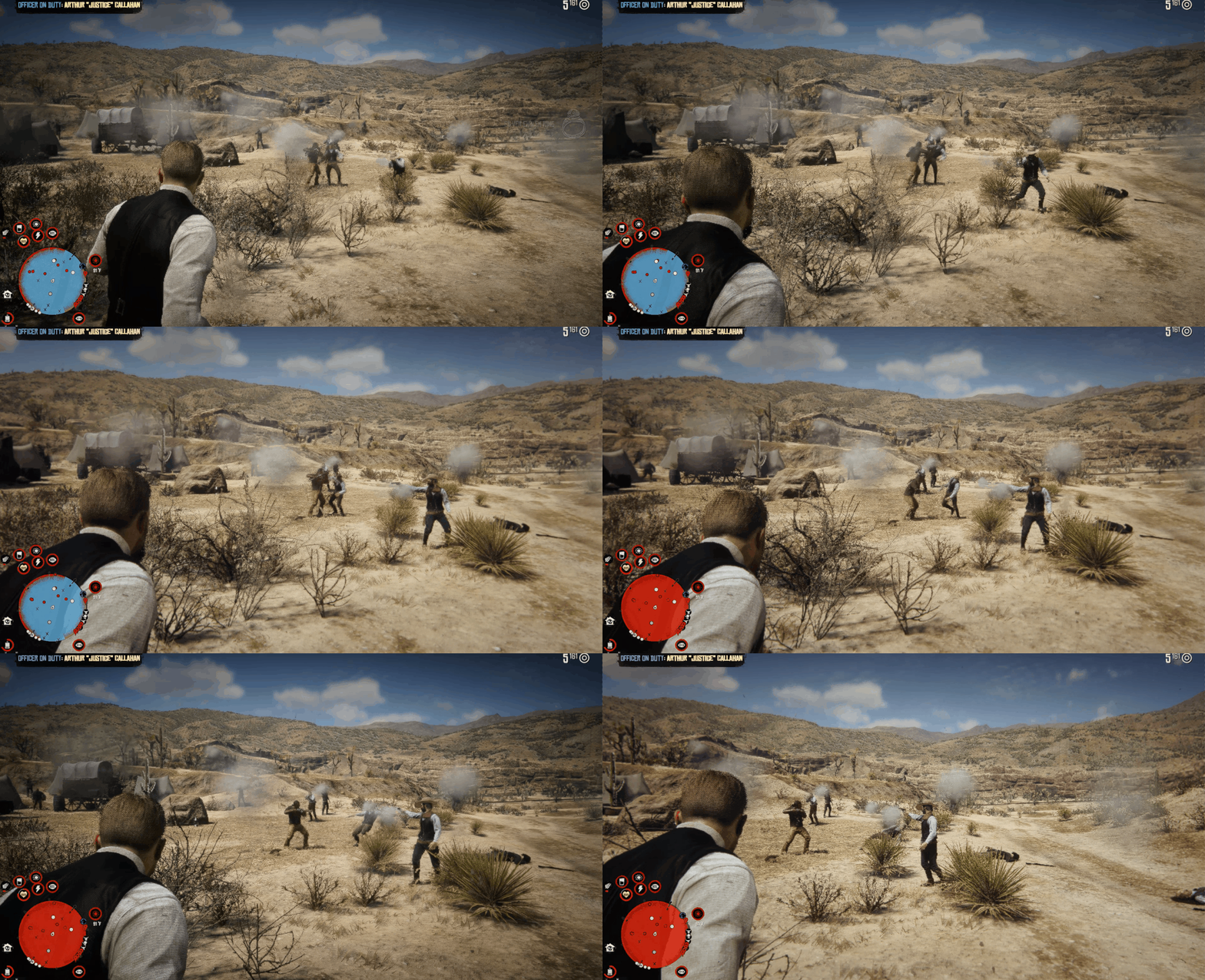
BOUNTY HUNTERS HELP CLEAR A BANDIT HIDEOUT
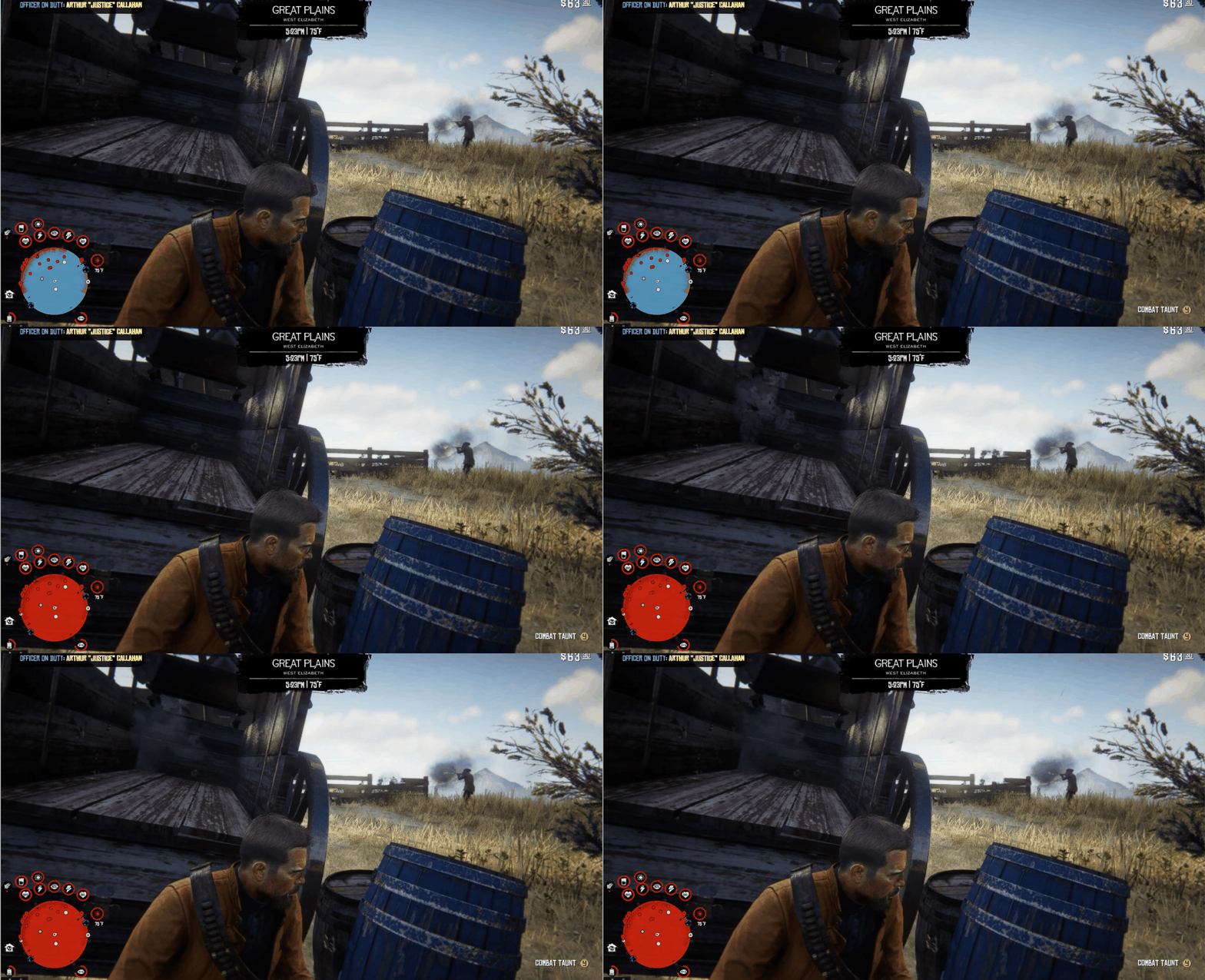
A MARSHAL LAYS DOWN FIRE WHILE YOU FIND COVER
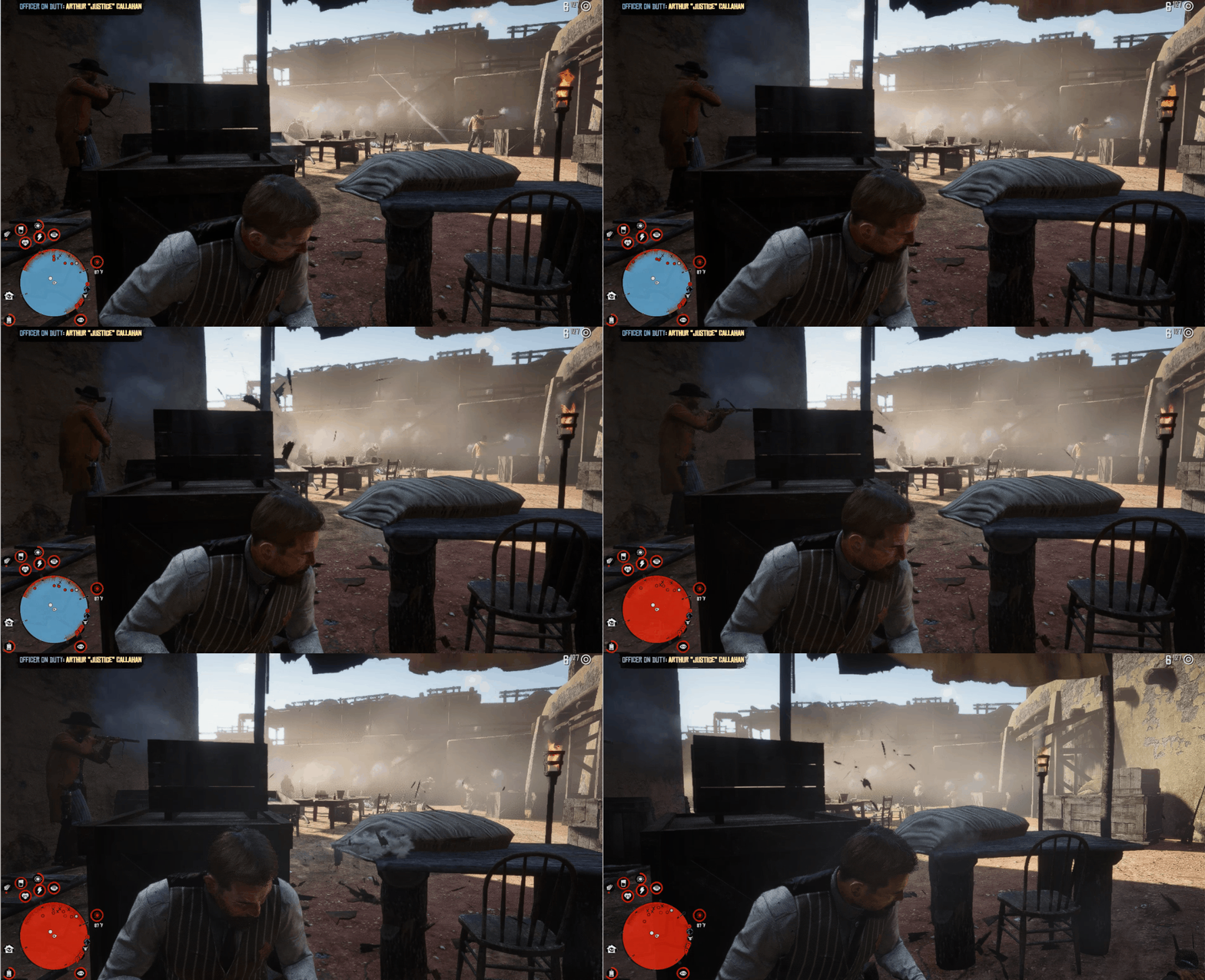
...AND HERE'S SOME CRIMINAL GETTING STOMPED ON FOR GOOD MEASURE
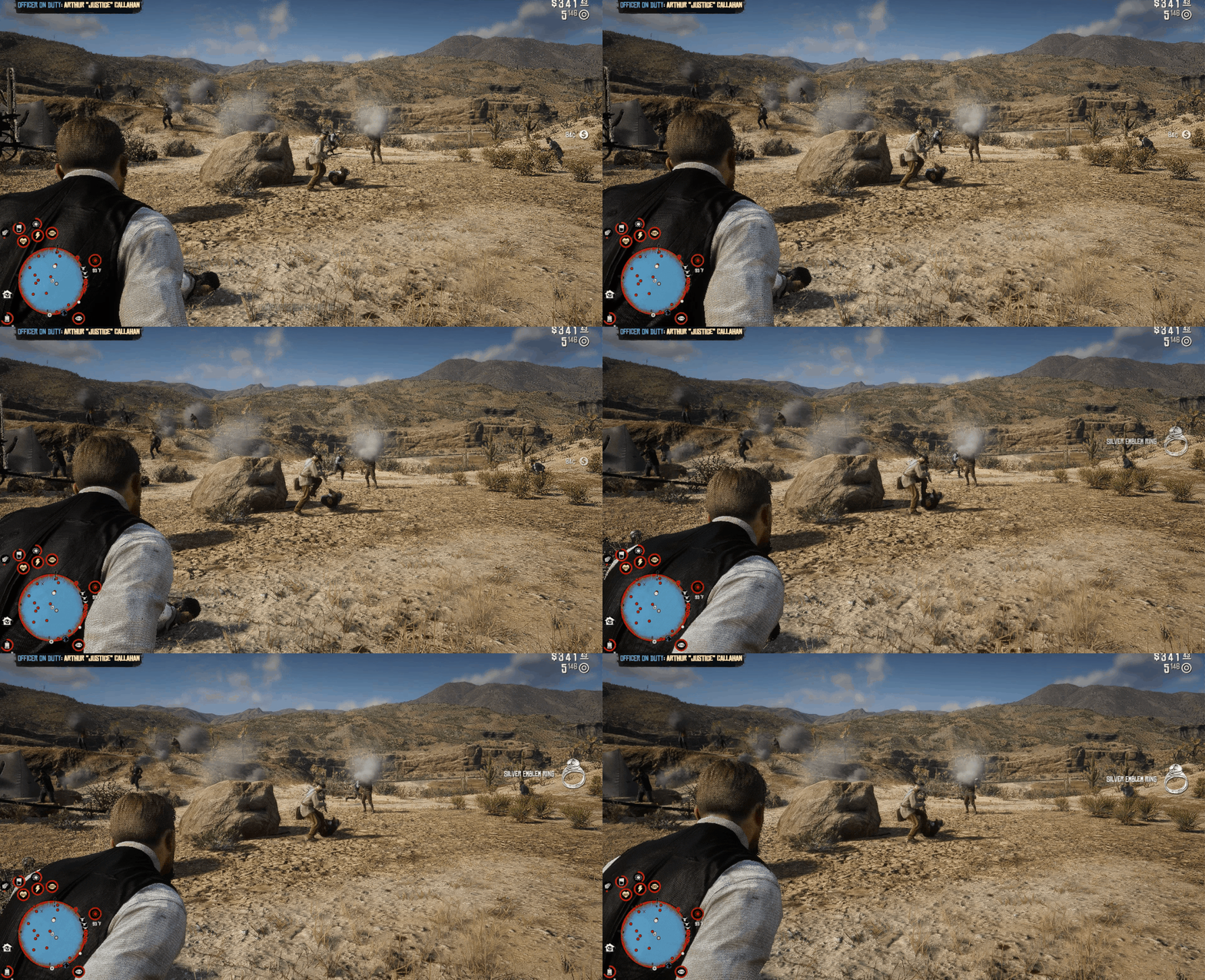
ONCE ALL TARGETS ARE ELIMINATED THEY WILL RETREAT
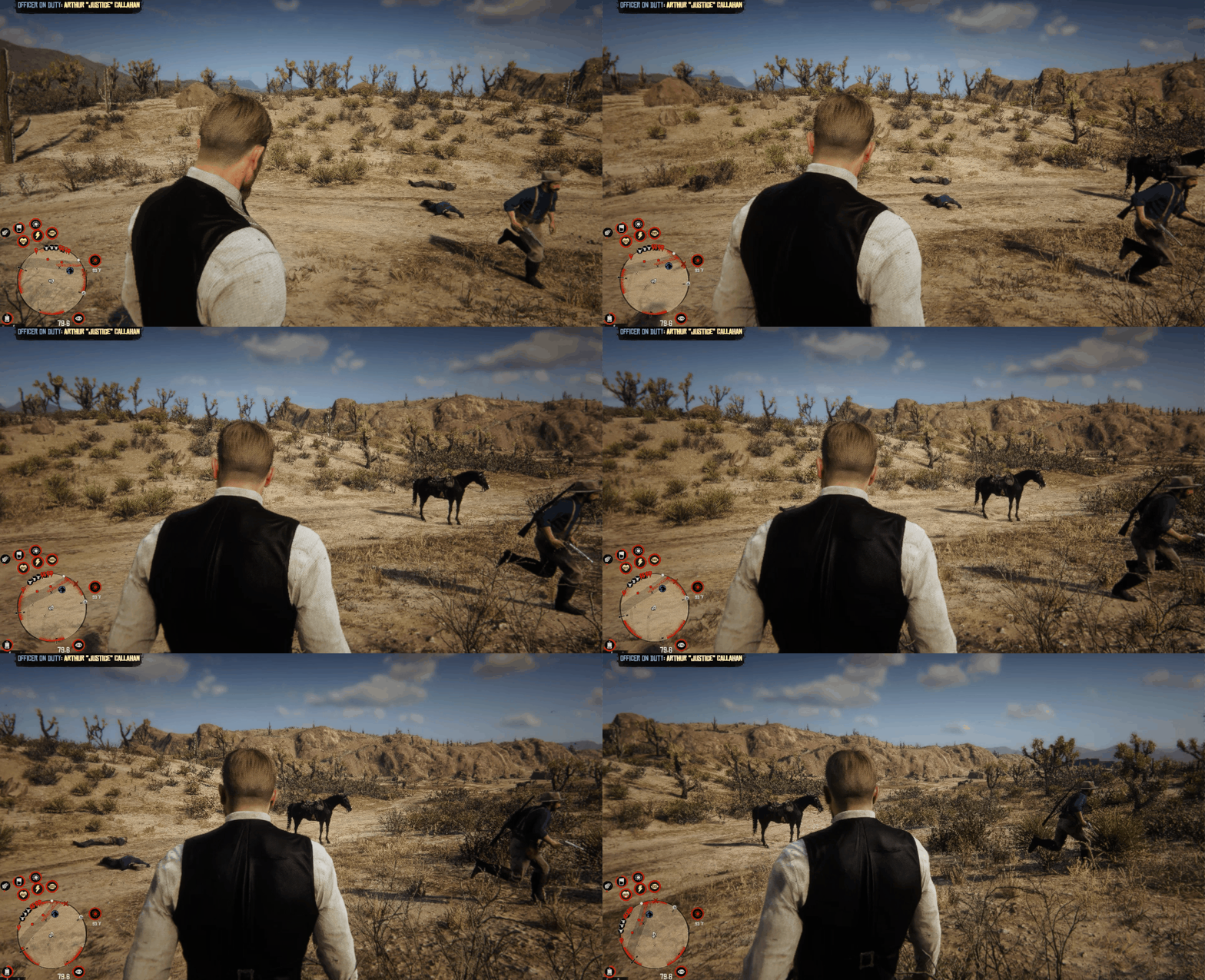
EACH REINFORCEMENT GROUP COMES WITH THEIR OWN THEME!

THEY ALSO WORK IN MEXICO!
(the .gif is a sneak peek of a future mod)

FEELING BRAVE? YOU CAN TOGGLE THE MOD OFF AND ON BY PRESSING
F7
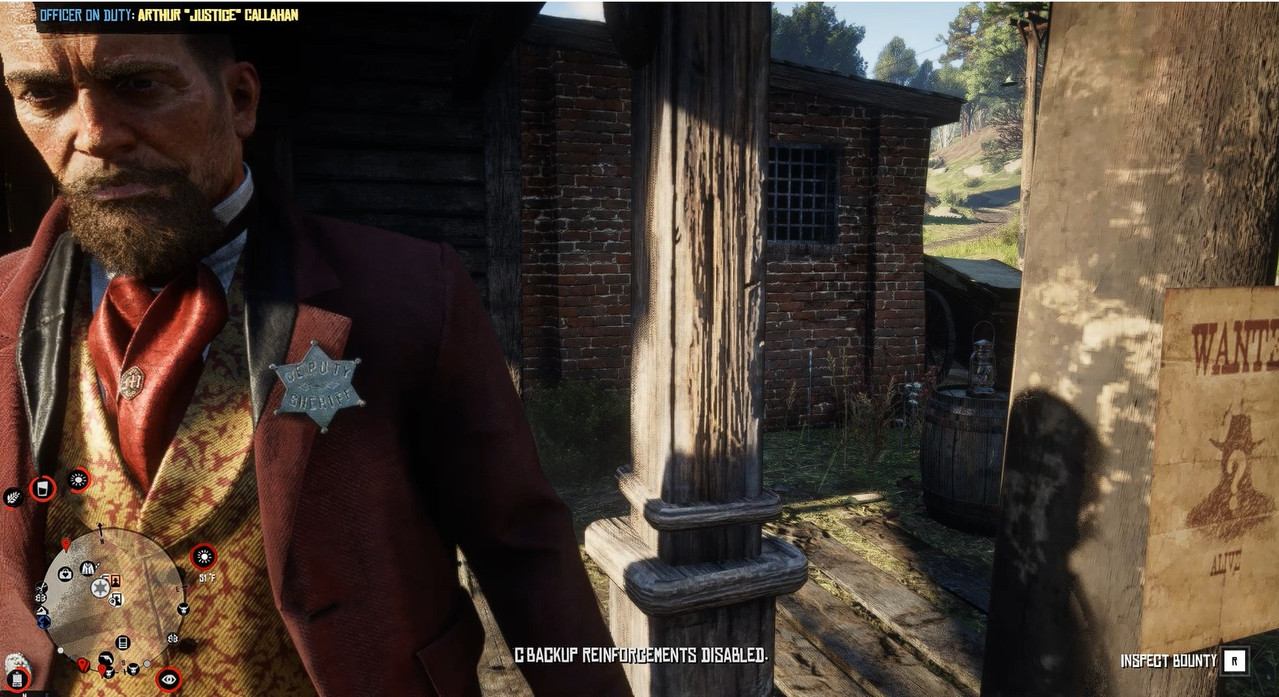
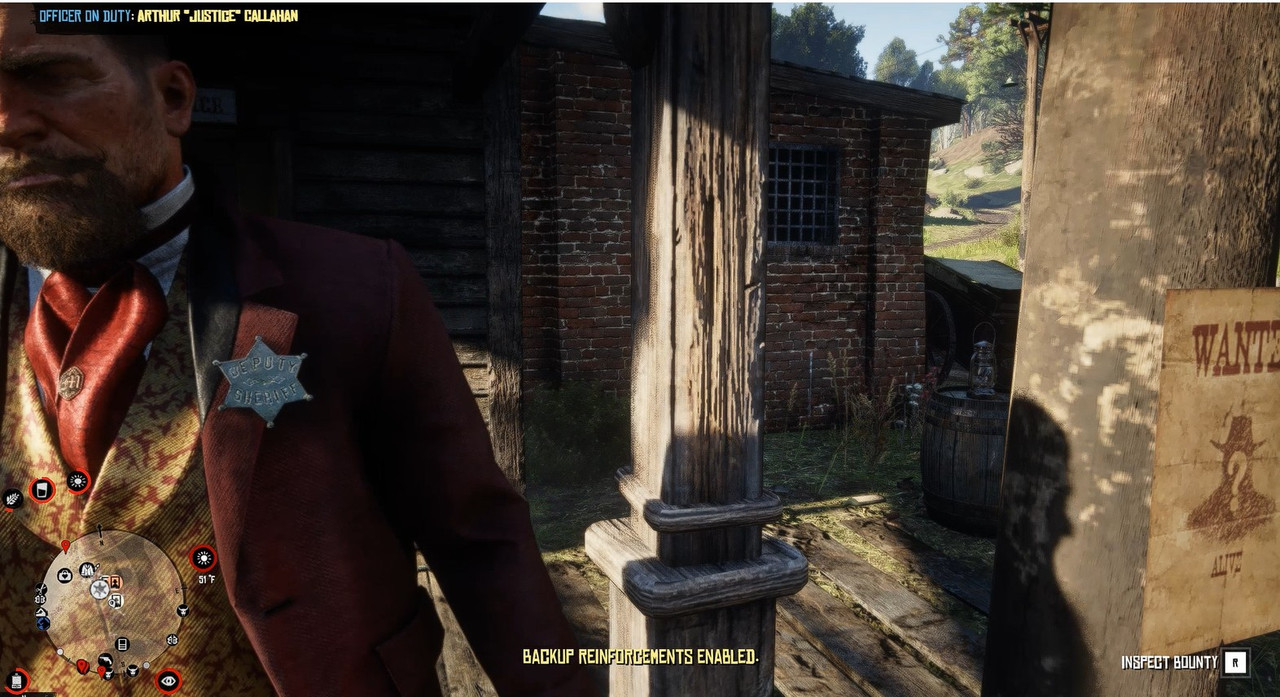

Gunfights on uneven terrain can be tricky. Sometimes reinforcements may not detect enemies properly and won’t engage. For better results, try to fight on flatter ground or position yourself behind your backup for support.
Reinforcements may not always leave after combat. If this happens, just move away from the area—most of the time, the system will clear them automatically. If they stick around, it could be due to another mod spawning enemies nearby, keeping them active.
You might notice reinforcements constantly aiming or scanning for targets. This usually happens when other mods are creating nearby enemy activity. Since RDRFR UNLEASHED looks for threats both near and far, once you’ve completed your objective, try leaving the area—your backup should stand down shortly after.
CREDITS for their inspiration in this coding journey: (in alphabetical order)
minkoff | Rededrunk | Rixus | somncoitus
Want to see more RDRFR mods?
Please join the
Discord
RECOMMENDED MODS THAT PAIR WELL:
Mary Linton Joins The Gang
Bounty Hunting - Expanded and Enhanced
Sadie Companion (Patreon)
Ambient Gang - Manhunt
Bounties Expansion - Replayable Bounties
BANDIT HIDEOUTS
Nuevo Paraiso (Mexico)
RDR2 - Bounty Hunting - Notorious Outlaws (Patreon)
AMJM TRANSPORT
PROJECT NEW AUSTIN
Edited by Ryo Hazaki
Recommended Comments
Create an account or sign in to comment