
Skip to content
View in the app

A better way to browse. Learn more.

RDR2Mods.com

A full-screen app on your home screen with push notifications, badges and more.

To install this app on iOS and iPadOS
  1. Tap the Share icon in Safari
  2. Scroll the menu and tap Add to Home Screen.
  3. Tap Add in the top-right corner.
To install this app on Android
  1. Tap the 3-dot menu (⋮) in the top-right corner of the browser.
  2. Tap Add to Home screen or Install app.
  3. Confirm by tapping Install.
122 files
  1. The original law fix mod. Designed to fix the issues with the law system, with improvement
    • 143214 Downloads
    • 460075 Views
    • 75.37 kB File Size
    • 25 Comments
    Updated
    • 119550 Downloads
    • 505333 Views
    • 14.24 MB File Size
    • 194 Comments
    Updated
  2. This mod skips the legal menu and main menu and puts you directly into story mode.
    • 49926 Downloads
    • 368139 Views
    • 2.26 kB File Size
    • 10 Comments
    Updated
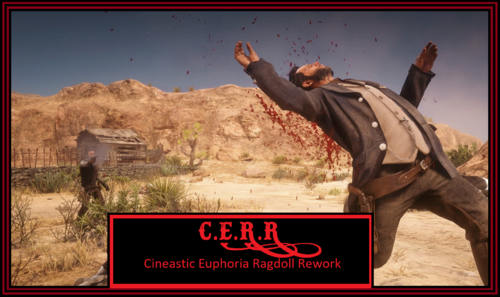
  3. This mod recreates RDR 1's iconic euphoria physics and goes further beyond that
    • 96593 Downloads
    • 389781 Views
    • 6.02 MB File Size
    • 30 Comments
    Updated
    • 19626 Downloads
    • 165225 Views
    • 131.09 kB File Size
    • 55 Comments
    Updated
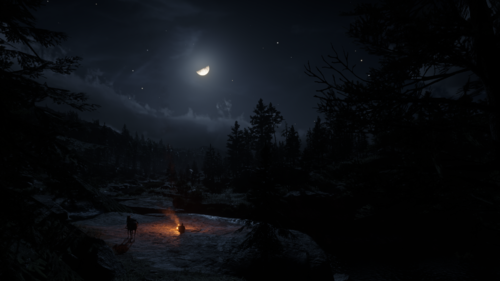
  4. This mod makes the nights darker and more realistic.
    • 75574 Downloads
    • 274592 Views
    • 1.67 MB File Size
    • 49 Comments
    Updated
  5. Adds 143 bandit hideouts, 50 ambush Points, Bandits posse, Roaming bandits, Hired guns, & Zombies
    • 65994 Downloads
    • 410484 Views
    • 32.25 MB File Size
    • 34 Comments
    Updated
    • 13357 Downloads
    • 72607 Views
    • 452.31 kB File Size
    • 15 Comments
    Updated
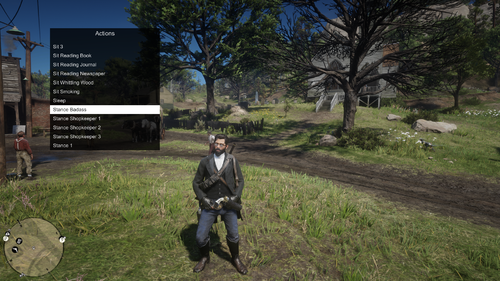
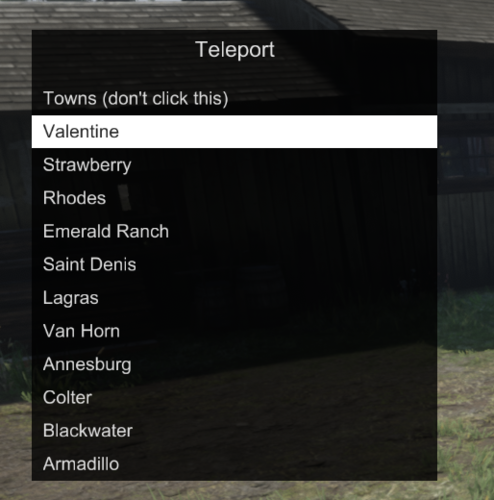
  6. LST, Lenny, simple, trainer, mods, edit, actions, vehicle, ped, weapon
    • 92902 Downloads
    • 408731 Views
    • 182.09 kB File Size
    • 96 Comments
    Updated
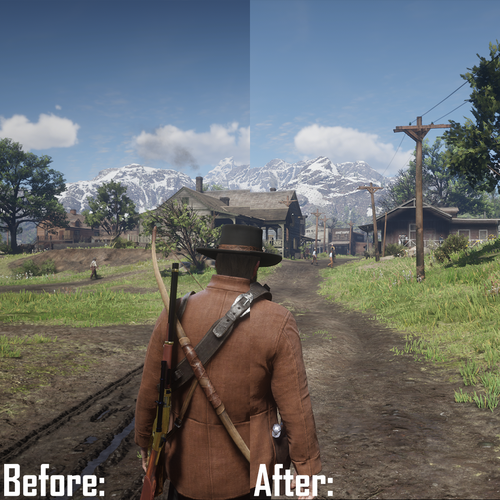
  7. Reshade ini & lut.png
    • 1237 Downloads
    • 27049 Views
    • 38.26 kB File Size
    • 1 Comments
    Updated
  8. Law Enforcement outfits
    • 3875 Downloads
    • 69535 Views
    • 3.94 kB File Size
    • 2 Comments
    Updated
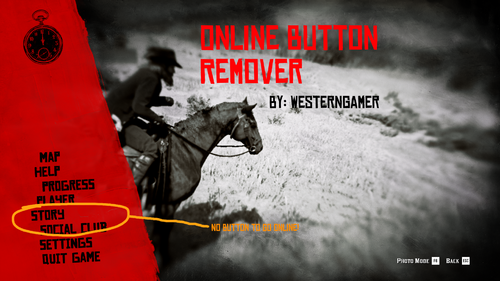
  9. Removes the online button from the pause menu.
    • 7039 Downloads
    • 31654 Views
    • 2.44 kB File Size
    Updated
    • 153971 Downloads
    • 499280 Views
    • 43.57 MB File Size
    • 12 Comments
    Updated
    • 14207 Downloads
    • 95323 Views
    • 990.41 kB File Size
    • 2 Comments
    DayL in Misc
    Updated
    • 32379 Downloads
    • 160438 Views
    • 108.85 kB File Size
    • 13 Comments
    Updated
    • 4234 Downloads
    • 33640 Views
    • 72.33 kB File Size
    Updated

Account

Navigation

Search

Search

Configure browser push notifications

Chrome (Android)
  1. Tap the lock icon next to the address bar.
  2. Tap Permissions → Notifications.
  3. Adjust your preference.
Chrome (Desktop)
  1. Click the padlock icon in the address bar.
  2. Select Site settings.
  3. Find Notifications and adjust your preference.