Jump to content
View in the app

A better way to browse. Learn more.

RDR2Mods.com

A full-screen app on your home screen with push notifications, badges and more.

To install this app on iOS and iPadOS
  1. Tap the Share icon in Safari
  2. Scroll the menu and tap Add to Home Screen.
  3. Tap Add in the top-right corner.
To install this app on Android
  1. Tap the 3-dot menu (⋮) in the top-right corner of the browser.
  2. Tap Add to Home screen or Install app.
  3. Confirm by tapping Install.
14 files
    • 98,220 Downloads
    • 421715 Views
    • 14.24 MB File Size
    • 192 Comments
    Updated
  1. Adds 143 bandit hideouts, 50 ambush locations, bandits posse will hunt the player on horseback.
    • 58,003 Downloads
    • 353037 Views
    • 28.7 MB File Size
    • 34 Comments
    Updated
    • 10,299 Downloads
    • 55871 Views
    • 452.31 kB File Size
    • 15 Comments
    Updated
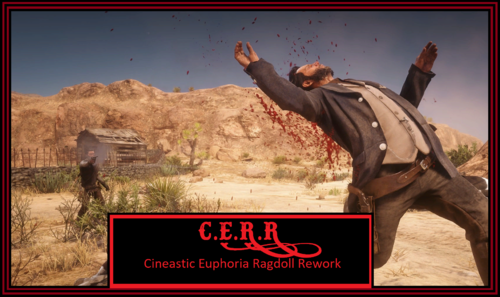
  2. This mod recreates RDR 1's iconic euphoria physics and goes further beyond that
    • 79,544 Downloads
    • 316197 Views
    • 6.02 MB File Size
    • 30 Comments
    Updated
    • 26,373 Downloads
    • 134714 Views
    • 108.85 kB File Size
    • 13 Comments
    Updated
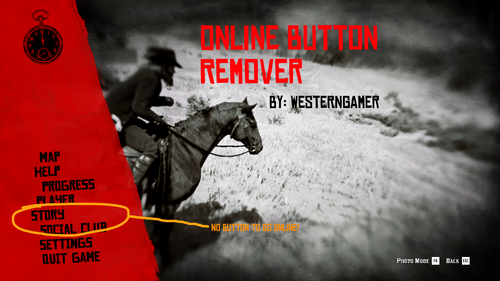
  3. Removes the online button from the pause menu.
    • 6,041 Downloads
    • 23889 Views
    • 2.44 kB File Size
    Updated
  4. This mod skips the legal menu and main menu and puts you directly into story mode.
    • 45,022 Downloads
    • 311428 Views
    • 2.26 kB File Size
    • 10 Comments
    Updated
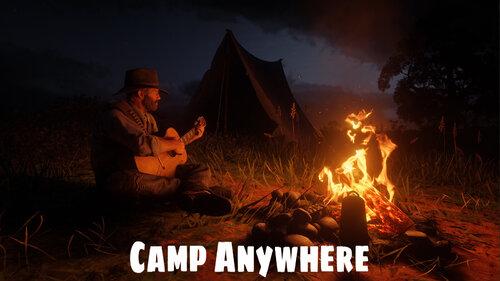
  5. Set up your camp anywhere you want. Build a permanent custom camp that you can place anywhere.
    • 9,631 Downloads
    • 77421 Views
    • 1.05 MB File Size
    Updated
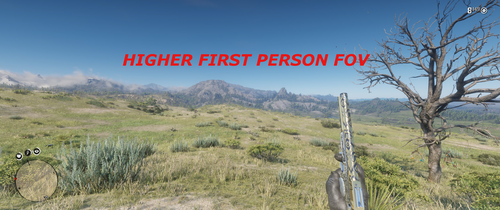
  6. Increases the FOV on-foot (NO CHEAT ENGINE)
    • 8,645 Downloads
    • 65594 Views
    • 74.68 kB File Size
    • 3 Comments
    Updated
    • 4,911 Downloads
    • 61270 Views
    • 18.92 kB File Size
    • 12 Comments
    Updated
  7. Get everything from the trapper with much less grind
    • 6,575 Downloads
    • 45952 Views
    • 1.6 MB File Size
    • 5 Comments
    Updated
    • 3,636 Downloads
    • 26330 Views
    • 72.33 kB File Size
    Updated
    • 12,403 Downloads
    • 80380 Views
    • 990.41 kB File Size
    • 2 Comments
    DayL in Misc
    Updated
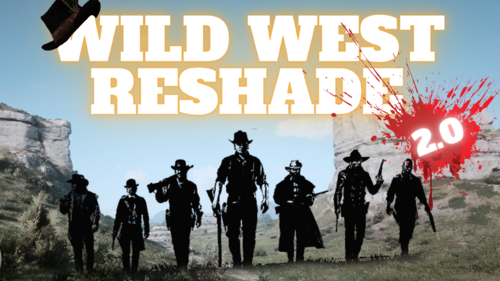
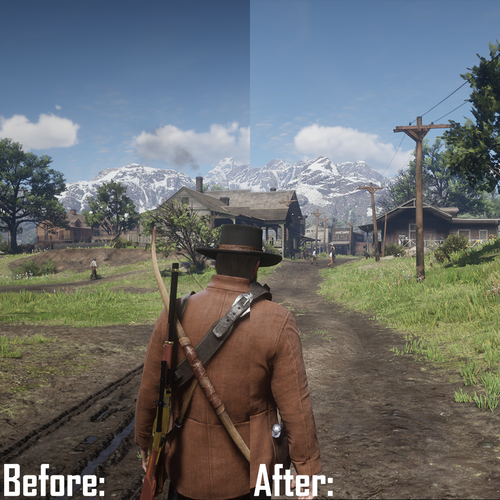
  8. Reshade ini & lut.png
    • 1,139 Downloads
    • 24468 Views
    • 38.26 kB File Size
    • 1 Comments
    Updated

Configure browser push notifications

Chrome (Android)
  1. Tap the lock icon next to the address bar.
  2. Tap Permissions → Notifications.
  3. Adjust your preference.
Chrome (Desktop)
  1. Click the padlock icon in the address bar.
  2. Select Site settings.
  3. Find Notifications and adjust your preference.