





.png.e4ae3bf3c6958ff10fed567be6737102.png)
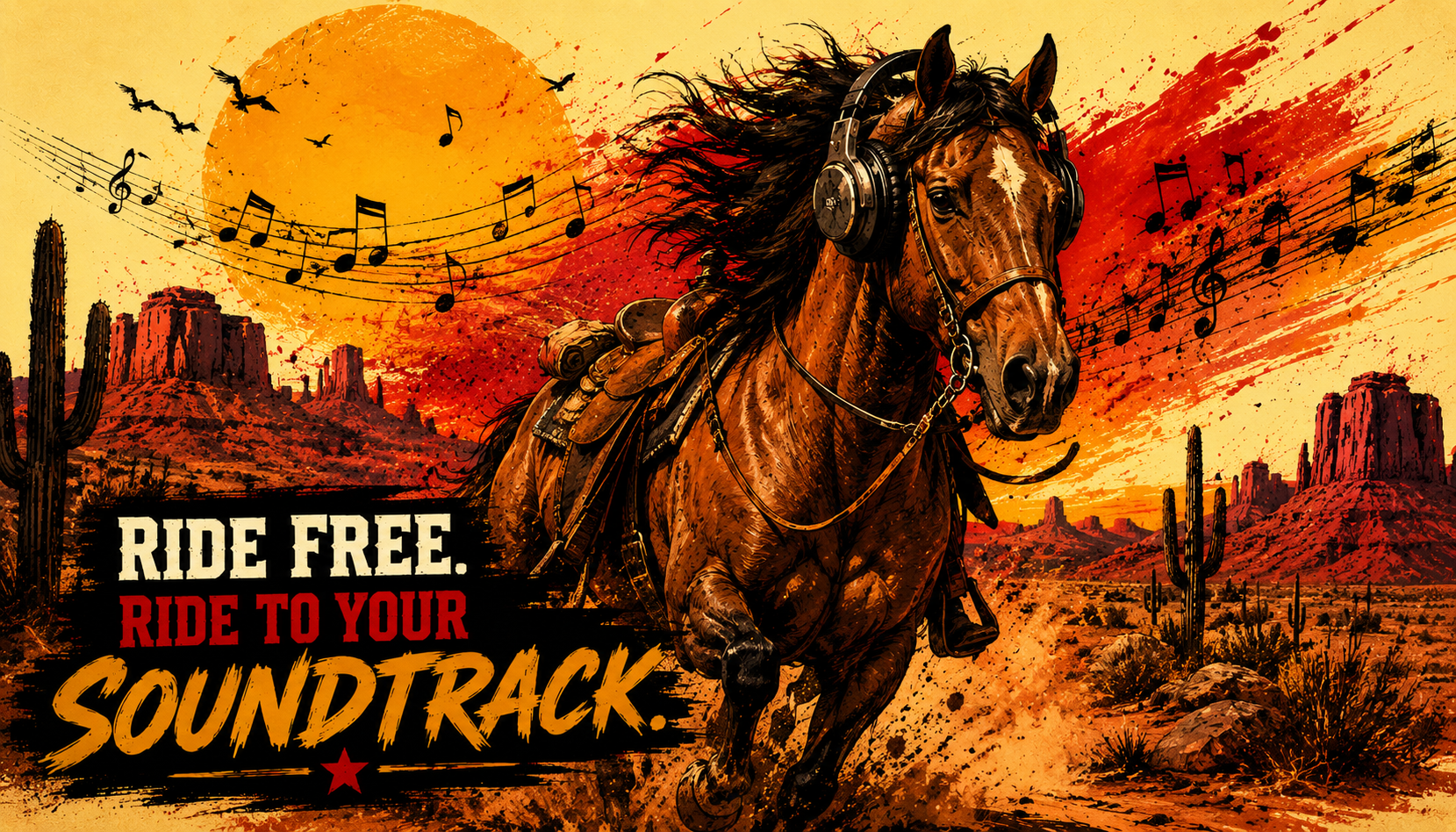
Description
This mod lets you play your own custom .wav
files whenever cinematic mode is active in Red Dead Redemption 2. Add music, ambience, dramatic western themes, peaceful trail-riding tunes, or even funny sound clips to turn every ride across the frontier into your own personal movie scene. Drop in your audio, saddle up, enter cinematic mode, and let the soundtrack do the rest.
Installation instructions
Download the mod from the provided link.
You should receive a .zip
file named RED DEAD RIDE ALONG.Unzip the file or copy its contents. Inside, you should find:
RedDeadRideAlong.asi
A folder named RideAlongMusic
Place both the RedDeadRideAlong.asi, and RideAlongMusic folder into your Red Dead Redemption 2 main directory.
Launch the game, enter cinematic mode, and enjoy your custom ride-along soundtrack.
Main features
Plays any .wav file placed inside the RideAlongMusic
folder.Music automatically starts while using cinematic mode, giving your rides a custom soundtrack.
Supports multiple songs, so you can build your own trail-riding playlist.
Songs will crossfade as they change, helping the music flow more smoothly.
Works great for western themes, ambient tracks, peaceful riding music, or anything else you want to hear while roaming the frontier.
Important Notes
RDR2 may play custom music VERY LOUDLY, so it is highly recommended that you lower the volume of your .wav
files before adding them to the mod. You can adjust the volume using Audacity or another audio editor.
Volume tutorial: https://www.youtube.com/watch?v=7K_6E9C7WjA
The mod includes song crossfading. During a crossfade, the game may briefly pause for a split second. This is normal.
Crossfade tutorial: https://www.youtube.com/watch?v=pxVHpotU58I
Music may also briefly play during kill cams and when starting a camp.
Requirements
To use this mod, you will need the following installed first:
Make sure both requirements are installed correctly before adding Red Dead Ride Along to your RDR2 main directory. Once those are set up, place the mod files in your game folder and you’re ready to ride with your custom soundtrack.
Shout outs
A special thank you to minkoff. This mod would not be possible without him.
You can check out his mods here:
https://www.nexusmods.com/profile/minkoff/mods
Edited by Ryo Hazaki
Recommended Comments
Create an account or sign in to comment