Skip to content
View in the app

A better way to browse. Learn more.

RDR2Mods.com

A full-screen app on your home screen with push notifications, badges and more.

To install this app on iOS and iPadOS
  1. Tap the Share icon in Safari
  2. Scroll the menu and tap Add to Home Screen.
  3. Tap Add in the top-right corner.
To install this app on Android
  1. Tap the 3-dot menu (⋮) in the top-right corner of the browser.
  2. Tap Add to Home screen or Install app.
  3. Confirm by tapping Install.
66 files
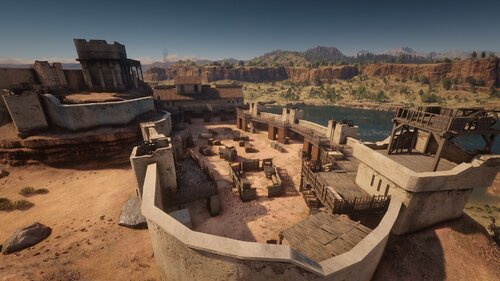
  1. A Railway around Great Plains
    • 1,878 Downloads
    • 33267 Views
    • 28.19 kB File Size
    • 7 Comments
    Updated
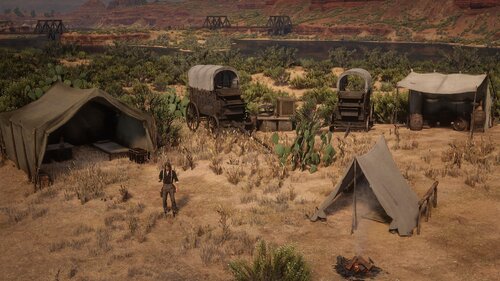
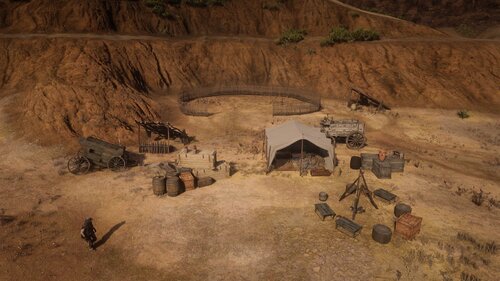
  2. Expansion On RedMaxBR's Mexican Camps mod
    • 671 Downloads
    • 13586 Views
    • 9.44 kB File Size
    Updated
  3. Updated Version Of Frontera Bridge
    • 2,493 Downloads
    • 26966 Views
    • 29.61 kB File Size
    Updated
    • 692 Downloads
    • 11191 Views
    • 9.39 kB File Size
    • 1 Comments
    Updated
    • 194 Downloads
    • 12022 Views
    • 10.43 kB File Size
    • 3 Comments
    Updated
  4. A Reupload of my Manzanita post 1911 map from nexus
    • 841 Downloads
    • 16416 Views
    • 5.79 kB File Size
    Updated
  5. Reupload of my Frontera Bridge Map
    • 1,170 Downloads
    • 13371 Views
    • 26.27 kB File Size
    Updated
  6. Reupload of my El Presidio Map
    • 2,896 Downloads
    • 35258 Views
    • 27.04 kB File Size
    Updated
  7. A Reupload of my Laguna Borrego map from nexus
    • 739 Downloads
    • 10224 Views
    • 3.87 kB File Size
    Updated
  8. A Reupload of My Sidewinder Gulch Map From Nexus
    • 579 Downloads
    • 9327 Views
    • 3.44 kB File Size
    Updated
  9. Reupload of my hennigans stead camp map from nexus
    • 397 Downloads
    • 8342 Views
    • 1.61 kB File Size
    Updated
  10. A Reupload of my Irish's Shack Mao
    • 560 Downloads
    • 11065 Views
    • 7.03 kB File Size
    Updated
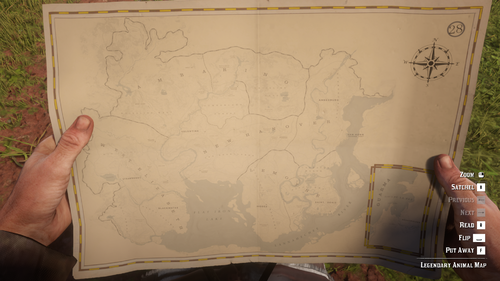
  11. Replaces Legendary Animal Map with a Physical Map
    • 1,088 Downloads
    • 30668 Views
    • 12.83 MB File Size
    • 3 Comments
    Updated
    • 1,526 Downloads
    • 15894 Views
    • 109.57 kB File Size
    Updated
    • 493 Downloads
    • 24162 Views
    • 4.71 kB File Size
    • 2 Comments
    Updated
    • 1,914 Downloads
    • 49321 Views
    • 115.97 kB File Size
    • 1 Comments
    Updated

Account

Navigation

Search

Search

Configure browser push notifications

Chrome (Android)
  1. Tap the lock icon next to the address bar.
  2. Tap Permissions → Notifications.
  3. Adjust your preference.
Chrome (Desktop)
  1. Click the padlock icon in the address bar.
  2. Select Site settings.
  3. Find Notifications and adjust your preference.