Jump to content
View in the app

A better way to browse. Learn more.

RDR2Mods.com

A full-screen app on your home screen with push notifications, badges and more.

To install this app on iOS and iPadOS
  1. Tap the Share icon in Safari
  2. Scroll the menu and tap Add to Home Screen.
  3. Tap Add in the top-right corner.
To install this app on Android
  1. Tap the 3-dot menu (⋮) in the top-right corner of the browser.
  2. Tap Add to Home screen or Install app.
  3. Confirm by tapping Install.
66 files
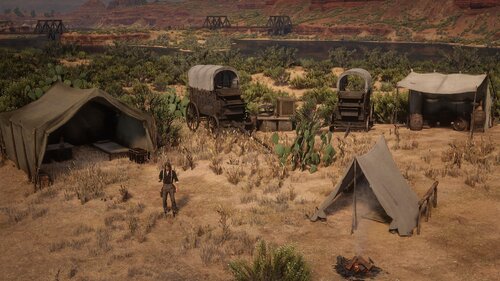
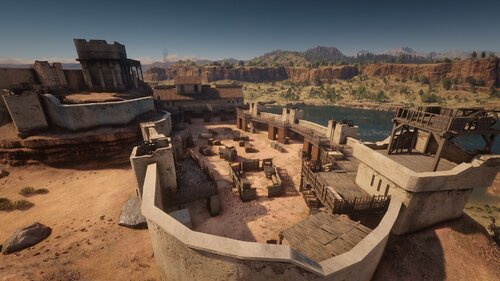
  1. A Railway around Great Plains
    • 1,689 Downloads
    • 27711 Views
    • 28.19 kB File Size
    • 7 Comments
    Updated
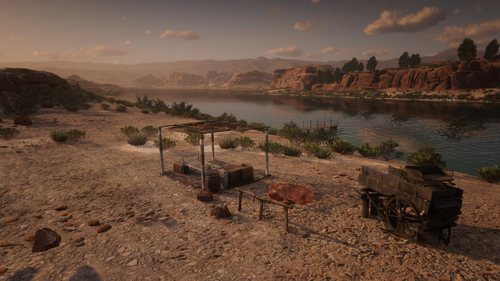
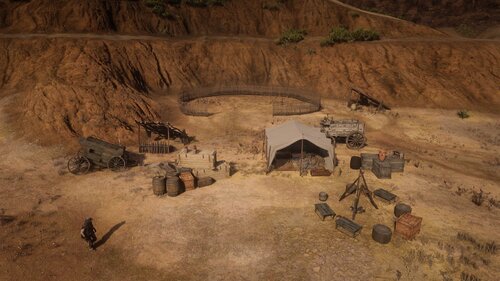
  2. Expansion On RedMaxBR's Mexican Camps mod
    • 607 Downloads
    • 10385 Views
    • 9.44 kB File Size
    Updated
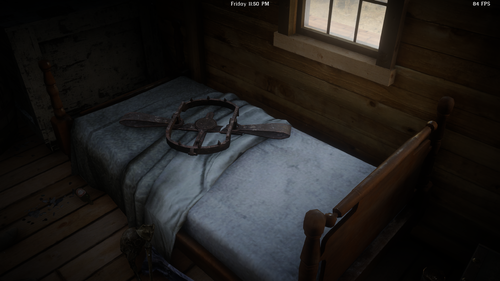
  3. Updated Version Of Frontera Bridge
    • 2,329 Downloads
    • 23496 Views
    • 29.61 kB File Size
    Updated
    • 654 Downloads
    • 10568 Views
    • 9.39 kB File Size
    • 1 Comments
    Updated
    • 179 Downloads
    • 11263 Views
    • 10.43 kB File Size
    • 3 Comments
    Updated
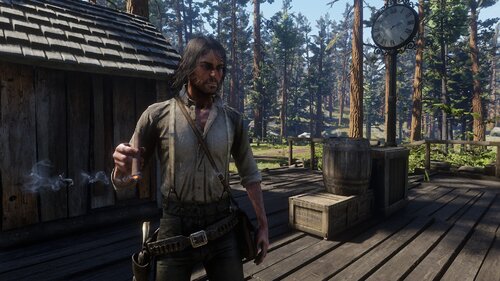
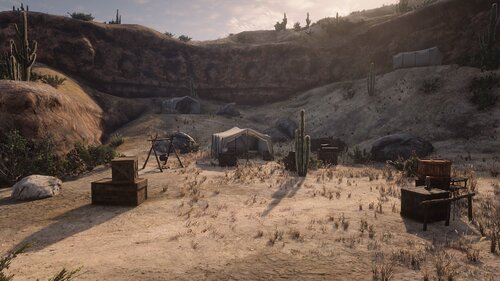
  4. A Reupload of my Manzanita post 1911 map from nexus
    • 769 Downloads
    • 13489 Views
    • 5.79 kB File Size
    Updated
  5. Reupload of my Frontera Bridge Map
    • 1,076 Downloads
    • 11293 Views
    • 26.27 kB File Size
    Updated
  6. Reupload of my El Presidio Map
    • 2,681 Downloads
    • 31017 Views
    • 27.04 kB File Size
    Updated
  7. A Reupload of my Laguna Borrego map from nexus
    • 680 Downloads
    • 8088 Views
    • 3.87 kB File Size
    Updated
  8. A Reupload of My Sidewinder Gulch Map From Nexus
    • 520 Downloads
    • 7465 Views
    • 3.44 kB File Size
    Updated
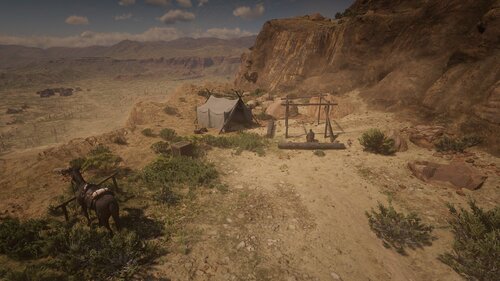
  9. Reupload of my hennigans stead camp map from nexus
    • 351 Downloads
    • 6620 Views
    • 1.61 kB File Size
    Updated
  10. A Reupload of my Irish's Shack Mao
    • 514 Downloads
    • 8878 Views
    • 7.03 kB File Size
    Updated
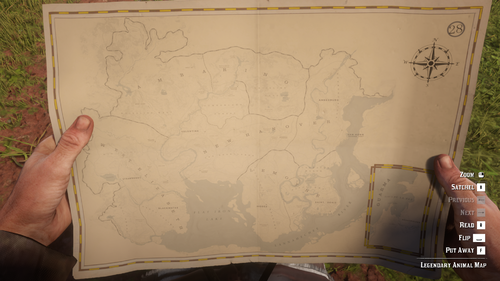
  11. Replaces Legendary Animal Map with a Physical Map
    • 966 Downloads
    • 25759 Views
    • 12.83 MB File Size
    • 3 Comments
    Updated
    • 1,433 Downloads
    • 13413 Views
    • 109.57 kB File Size
    Updated
    • 432 Downloads
    • 20434 Views
    • 4.71 kB File Size
    • 2 Comments
    Updated
    • 1,770 Downloads
    • 43561 Views
    • 115.97 kB File Size
    • 1 Comments
    Updated

Configure browser push notifications

Chrome (Android)
  1. Tap the lock icon next to the address bar.
  2. Tap Permissions → Notifications.
  3. Adjust your preference.
Chrome (Desktop)
  1. Click the padlock icon in the address bar.
  2. Select Site settings.
  3. Find Notifications and adjust your preference.