Jump to content
View in the app

A better way to browse. Learn more.

RDR2Mods.com

A full-screen app on your home screen with push notifications, badges and more.

To install this app on iOS and iPadOS
  1. Tap the Share icon in Safari
  2. Scroll the menu and tap Add to Home Screen.
  3. Tap Add in the top-right corner.
To install this app on Android
  1. Tap the 3-dot menu (⋮) in the top-right corner of the browser.
  2. Tap Add to Home screen or Install app.
  3. Confirm by tapping Install.
392 files
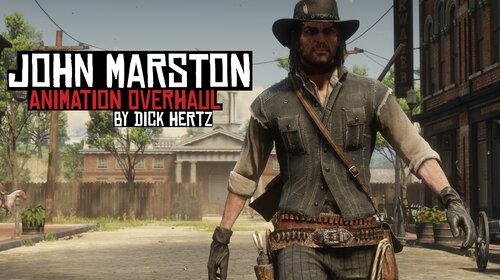
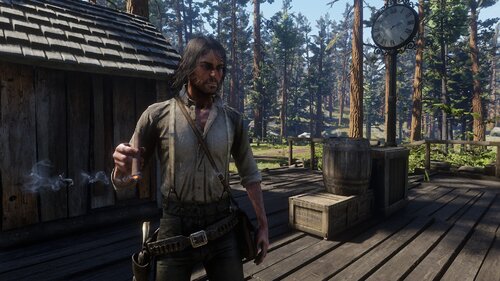
  1. Adds new Beta/RDR1 style animations to John Marston
    • 12,736 Downloads
    • 77413 Views
    • 6.6 MB File Size
    • 7 Comments
    Updated
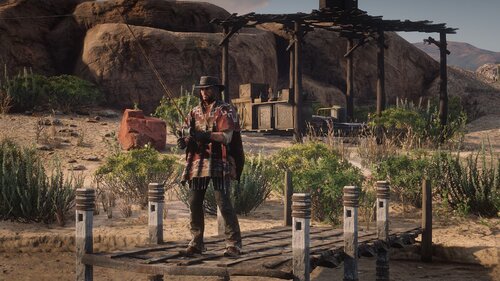
  2. Lets you turn on/off "Wanted Dead Or Alive" zones.
    • 12,029 Downloads
    • 117437 Views
    • 173.33 kB File Size
    • 16 Comments
    Updated
    • 1,696 Downloads
    • 24629 Views
    • 2.25 kB File Size
    • 6 Comments
    Updated
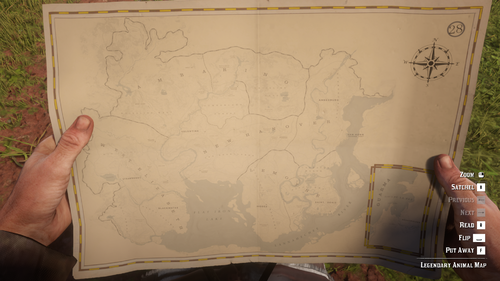
  3. Replaces Legendary Animal Map with a Physical Map
    • 966 Downloads
    • 25759 Views
    • 12.83 MB File Size
    • 3 Comments
    Updated
    • 12,008 Downloads
    • 76088 Views
    • 64.06 kB File Size
    • 6 Comments
    Updated
    • 1,433 Downloads
    • 13408 Views
    • 109.57 kB File Size
    Updated
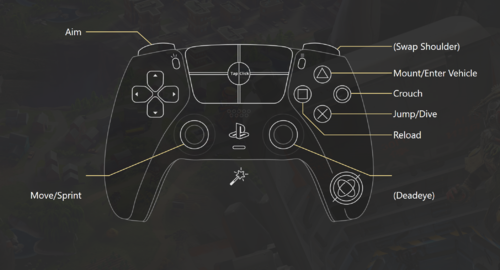
  4. Makes the control scheme more accurate to an actual FPS
    • 537 Downloads
    • 16780 Views
    • 17.18 kB File Size
    • 2 Comments
    Updated
  5. Get everything from the trapper with much less grind
    • 6,574 Downloads
    • 45941 Views
    • 1.6 MB File Size
    • 5 Comments
    Updated
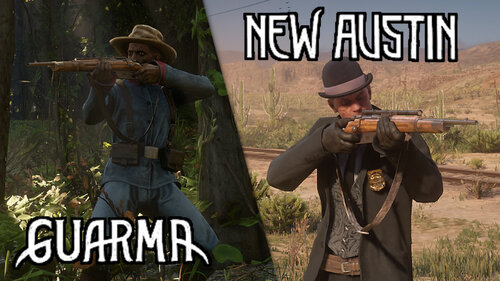
  6. Different Loadouts is a mod that aims to change all npc's weapon loadouts
    • 3,109 Downloads
    • 25031 Views
    • 8.19 kB File Size
    Updated
  7. Makes ALL items available for purchase at Trappers, including debug items and cut items.
    • 38,933 Downloads
    • 183973 Views
    • 3.55 MB File Size
    • 24 Comments
    Updated
  8. Change how close the camera moves to you when you're aiming in third person.
    • 1,045 Downloads
    • 15526 Views
    • 94.38 kB File Size
    • 5 Comments
    Updated
    • 432 Downloads
    • 20433 Views
    • 4.71 kB File Size
    • 2 Comments
    Updated
    • 1,770 Downloads
    • 43549 Views
    • 115.97 kB File Size
    • 1 Comments
    Updated
  9. No more red in deadeye
    • 820 Downloads
    • 20865 Views
    • 1.39 kB File Size
    • 4 Comments
    Updated
    • 3,635 Downloads
    • 26318 Views
    • 72.33 kB File Size
    Updated
    • 49,125 Downloads
    • 185973 Views
    • 58.62 MB File Size
    • 26 Comments
    Updated

Configure browser push notifications

Chrome (Android)
  1. Tap the lock icon next to the address bar.
  2. Tap Permissions → Notifications.
  3. Adjust your preference.
Chrome (Desktop)
  1. Click the padlock icon in the address bar.
  2. Select Site settings.
  3. Find Notifications and adjust your preference.