Skip to content
View in the app

A better way to browse. Learn more.

RDR2Mods.com

A full-screen app on your home screen with push notifications, badges and more.

To install this app on iOS and iPadOS
  1. Tap the Share icon in Safari
  2. Scroll the menu and tap Add to Home Screen.
  3. Tap Add in the top-right corner.
To install this app on Android
  1. Tap the 3-dot menu (⋮) in the top-right corner of the browser.
  2. Tap Add to Home screen or Install app.
  3. Confirm by tapping Install.
400 files
    • 1,228 Downloads
    • 32764 Views
    • 27.02 kB File Size
    Updated
    • 1,233 Downloads
    • 28004 Views
    • 635 B File Size
    Updated
  1. Undead Nightmare
    • 1,272 Downloads
    • 25757 Views
    • 32.77 kB File Size
    Updated
  2. Undead Nightmare4
    • 1,083 Downloads
    • 21800 Views
    • 43.08 kB File Size
    Updated
    • 3,748 Downloads
    • 50691 Views
    • 22.29 kB File Size
    • 4 Comments
    Updated
    • 395 Downloads
    • 20071 Views
    • 21.58 kB File Size
    • 2 Comments
    Updated
    • 367 Downloads
    • 10509 Views
    • 7.46 kB File Size
    Updated
    • 342 Downloads
    • 10060 Views
    • 956 B File Size
    • 2 Comments
    Updated
    • 722 Downloads
    • 9779 Views
    • 31.52 kB File Size
    Updated
    • 2,687 Downloads
    • 25677 Views
    • 280.13 kB File Size
    • 3 Comments
    Updated
    • 431 Downloads
    • 10880 Views
    • 14.43 kB File Size
    Updated
    • 10,078 Downloads
    • 52968 Views
    • 130.44 kB File Size
    Updated
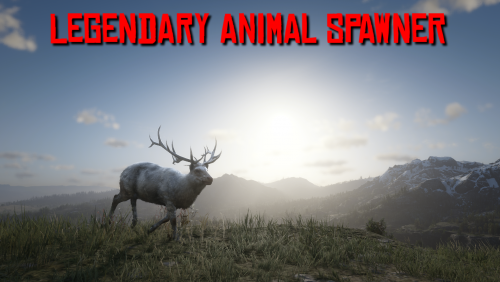
  3. Spawn legendary animals & fish
    • 14,739 Downloads
    • 299515 Views
    • 168.25 kB File Size
    • 11 Comments
    Updated
    • 32,251 Downloads
    • 143759 Views
    • 18 MB File Size
    • 2 Comments
    Updated
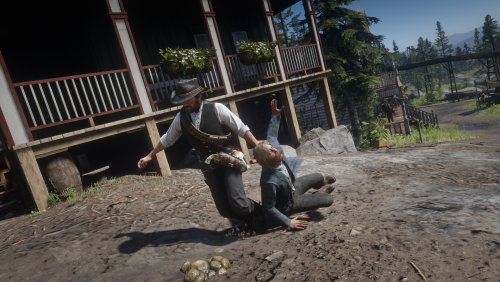
  4. Drag and intimidate peds
    • 27,494 Downloads
    • 177385 Views
    • 160.67 kB File Size
    • 9 Comments
    Updated
    • 1,660 Downloads
    • 30526 Views
    • 207.14 kB File Size
    • 1 Comments
    Updated

Account

Navigation

Search

Search

Configure browser push notifications

Chrome (Android)
  1. Tap the lock icon next to the address bar.
  2. Tap Permissions → Notifications.
  3. Adjust your preference.
Chrome (Desktop)
  1. Click the padlock icon in the address bar.
  2. Select Site settings.
  3. Find Notifications and adjust your preference.