




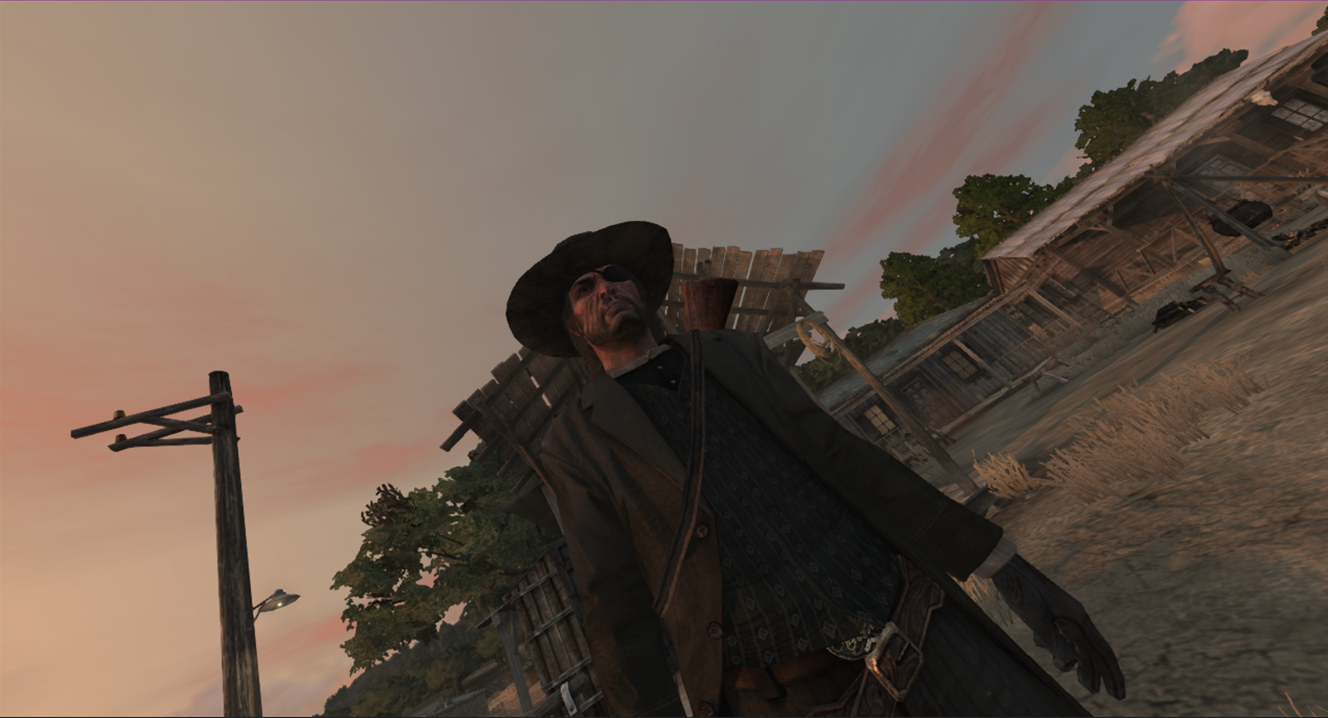
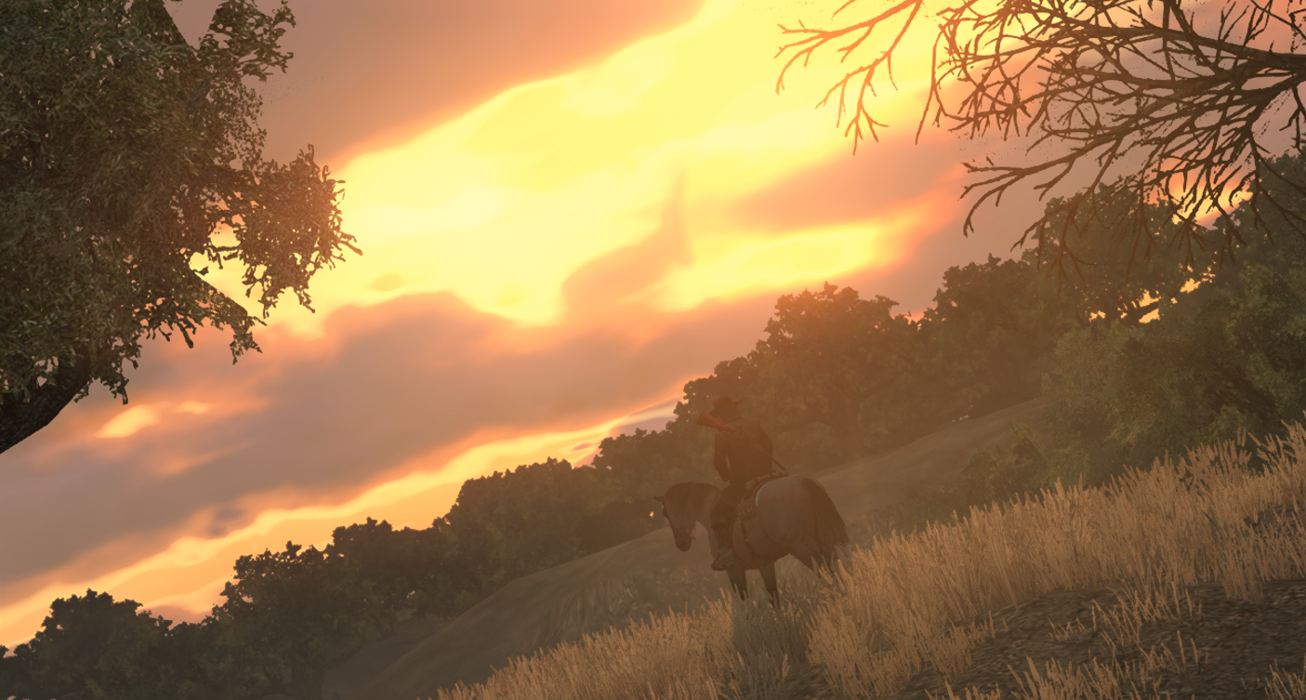
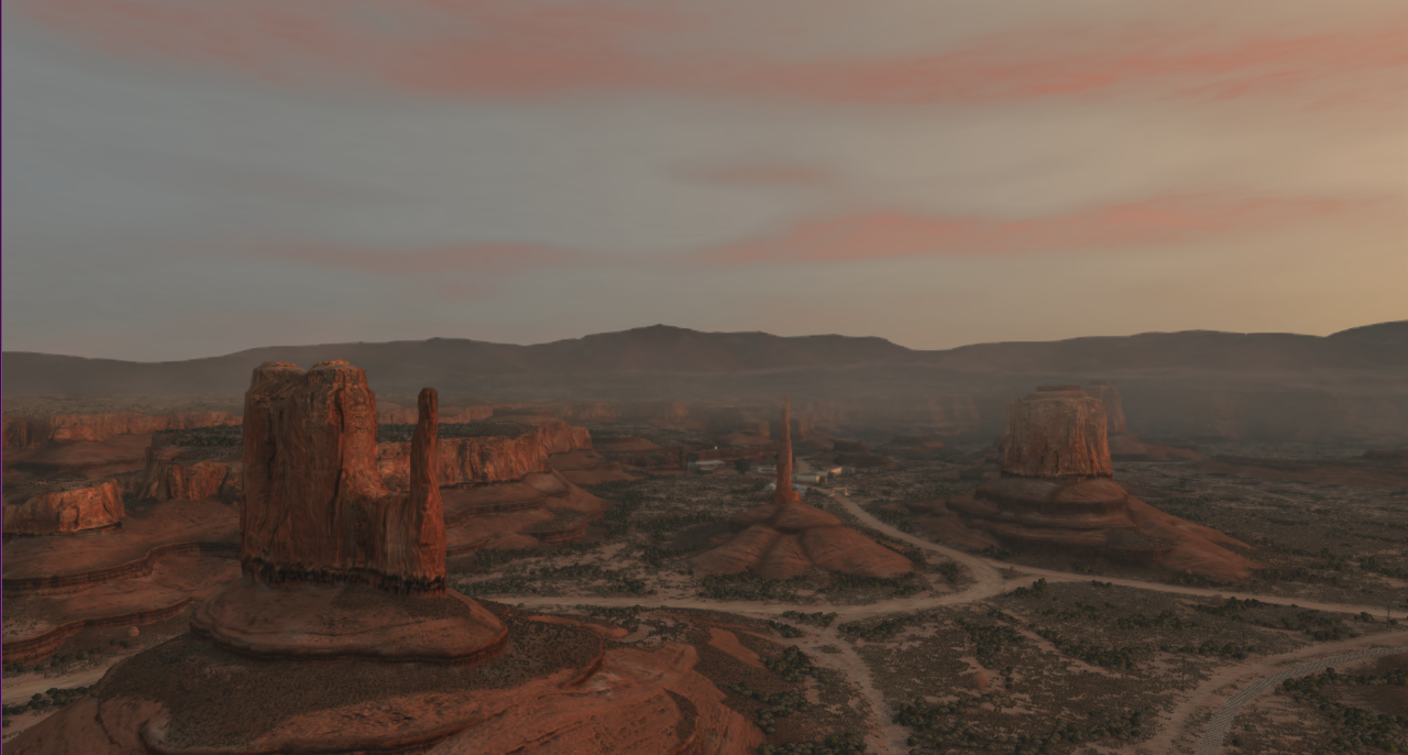
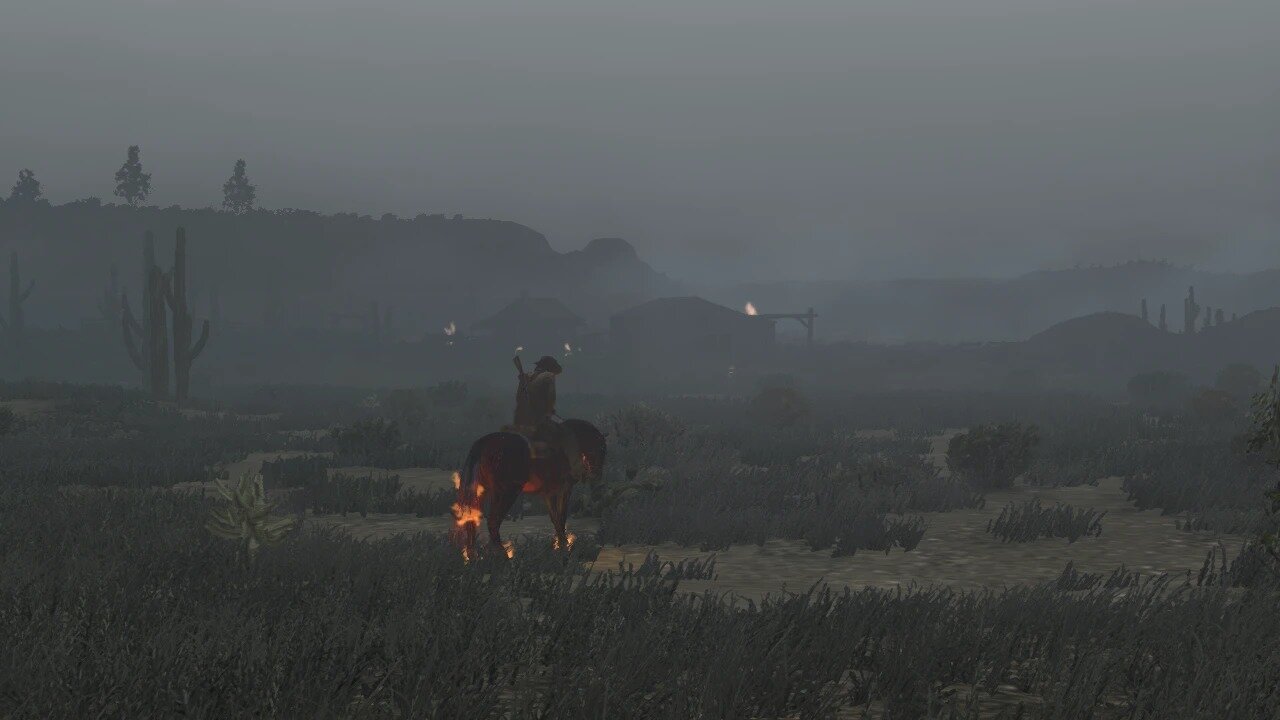
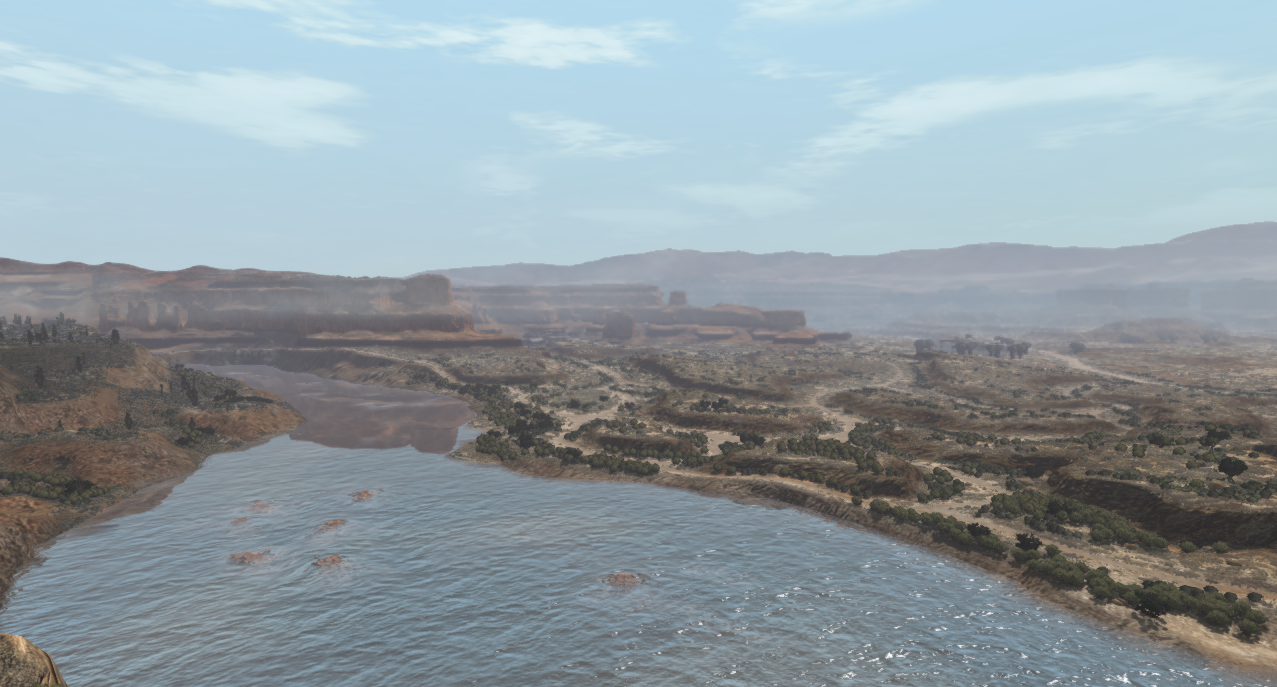
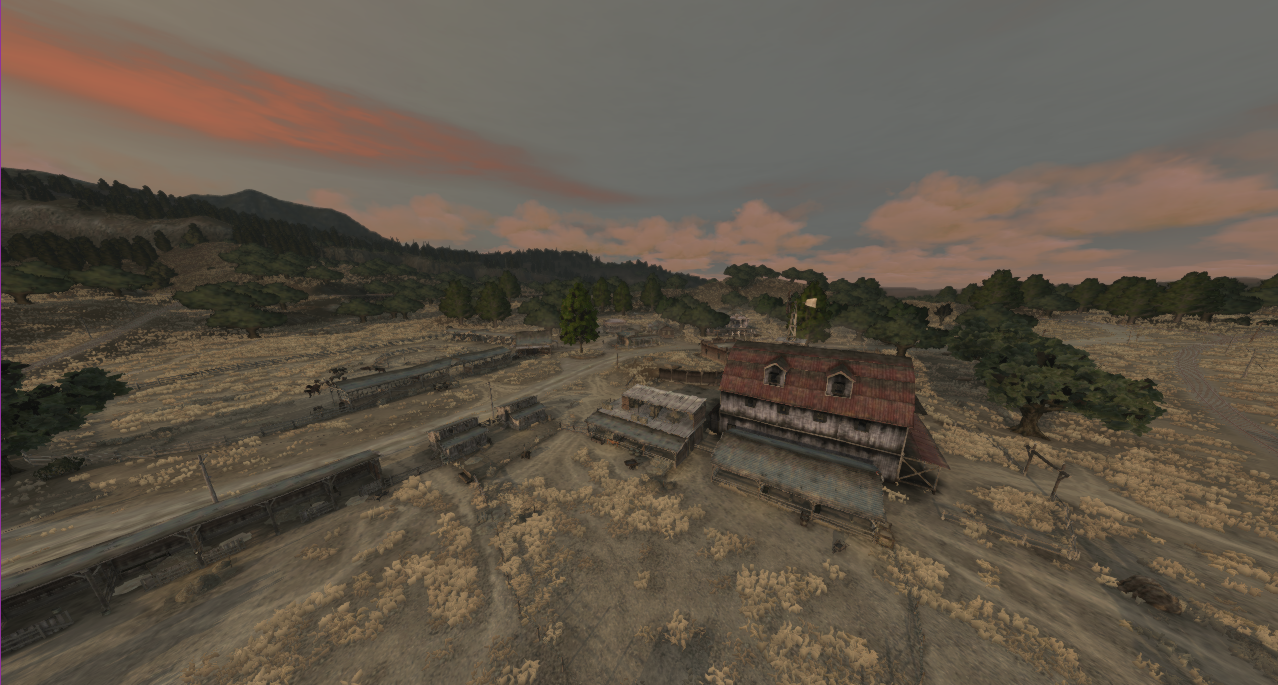
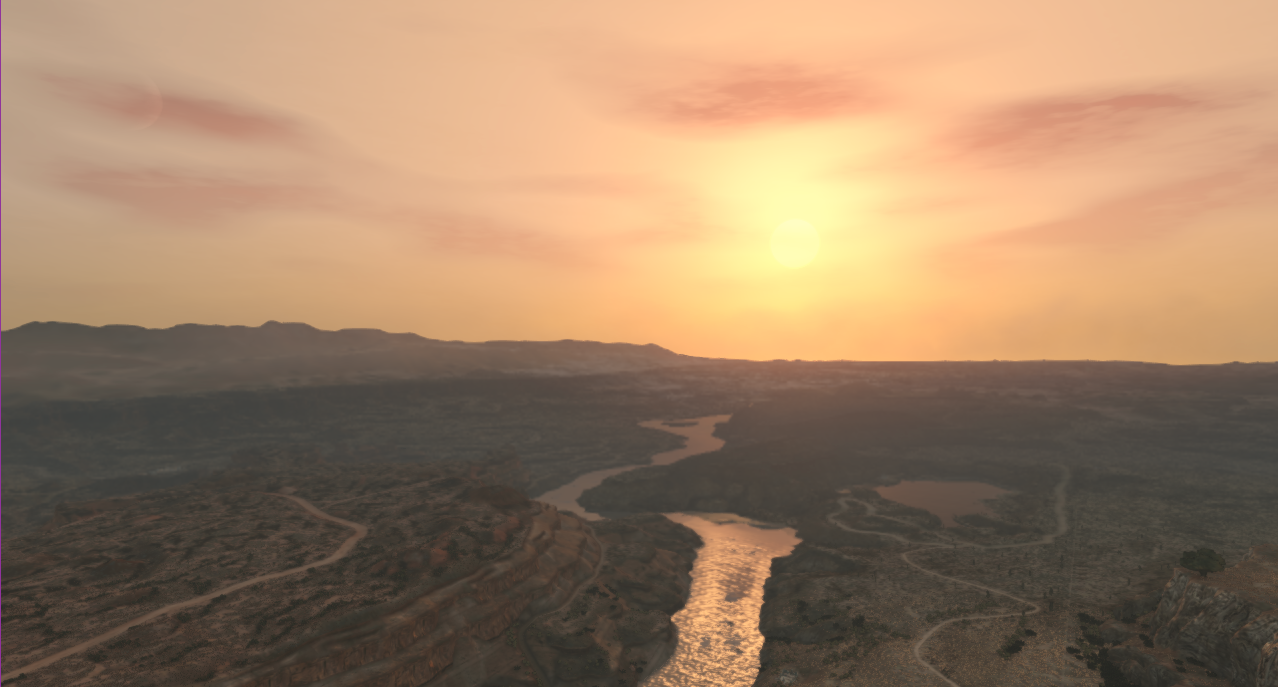
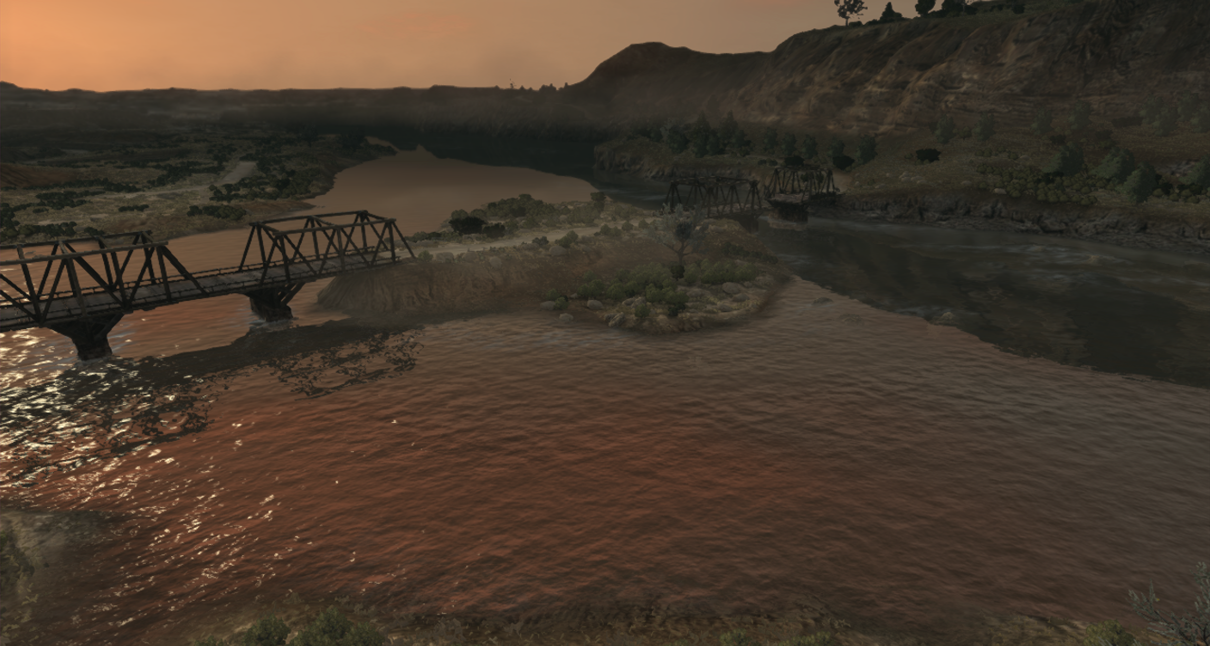
Advanced FREE CAMERA mod that you can enable or disable using F3 or using a custom keybind.
You can change the Freeze/Unfreeze World, Field of View, Roll Left or Right, Move Up or Down, Lift/Teleport Player, etc...
an INI config file to customize various camera settings and Misc Settings as well as Custom Keybinds
INSTALLATION:
- Download the latest version of RedHook from RDR2MODS or Github. Version 0.6 and above
- Extract the RedHook zip file and drag and drop its content to the main RDR1 directory(where RDR.exe is located).
- Now Download FreeCameraRDR.zip.
- Extract FreeCameraRDR.zip and Copy FreeCameraRDR.red and FreeCameraRDR.ini to the main RDR1 directory(where RDR.exe is located).
Change Logs:
ChangeLog 2.1.1
- Added a New Custom Keybinds section in the INI file
- Custom Keybinds Can also be displayed in the Mod's help menu In-Game
- Adjusted a Bunch of Text Related Stuff
- Some other improvements
ChangeLog 2.0.0
- Replaced the FreeCameraRDR Menu Elements with a completely New Look
- Added Ability To Hide/Unhide the FreeCameraRDR Menu and Game Map
- Replaced the Slow Time Feature with a Freeze/Unfreeze World
- Added Ability To Advance or Reverse the Time of Day
- Added Ability to Change The World's Weather
- Added A Lift/Teleport Feature Which can Potentially Fix the NPCs not loading/Freeze World stops working after getting too far from the player
- Fixed an issue with Wrong Free Camera Direction When Toggled On
- Support for the Latest RedHook Update v0.5b
ChangeLog 1.2.0
- Added a Slow Time feature that lets you Slow the World timescale
- Added Invert Mouse X and Invert Mouse Y options in the INI config file
- Added an Option to Enable or Disable the Help Menu when Toggling on the FreeCamera
- Added a Reset Roll button
- Changelog 1.1.1
- Added a Teleport Player to the Camera Position Feature
- Minor Tweaks
Changelog 1.1.0
- Added an INI file to config various Camera settings
- Added Ability to Load INI settings while in-game by pressing F1, so you can tweak values without restarting the game
- Added Ability to Roll the Camera Left and Right
- Added Ability to Move the Camera Up and Down
Controls:
- Enter the Game and Press F3 to Activate FreeCamera
- WASD to move the camera
- Space/Left Control to move Up or Down
- Z/X to Roll the Camera Left or Right, V to Reset Roll
- Hold Shift to Boost
- Q/E to Change the FOV
- R to Reset FOV
- U to Lift/Teleport Player to Camera Position
- J to Freeze/Unfreeze The Game's World
- Num+ or Num- to Advance/Reverse Time of Day
- Num1 or Num3 to Change the Weather
- H to Hide or Unhide the Help Menu
- F1 to load INI settings
- Quit the FreeCamera Using F3
Note: You can edit the INI settings While in-game, Click F1 to load the settings.
Note: Getting too Far from the Player can Cause NPCs and World Events to stop loading as well as Disabling the World Freezing, Make sure to Lift the Player or Teleport it near the Camera
Note: If you Lifted the Player Make sure to Press U again to teleport it before Quitting the FreeCamera Mode
Note: You can set custom keybinds for various Free Camera options
Edited by Mr.SuS.60
What's New in Version 2.1.2
Released
- Help menu shows as soon as the mod is enabled
-
 2
2
Recommended Comments
Create an account or sign in to comment