Jump to content
View in the app

A better way to browse. Learn more.

RDR2Mods.com

A full-screen app on your home screen with push notifications, badges and more.

To install this app on iOS and iPadOS
  1. Tap the Share icon in Safari
  2. Scroll the menu and tap Add to Home Screen.
  3. Tap Add in the top-right corner.
To install this app on Android
  1. Tap the 3-dot menu (⋮) in the top-right corner of the browser.
  2. Tap Add to Home screen or Install app.
  3. Confirm by tapping Install.

Search 11413 components


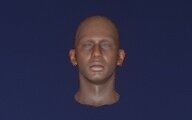
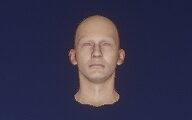
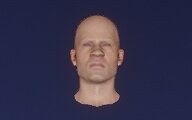
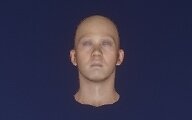
  1. 7150F35A
    7150F35A

    Male Multiplayer
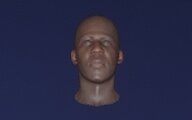
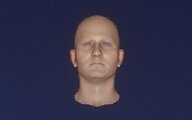
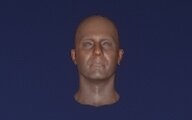
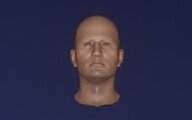
  2. 729570C7
    729570C7

    Male Multiplayer
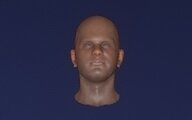
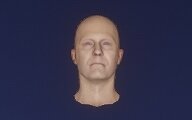
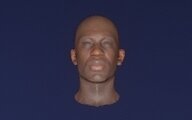
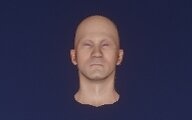
  3. 7320223C
    7320223C

    Male Multiplayer
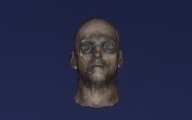
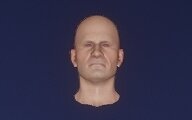
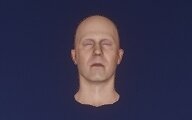
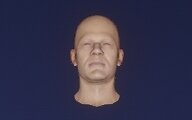
  4. 76C72AE8
    76C72AE8

    Male Multiplayer

  5. 771A7EE9
    771A7EE9

    Male Multiplayer
  6. 7AFEF216
    7AFEF216

    Male Multiplayer
  7. 7B035098
    7B035098

    Male Multiplayer
  8. 7BE9E352
    7BE9E352

    Male Multiplayer

  9. 7D7AA347
    7D7AA347

    Male Multiplayer
  10. 8036DB0B
    8036DB0B

    Male Multiplayer
  11. 8239BA1C
    8239BA1C

    Male Multiplayer
  12. 839997EF
    839997EF

    Male Multiplayer

  13. 84F3E485
    84F3E485

    Male Multiplayer
  14. 8574F682
    8574F682

    Male Multiplayer
  15. 87198A9F
    87198A9F

    Male Multiplayer
  16. 876B1FAE
    876B1FAE

    Male Multiplayer

  17. 89556A4D
    89556A4D

    Male Multiplayer
  18. 89601857
    89601857

    Male Multiplayer
  19. 8B921D0F
    8B921D0F

    Male Multiplayer

Configure browser push notifications

Chrome (Android)
  1. Tap the lock icon next to the address bar.
  2. Tap Permissions → Notifications.
  3. Adjust your preference.
Chrome (Desktop)
  1. Click the padlock icon in the address bar.
  2. Select Site settings.
  3. Find Notifications and adjust your preference.