




File Comments posted by alfabravozapa
-
-
 On 9/17/2024 at 6:41 PM, No Nose Megly said:
Ground breaking companion mod.
I can now take a bath with Sadie.
Issues:
Sadies animations seem "off" as if she's using male animations.
Can you make it so she won't whistle if "ride with me" is selected?
Please consider Abigail character companion.
Thanks you so much for the mod.
Will add Abigail at some point when the mood strikes...
-
 1
1
-
-
On 8/29/2024 at 9:00 PM, DanWP38 said:
I don't see any 'How to Install' instructions. I see 2 folders in the download: Mary Linton, Lml, and a Mary Linton.asi file. Where do I put them? All 3 in the main RDR2 folder? The Lml folder already exists in the main folder (with all the Lml mods).
Okay, took a chance and just installed into the main folder. That seemed to work, because now she drops in a few seconds after I do (wherever I'm at). But SADLY, as soon as she appears she falls to the ground moaning and groaning. I bend down and the Help Circle appears with an X. I hit it till it finishes. She tries to get up, then falls back down again. Over and over. I exited and reloaded, same thing. Tried it again. Same thing. Only once did she actually get up. Then she rode her horse into a corral fence, fell off, and we started all over again with the moaning and groaning.
Any idea what I should do here?Probably a conflict with another mod that affects health. Try setting ENABLE_WOUNDED_STATE in the .ini to 0;
-
-
-
-

In the .ini change from this:
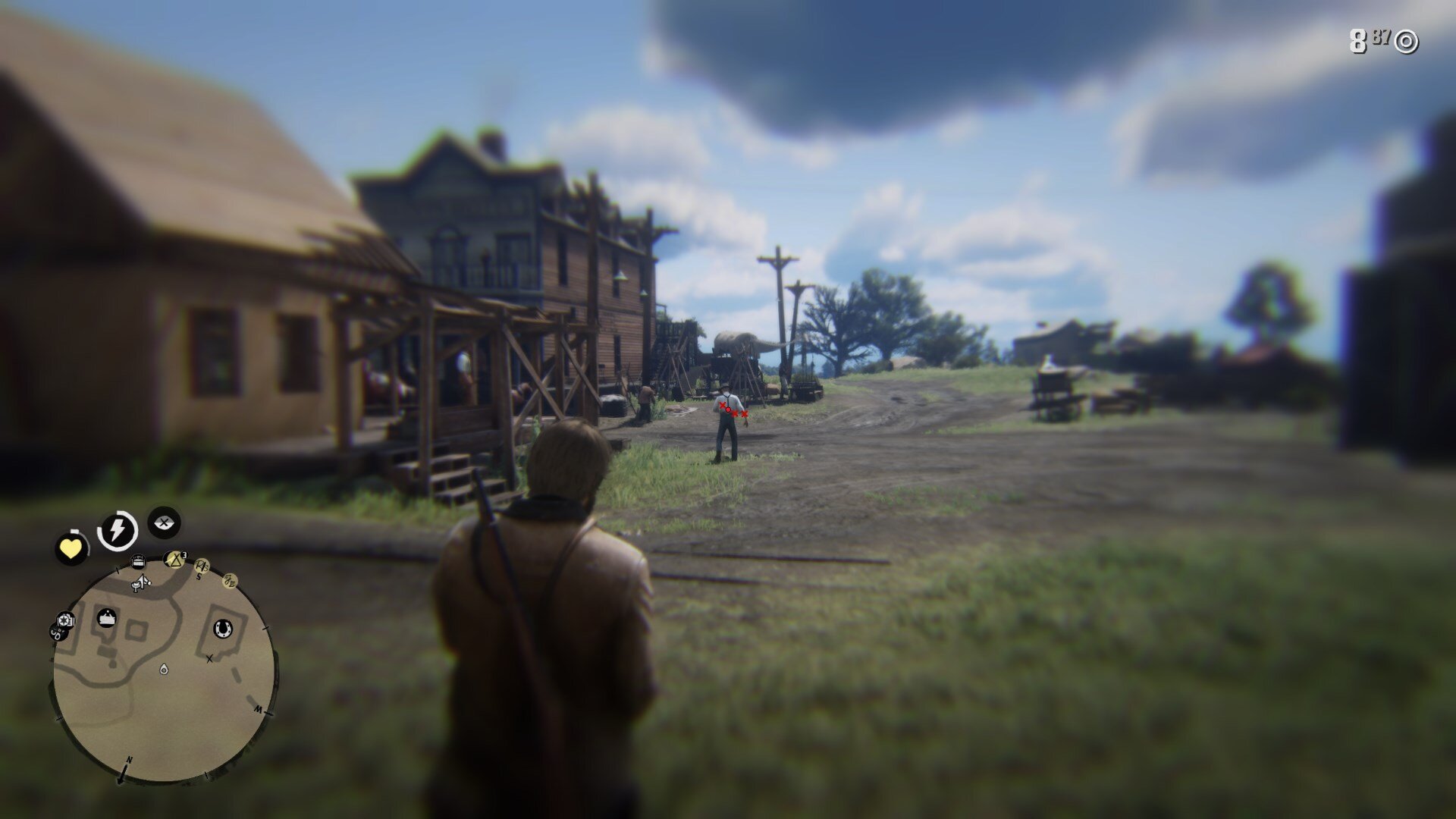
[CORE_POSITION] #Increasing X value moves core to the right, Increasing Y value moves core down. WIDTH and HEIGHT change how big the cores are.
THIRST_CORE_X=141
THIRST_CORE_Y=755
FOOD_CORE_X=155
FOOD_CORE_Y=795WIDTH=242
HEIGHT=430to this:
[CORE_POSITION] #Increasing X value moves core to the right, Increasing Y value moves core down. WIDTH and HEIGHT change how big the cores are.
THIRST_CORE_X=182
THIRST_CORE_Y=687
FOOD_CORE_X=198
FOOD_CORE_Y=750WIDTH=342
HEIGHT=608Cores will be moving a little though when you open the weapon wheel but that is something I would have to fix...
Does not matter where you ask the questions...
-
On 11/10/2023 at 2:55 AM, notjasonlee said:
Fantastic mod, but the state of the cores seems to get worse as you reload games. Does it not store the state of the cores based on the save? My horse died because I kept having to retry a checkpoint in a mission over and over again, then ended up nowhere near water with my horse at 0 thirst. It tripped once then didn't get up, dead with no option to revive.
Can not save state of the cores based on the save. I suggest you disable the mod during the missions or set health drain to 0.
-
-
 4 hours ago, Buford T Justice said:
This sounds like an amazing mod, but, script hook seems to be no longer available. Is there anyway around this?
You can also use this one: https://www.nexusmods.com/reddeadredemption2/mods/1472?tab=posts
-
-
-
-
12 minutes ago, dgduvall said:
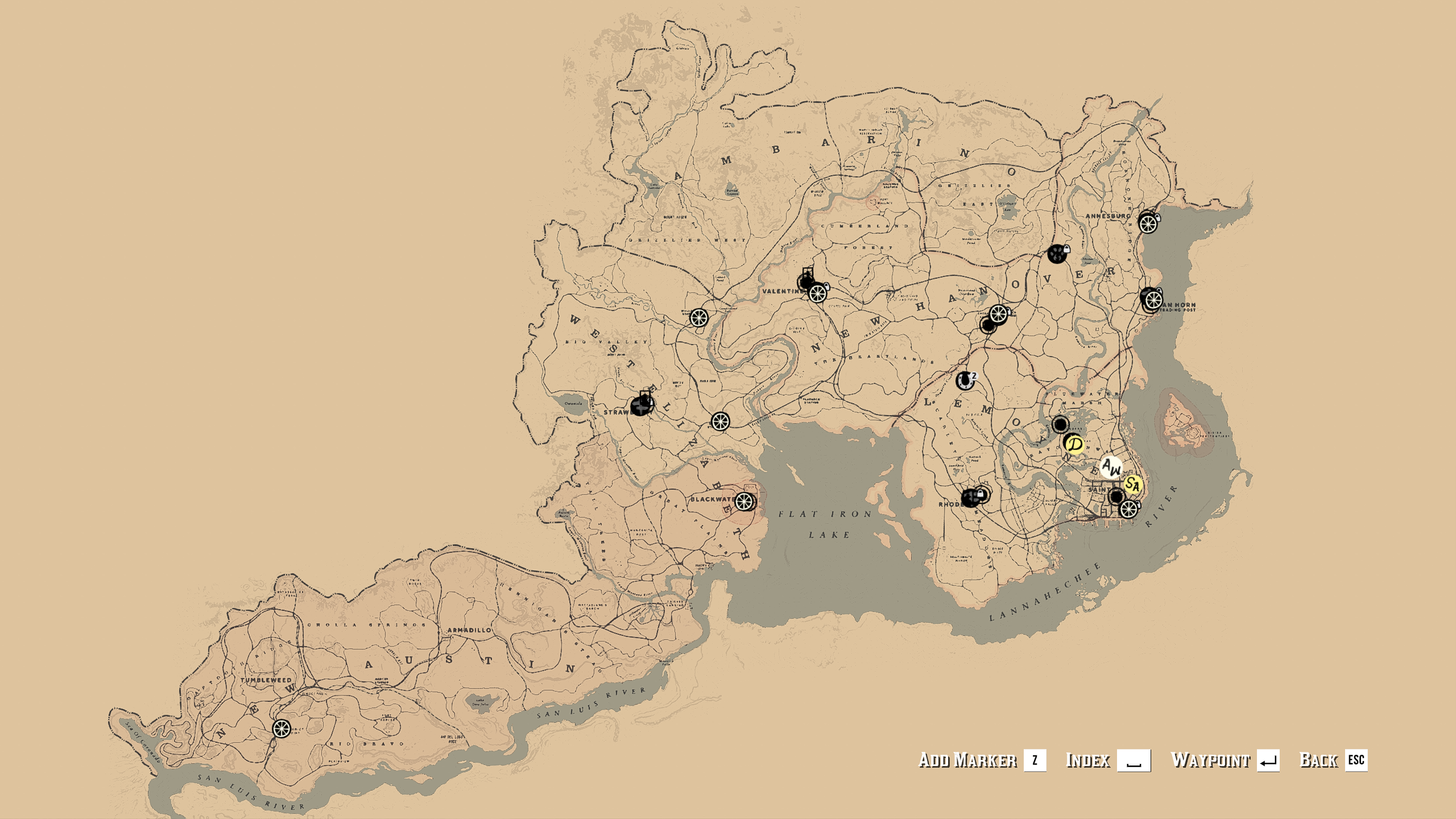
After I installed this (using LML), I see the map has been changed but I cannot zoom like I could before. I assume I'm doing something wrong but has anyone else suffered this way? 🙂
If you play with a controller the zoom in will always center on your character and give out your location. It is disabled in the controller version for that reason.
-
-
-
-
 20 hours ago, micksteel121 said:
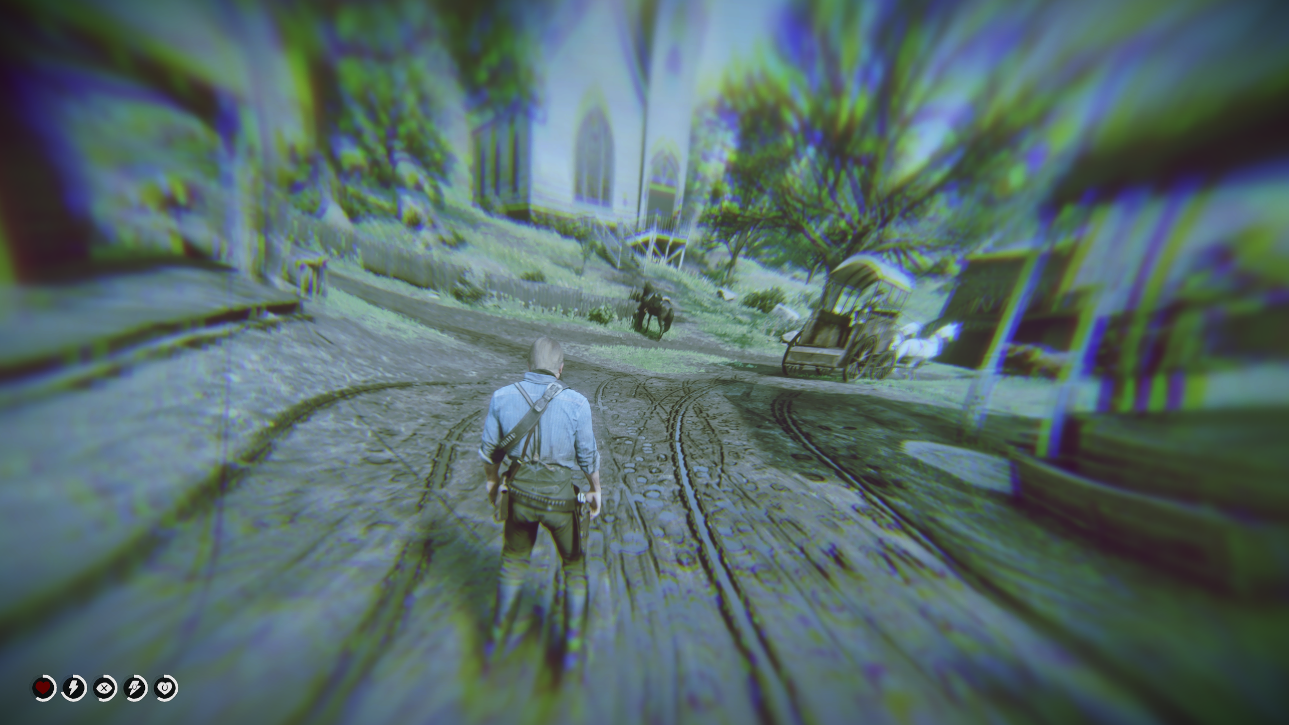
Nice mod, i was trying to figure out how to get rid that annoying noise. is there a way to get rid of the stupid visual effect too, like when you change into a npc model and drink something that red glare keeps popping up. i thought the file was lutpostfx but its not working when i replace it. thanks
I do not know how to do it but there are mods that remove dead eye filter so it is probably possible to remove other filters too.

Mary Linton Joins The Gang
in Scripts
Requirement can be turned off in the .ini file .