





Shawgydog
Members
-
Joined
-
Last visited
-
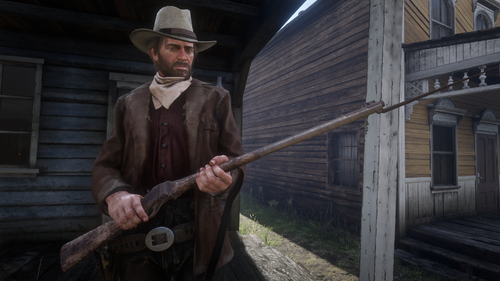 Hey hope you don't mind me asking but what mod did you use to get that outfit for Arthur @KristianD3 ? Also what pieces of clothing if you could remember off the top of your head?
 -
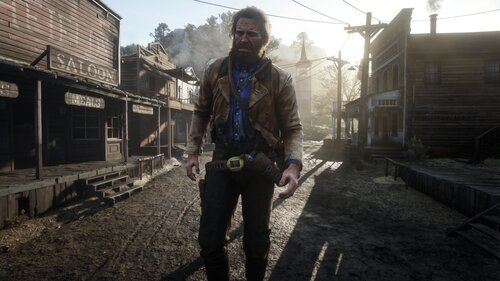 Welp this fixed it and I thought it was some complex issue. Thank you scrum69!
- 1,356 comments
- 25 reviews
-
For some reason the game will close the instant it opens up. Like on Rockstars Launcher it will say Launching then Quitting before it even pops up on my taskbar. If I just remove the lst.ini it will work. Probably because the mod needs that file but yeah that's how I've stopped the crashing without removing all of the files.
- 1,356 comments
- 25 reviews
-
Don't know why but right now lst.ini is what was causing RDR2 to crash before even popping up on my screen. I'd hear the three beeps and then the fourth one a second later and then it immediately quits out. Took out all existing mods to be 100% sure of this and for some reason that's the culprit.
- 1,356 comments
- 25 reviews