Skip to content
View in the app

A better way to browse. Learn more.

RDR2Mods.com

A full-screen app on your home screen with push notifications, badges and more.

To install this app on iOS and iPadOS
  1. Tap the Share icon in Safari
  2. Scroll the menu and tap Add to Home Screen.
  3. Tap Add in the top-right corner.
To install this app on Android
  1. Tap the 3-dot menu (⋮) in the top-right corner of the browser.
  2. Tap Add to Home screen or Install app.
  3. Confirm by tapping Install.

RedMaxBR

Recognized Creator
  • Joined

  • Last visited

File Comments posted by RedMaxBR

  1. Great Plains Railway

       1,793    7

    24 minutes ago, 32Redfire said:

    So I’ve tried everything but it won’t show up in game pleas if any can help me I don’t know if the files are supposed to be in a folder or what 

    add the files on the lml/stream folder

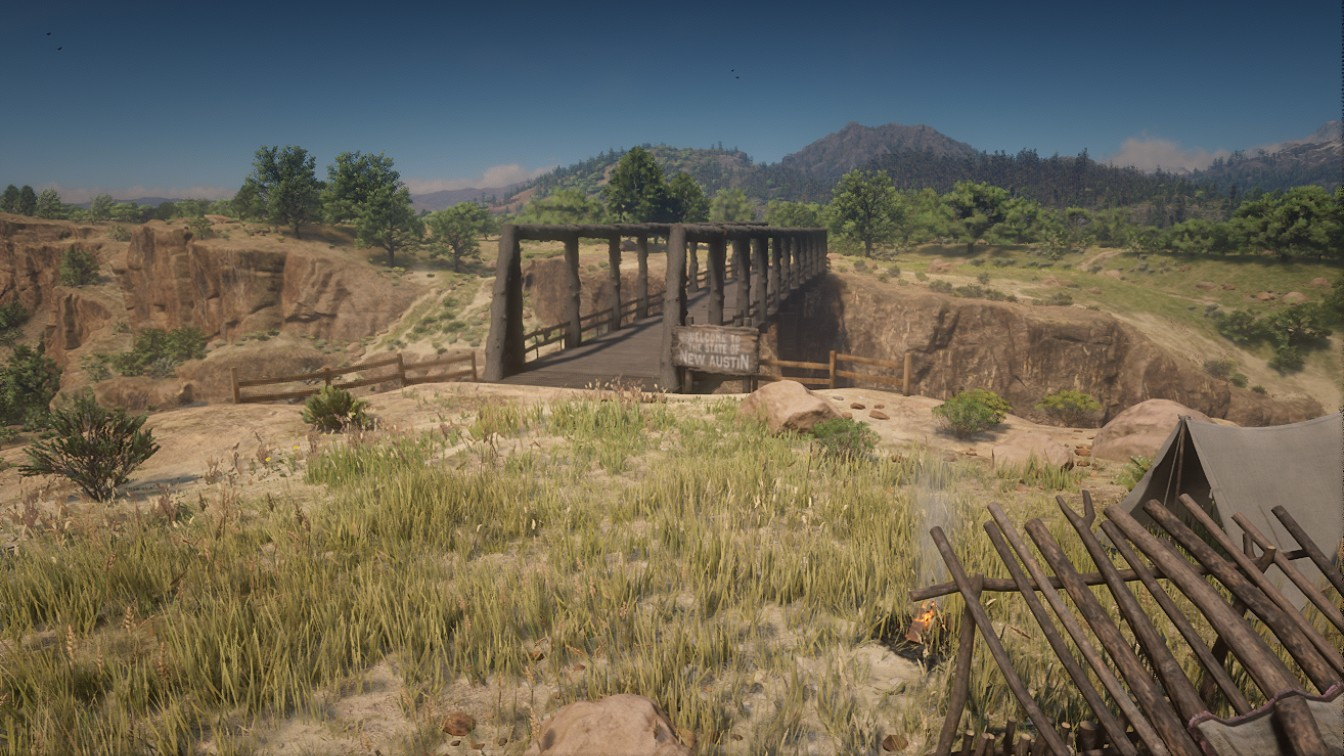
  2. Butter Bridge

       1,902    5

    ·

    Edited by RedMaxBR

    4 hours ago, r6751 said:

    The latest map editor that I have will not save ymap without freezing. Please tell me/direct me to the version map editor you used for this.

    The version I have is 8.0 with the menu option to save as ymap. It only fails when I try to save that type. XML maps save fine.


    1.6 i guess

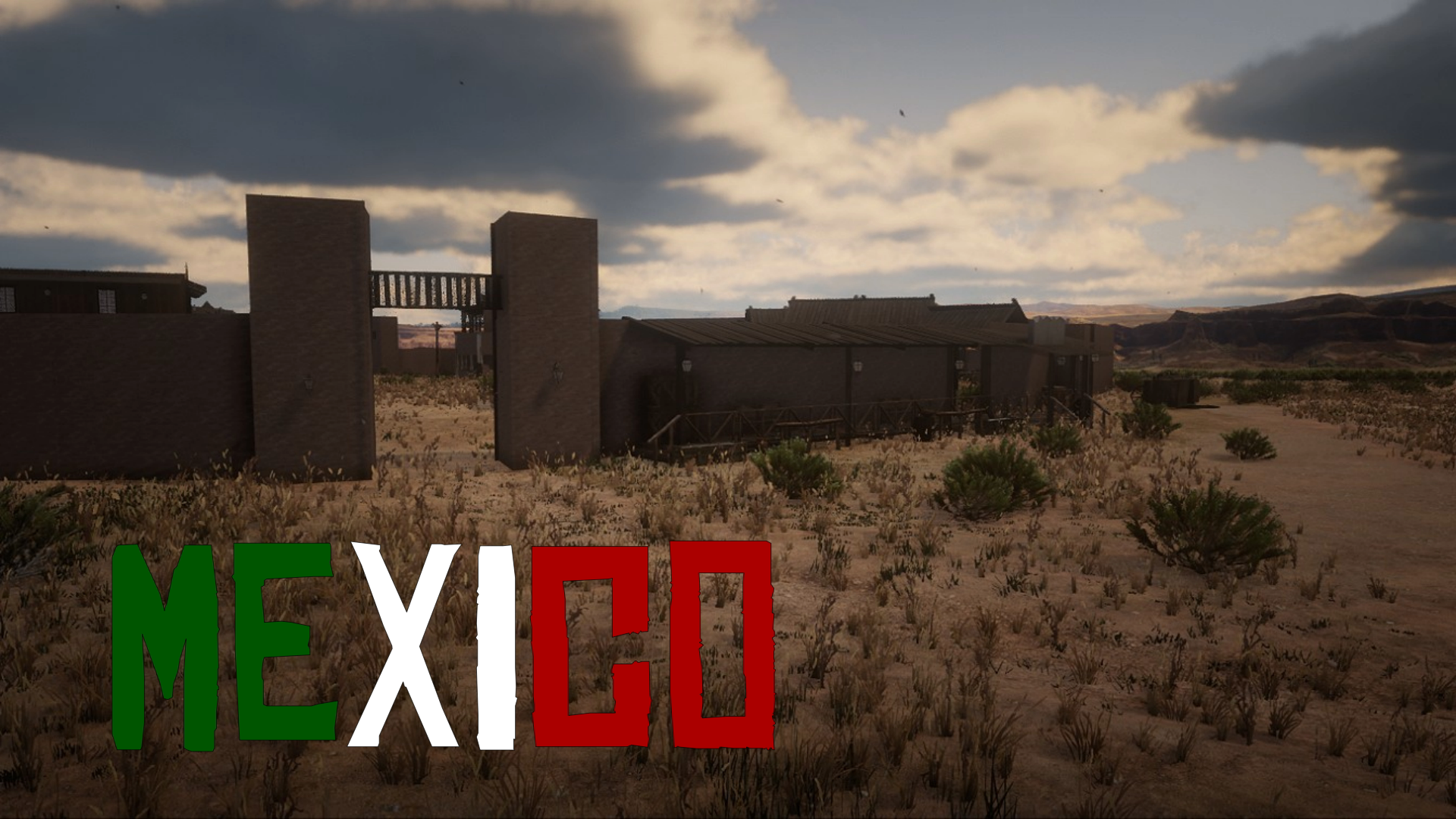
  3. Chuparosa (Mexico)

       3,145    5

    ·

    Edited by RedMaxBR

    3 hours ago, Migbuild Xd said:

    You cant delete all those plants that are everywhere?  Its a very cool mod tho

    It's probably possible, but I don't know how

    Thanks

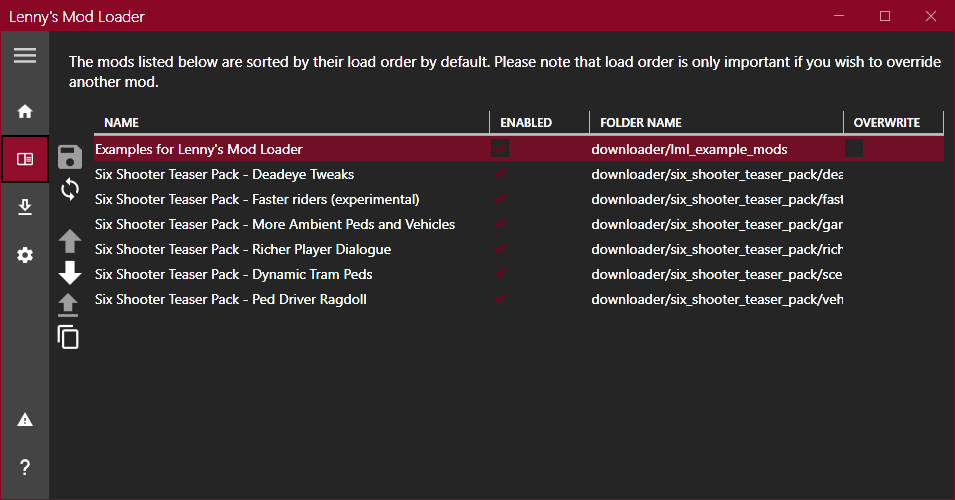
  4. Lenny's Mod Loader RDR

       4,461,224    779

    ·

    Edited by RedMaxBR

    i don't know what's going on with my lml, it just stopped working, and i haven't downloaded any other mods for it, now i can only log into the game if i take the vfs.ini, does anyone have a solution for this problem?

Account

Navigation

Search

Search

Configure browser push notifications

Chrome (Android)
  1. Tap the lock icon next to the address bar.
  2. Tap Permissions → Notifications.
  3. Adjust your preference.
Chrome (Desktop)
  1. Click the padlock icon in the address bar.
  2. Select Site settings.
  3. Find Notifications and adjust your preference.