





PillBilly
Members
-
Joined
-
Last visited
-
 Lenny you're amazing, great work. FYI the burle option turns invisible on the Hoodlum revolver, only bug i've seen so far.
- 488 comments
- 15 reviews
-
 @LMS No I actually had a case of installing mods incorrectly, there was no money, items, horse had no saddle at all. It was exactly what @JammyDodger was describing. I did a clean reinstall and everything was fine. I think what you're thinking of is the recent update to LML that removed the the handful of UI bugs that Navy Revolver SP mod had.
- 102 comments
- 2 reviews
-
-

- 1
-
-
Isnt the .asi file supposed to be in the root directory not lml? Youre amazing btw.
- 488 comments
- 15 reviews
-
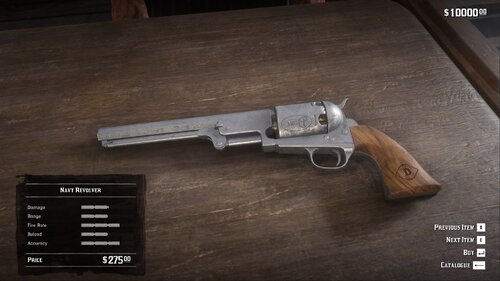
Does exactly what it says and adds the the Navy Revolver. It also provides easy to follow instructions on how to installs its dependencies. It looks and shoots badass. Almost no clipping at all. Wouldn't recommend adding long barrel to it as it's already huge. It can be easy to screw up the installation, read carefully. The Only serious issue is some icons will disappear as well as some maps, documents, random inventory items. I'm sure it will get worked out tho.
- 102 comments
- 2 reviews
-
Same thing happened to me, I screwed up LML/LST. Ending up doing a fresh install.
- 102 comments
- 2 reviews
-
-

- 1
-
-
Crazy how a modder fixed a highly annoying glitch before the dev's.