





RacerM53
Members
-
Joined
-
Last visited
-
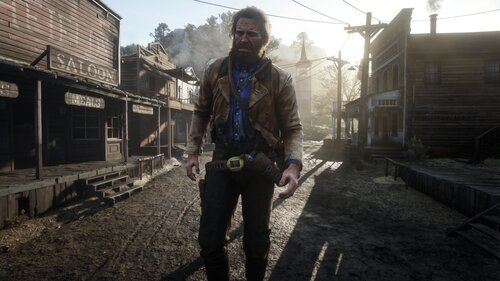 got the trainer woorking but I have some small problems. First when I change my model I just die and second the list of models is very small. It stops at "Braithwaitsecret" (spelling) and I really wanted to play as the robot. Do I need to install more models separately and if so how? Any help would be appreciated.
- 1,356 comments
- 25 reviews
-