





bellisperennis
Members
-
Joined
-
Last visited
-
 fix posted above, make sure your scripthook ini looks like this [Overlay] enable=false interface=false
- 8 comments
- 1 review
-
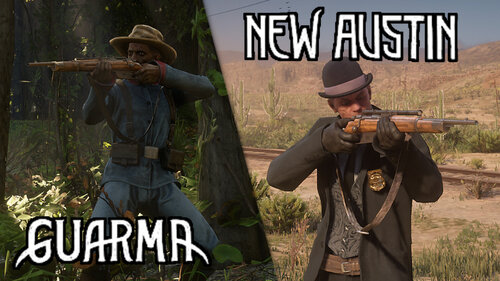
made my account to leave this comment... as others have said, this mod results in a black screen... BUT it can work... you have to open the scriptloader ini and make sure "overlay" and "enable" are set to false. after doing that the games boots up and I can personally confirm that you can make it all the way to tumbleweed with arthur without issue. I should also add that prior to installing this mod I also used Lockdown Menu Manager to remove the Wanted status from the map.
- 8 comments
- 1 review
-
works, but had to tinker the scriptloader ini because its outdated and not compatible with scriptloader v2. simple enough though and im chillin in new austin in chapter 2 with arthur :)
- 8 comments
- 1 review