greenraven
Members
-
Joined
-
Last visited
-
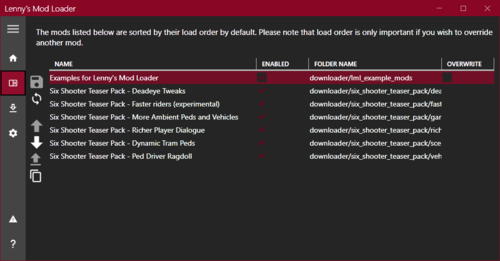 Followed the video to a "T". Downloaded the script thing for the mod per mod instructions. Mod not showing up in my game. I have been trying to get a mod to work in my game off and on all day. Not only that but in mod manager the mod is now showing up twice. Or the mod manager will not open. This stinks. I really wanted to try a mod in RDR 2 but because of how complicated it has to be guess I am out on trying mods.
- 779 comments
- 6 reviews
-