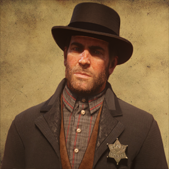
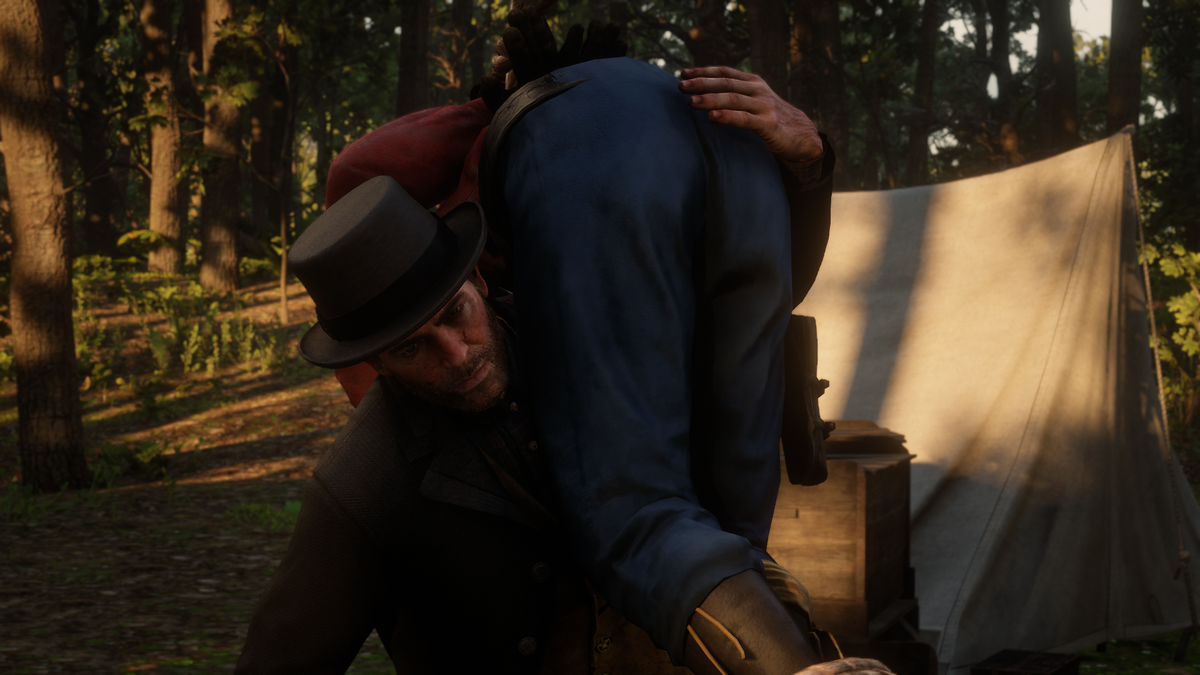
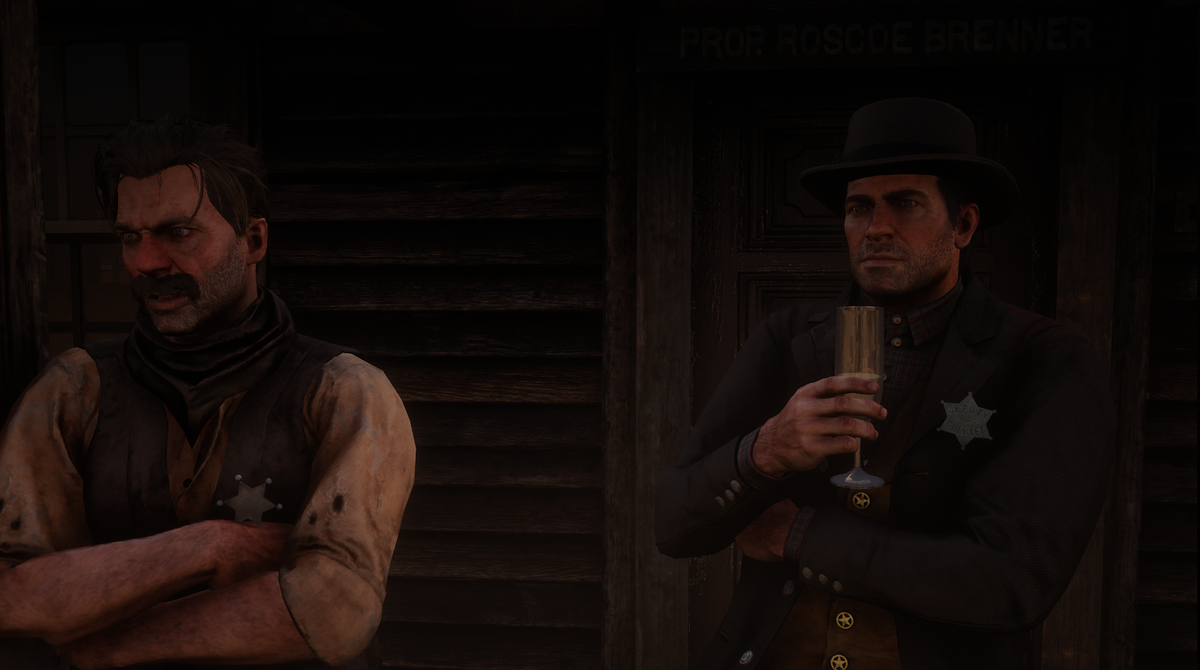
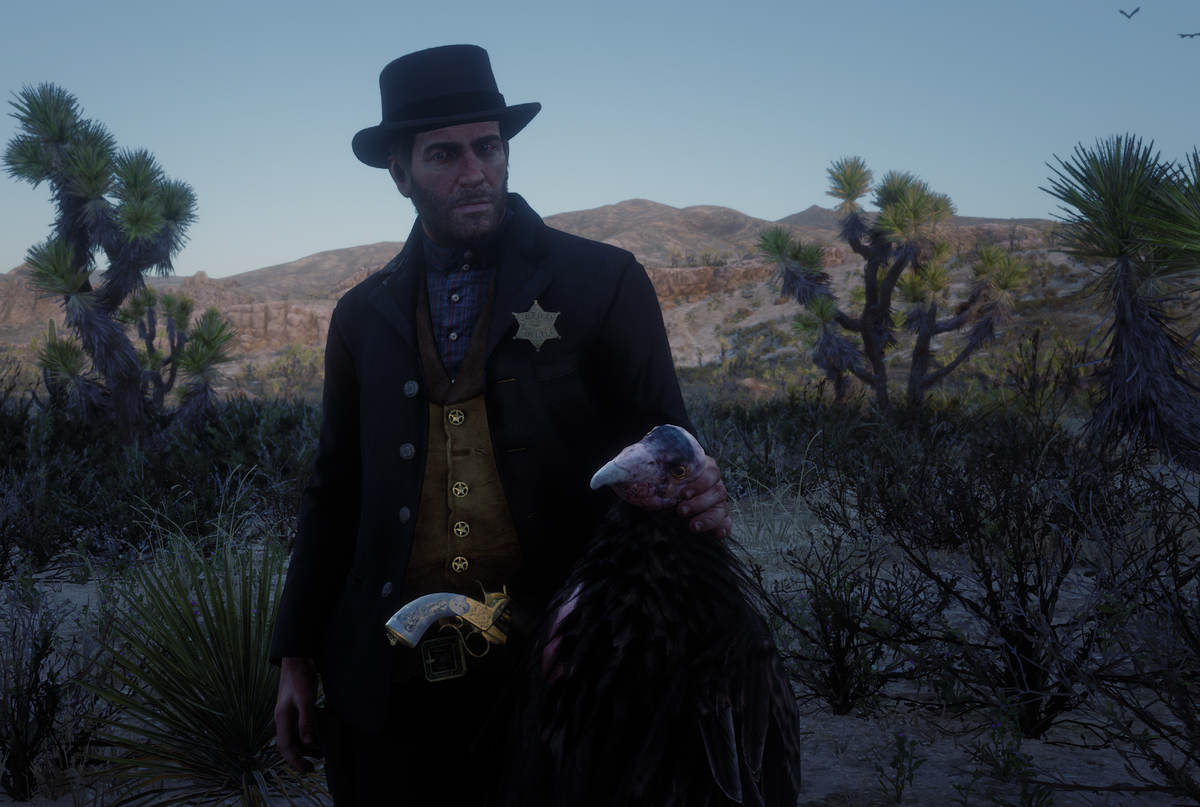
Officer Joey Kuffman
Members
-
Joined
-
Last visited
-
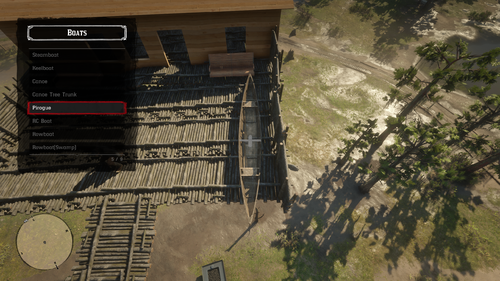 costum input in the menu
 -
crashed right away when pressed costum input
-
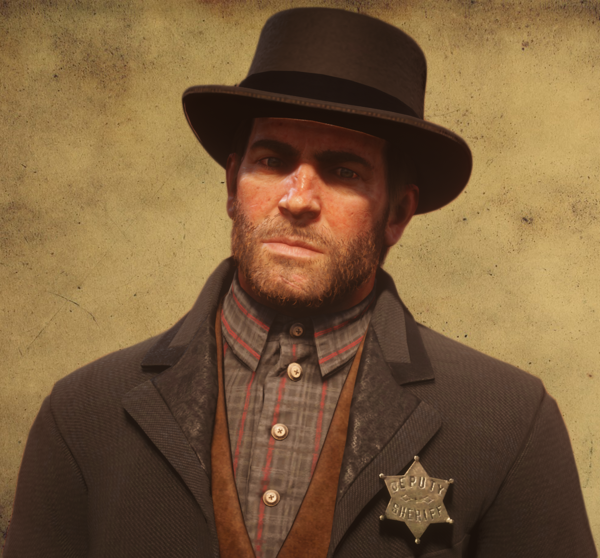
i want it to change only my clothing instad of the model. xD i cant grow a beard now xD
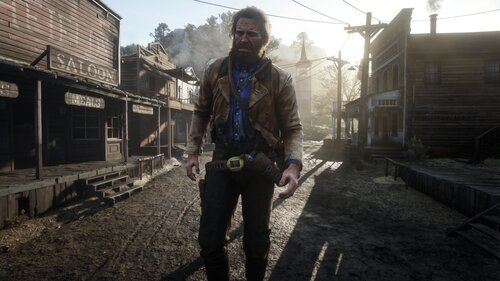 i mean its still beta i suppose. just wait little longer until they figured all stuff out 😄
- 1,356 comments
- 25 reviews
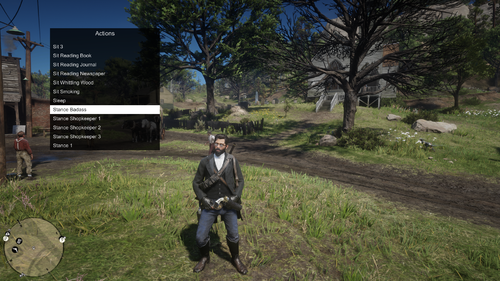 and you believe it? virus scanners always do that. lspdfr is a virus it self they said. its not. its not harmfull.
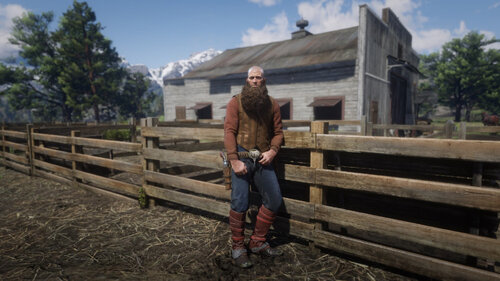 https://prnt.sc/qdohg2 i do try to add it your self or re-download that file
- 586 comments
- 16 reviews
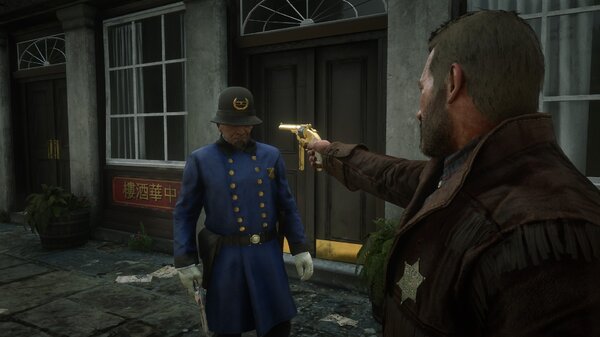
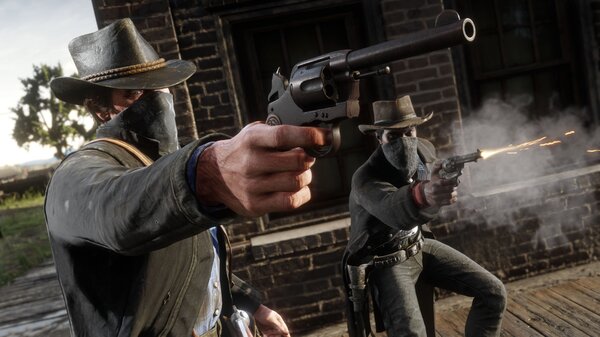 right before he shots his gun pretty cool.https://discordapp.com/invite/KSU7vFx its in the top menu called "Discord"
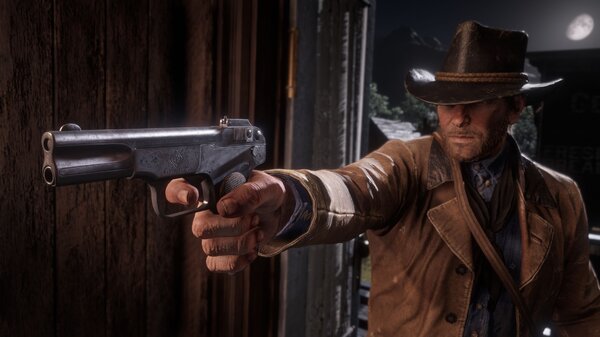 a real gangster uses a revolver
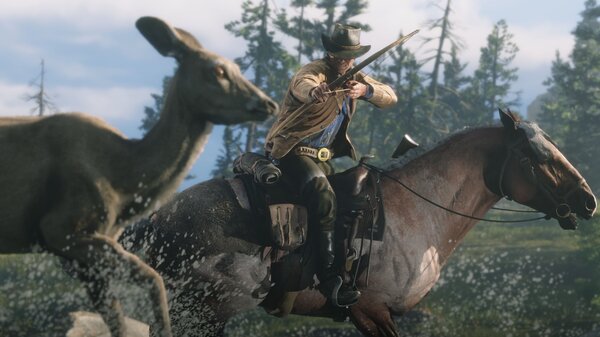 omg no animal brutality lol
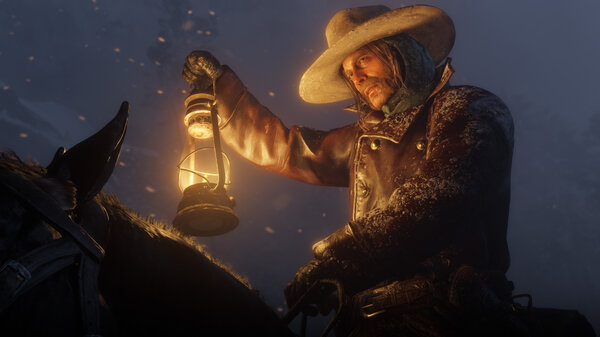 amazingalright well thanks for the message