




Rspect
Members
-
Joined
-
Last visited
-
 Rspect changed their profile photo
 -
-
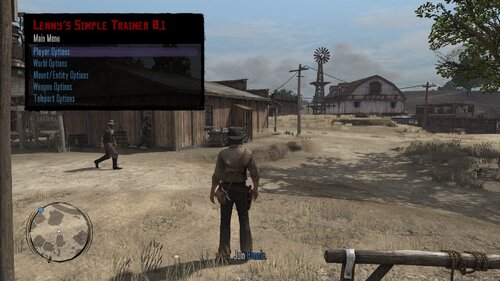 First of all, thank you for releasing this resource. When I enable the "Infinite Ammo" check, my game crashes within a few seconds and cars cannot be ridden. I trust, this will be fixed soon?
- 214 comments
- 5 reviews
-
-
Doesn't work. My game crashes upon opening the menu. UPDATE: So, this is weird. Sometimes the menu doesn't open at all (game instantly crashes) and when it does open, my game crashes as soon as I enable "Infinite Ammo".
- 214 comments
- 5 reviews
