





VeronicaTS
Members
-
Joined
-
Last visited
-
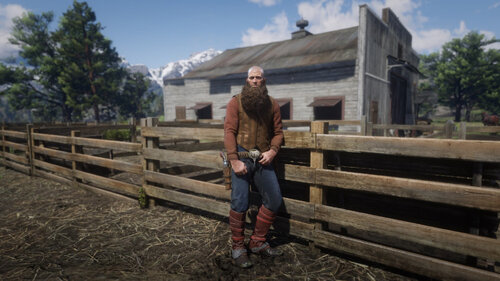 I have Red Dead Consumption on my PS4, have been lobbying for them to make the online characters available offline since they came out with Online. Because of this mod I splurged the $100 for a PC version because it seemed to give me the ability to play my online character offline. While the problem I have doesn't make me regret that decision, because I can still do a lot, every time I try to load the mp_female model it crashes. I am still able to use the lenny's asian female model, or I could theoretically do the Braithwaite inbred monster, but if that model could get fixed that'd really, really improve my experience.
- 586 comments
- 16 reviews