





FrenchKush420
Members
-
Joined
-
Last visited
File Comments posted by FrenchKush420
-
-
 9 minutes ago, maxg14 said:
I would like to know this too - I have no idea how to do it though
-
-
-
7 minutes ago, LMS said:
@RejectModders @Bizz91 @Mark Adams
Could you do me a favor and test the attached version? I cannot replicate it, but I have an idea. Please test this menu several times by restarting the game and see if a) it no longer lags and b) if you get any crashes opening the menu. Thank you
Search this comment section, @Cyan posted a link a few pages back with all models that you should be able to use.
Seems to work for me. No crashes. Every feature is working.
I came here to ask for animations/scenarios but I know it will eventually come in the future.
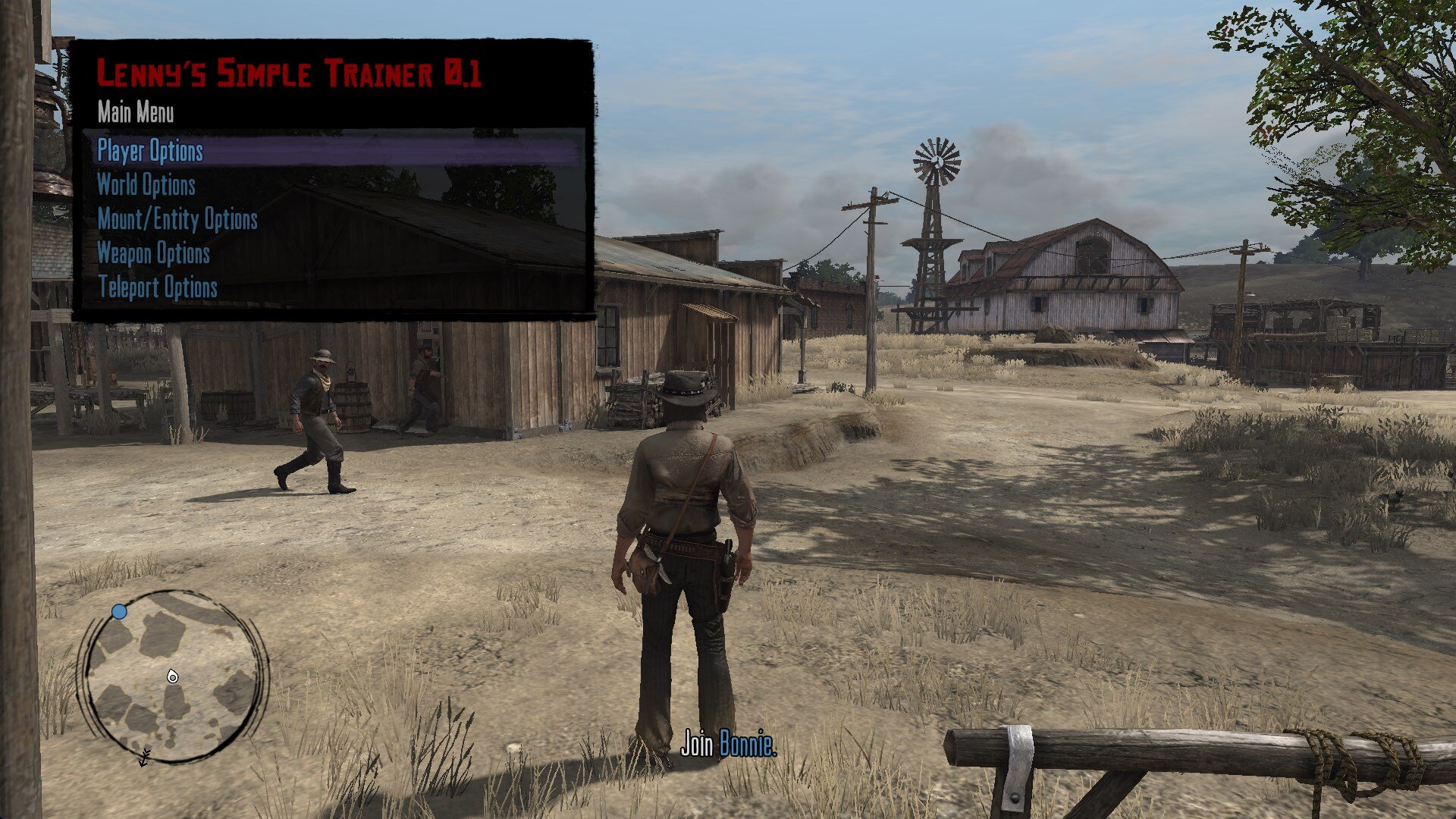
Lenny's Simple Trainer RDR 1 PC
in All Mods
You replace skins in lst.ini with the ones in actors.ini
DLC characters are not working. No Red Harlow 😢