Leaderboard
-
- All areas
- Articles
- Article Comments
- Pages
- Page Comments
- Natives
- Native Comments
- Parameters
- Components
- Component Comments
- Voices
- Voice Comments
- Speech Lines
- Speech Line Comments
- Tutorials
- Tutorial Comments
- Peds
- Ped Comments
- Animations
- Animation Comments
- Releases
- Release Comments
- Guides
- Guide Comments
- Features
- Feature Comments
- Settings
- Setting Comments
- Files
- File Comments
- File Reviews
- Images
- Image Comments
- Albums
- Album Comments
- Topics
- Posts
-
-
Sniper296
Members1Points39Posts -
MrMook
Members1Points11Posts -

Officer Joey Kuffman
Members1Points51Posts -
elfamosoalek
Members1Points18Posts


Popular Content
Showing content with the highest reputation since 10/29/2019 in Albums
-
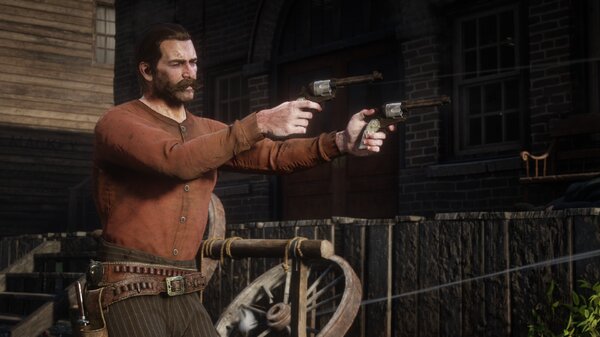
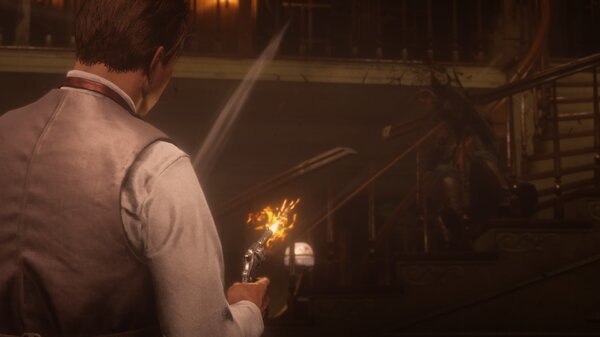
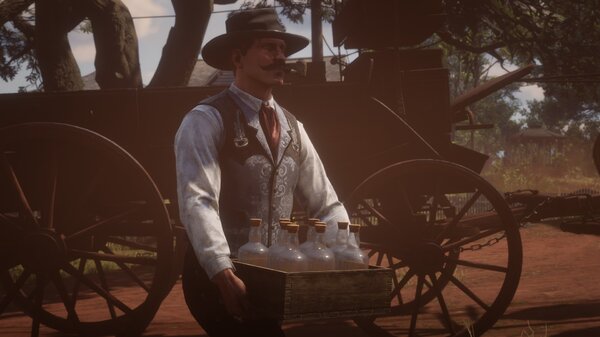
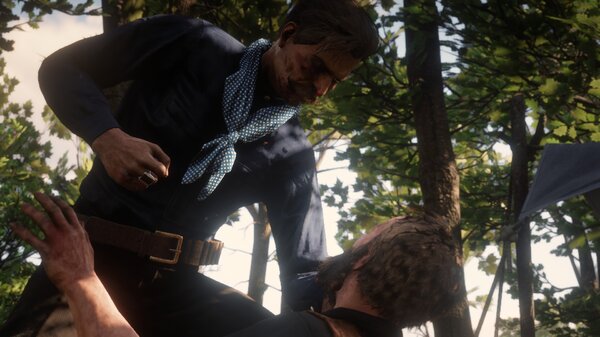
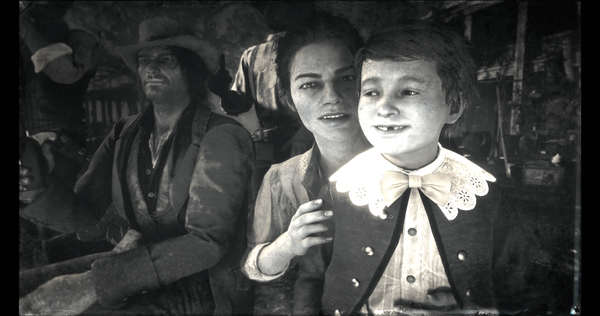
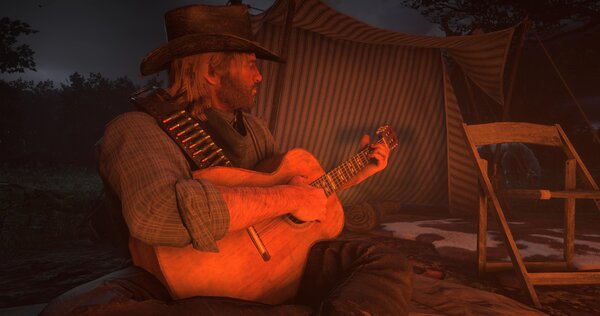
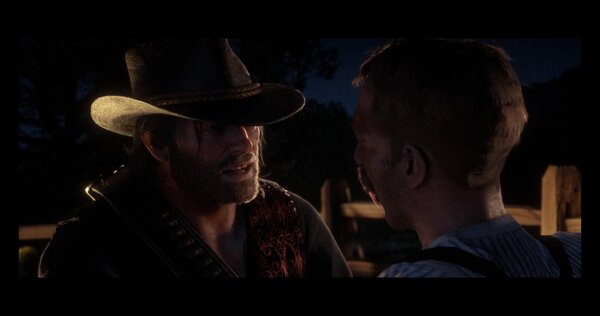
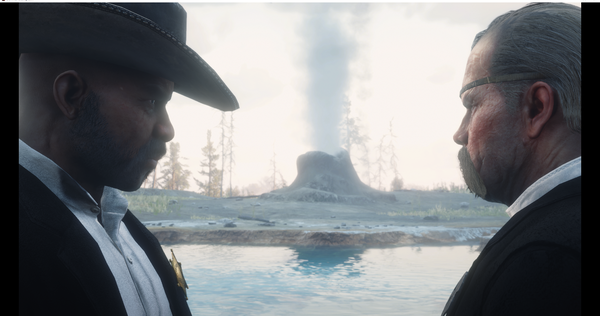
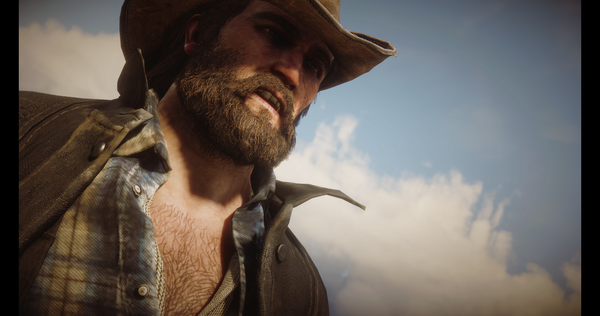
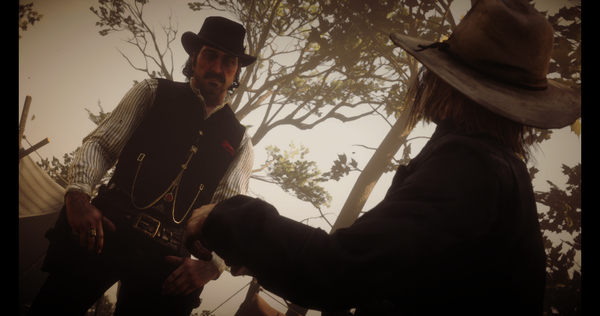
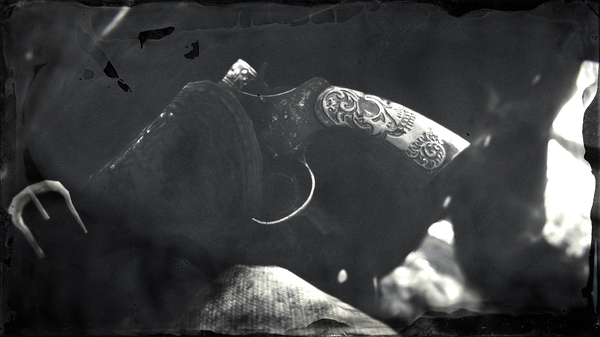
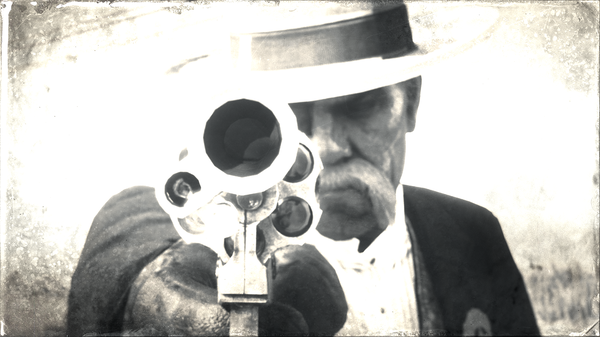
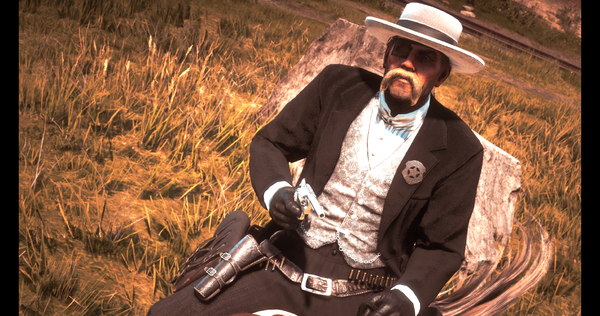
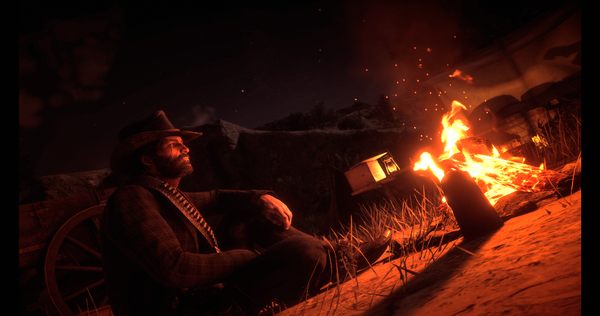
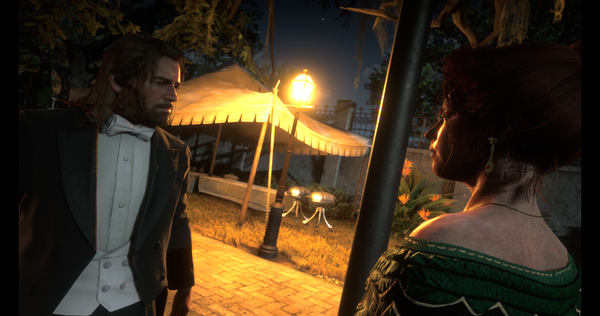
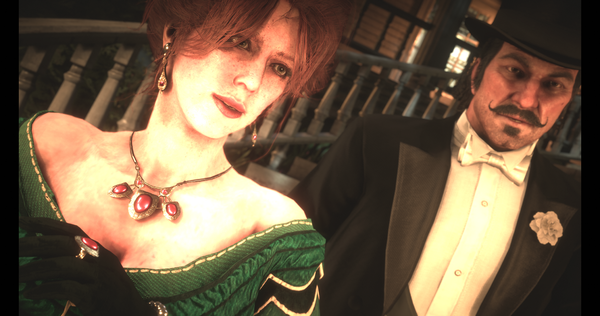
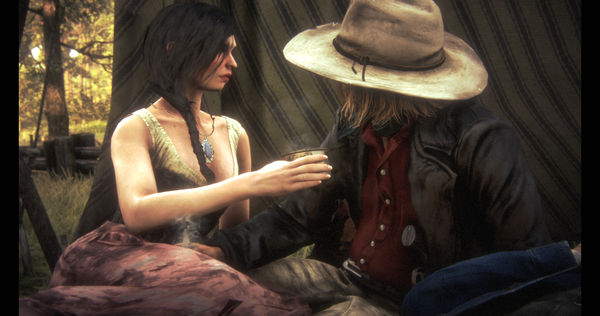
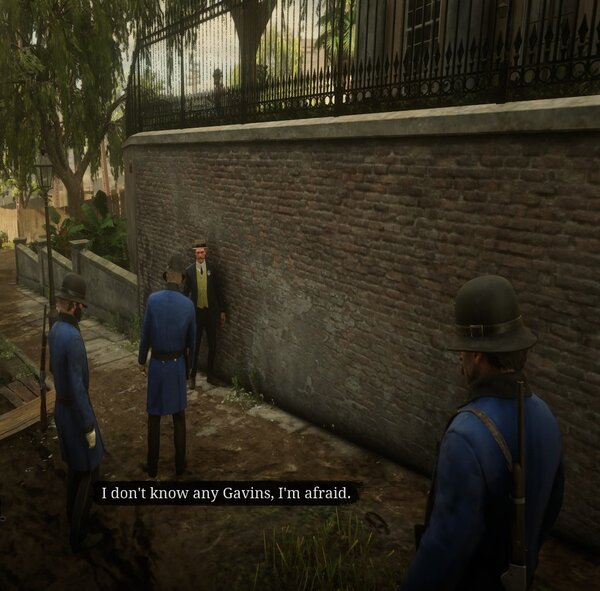
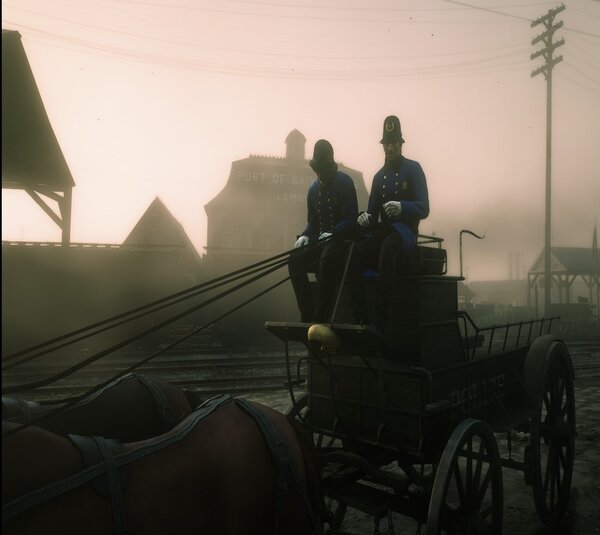
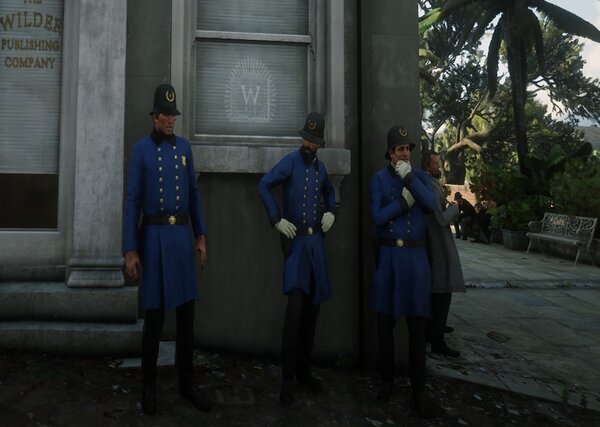
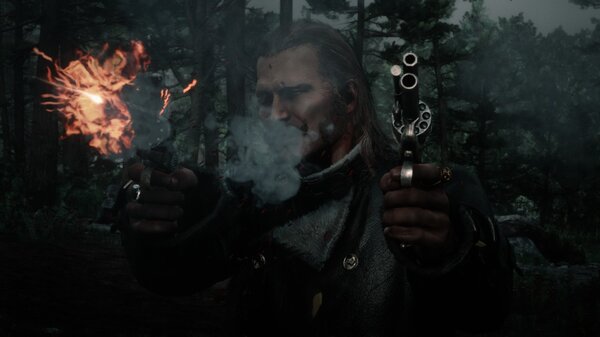
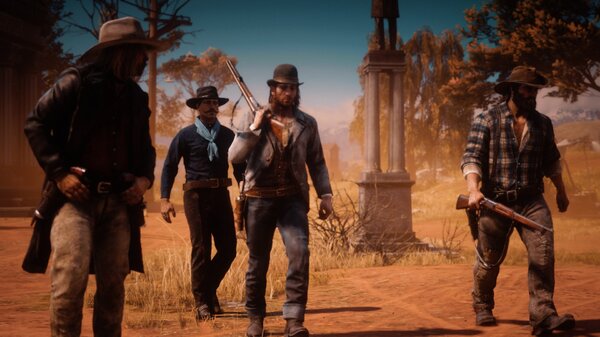
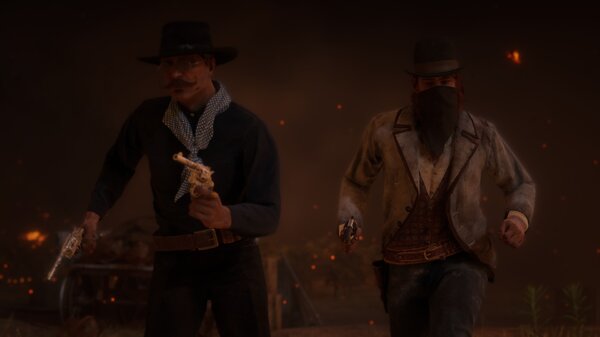
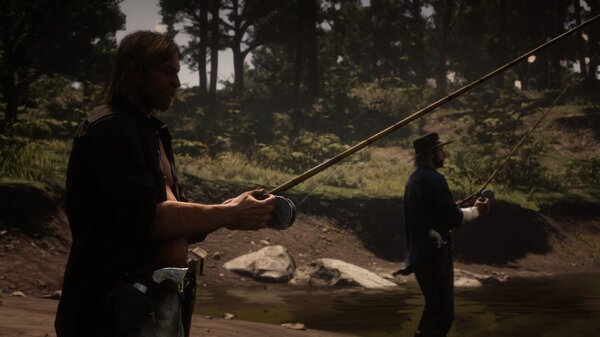
1 pointMy favourite screenshots I've taken!1 point
-
1 point
-
1 point1 point
-
1 point
-
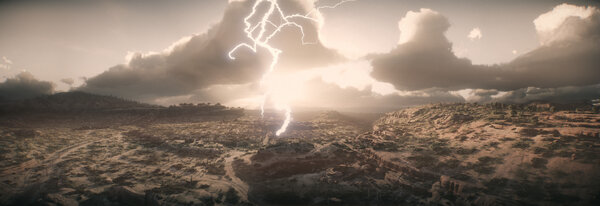 Storm Over New Austin
-
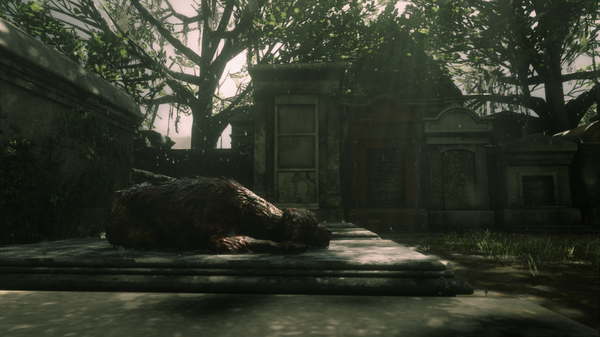 Loyalty
-
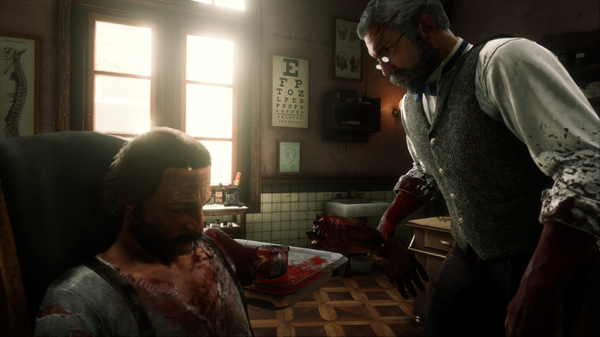 “Well, You Won't Need This Any More”
-
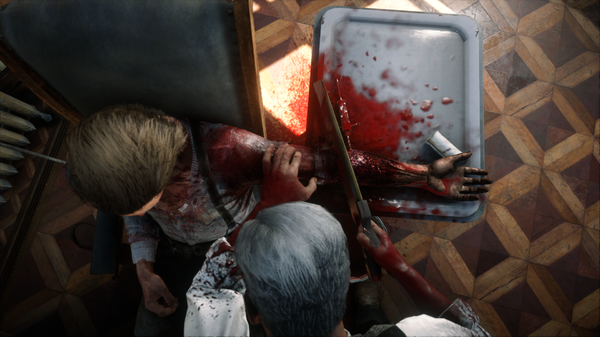 “Nearly There…”
-
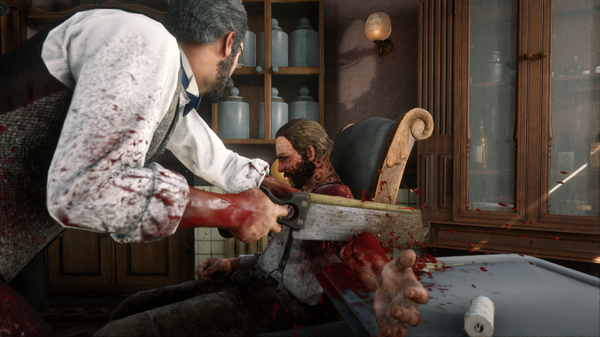 “I Can't Wait until the Reciprocating Bone Saw Is Invented!”
-
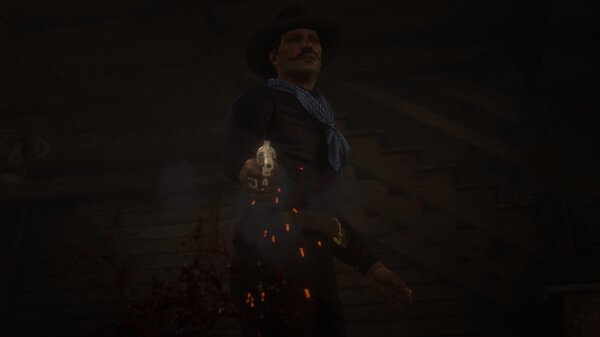
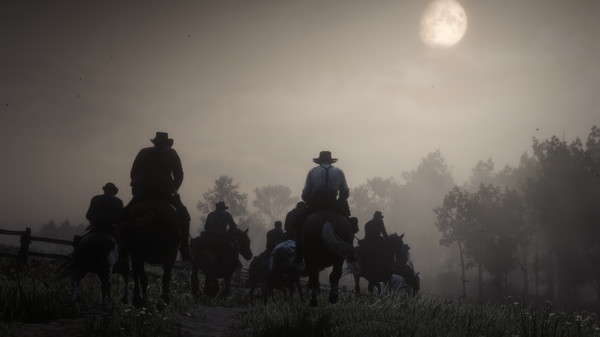 Death Rides In
-
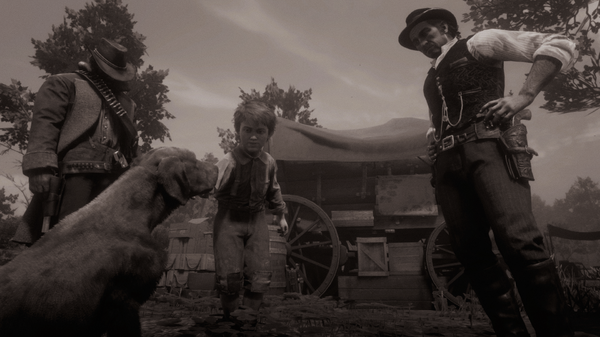 Red Dog Redemption II
-
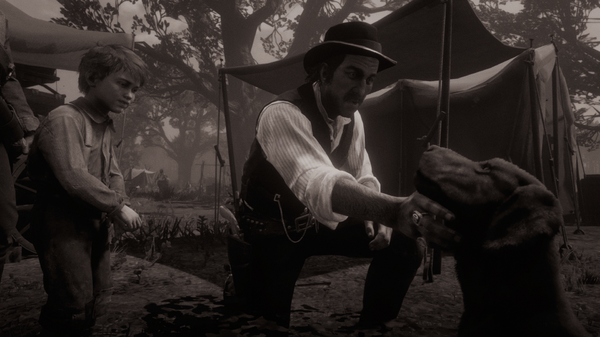 Red Dog Redemption II
-
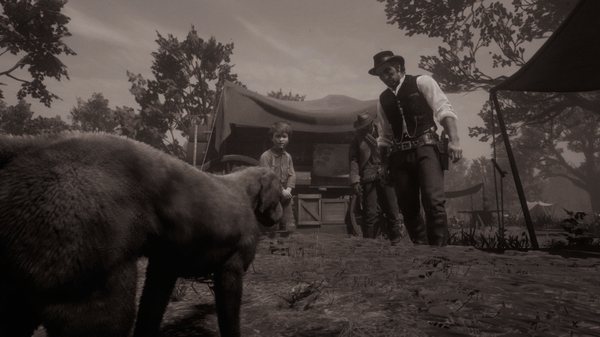 Red Dog Redemption II
-
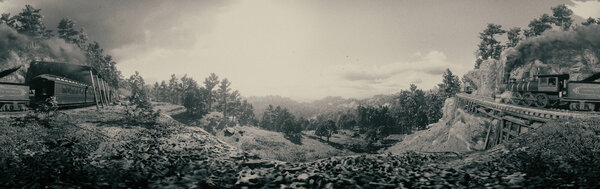 Red Dead Redemption II Trackside Panorama
-
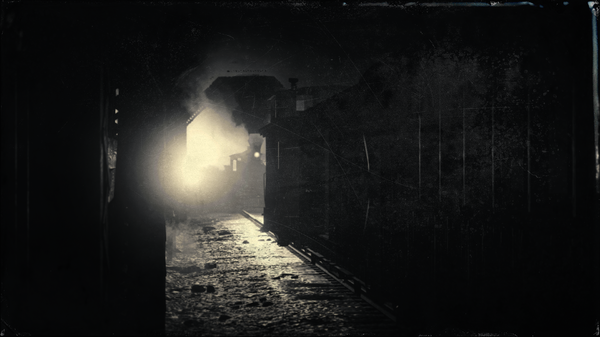 The Line is Occupied!
-
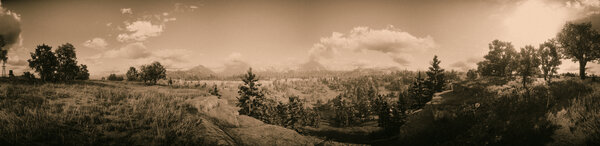 Limpany
-
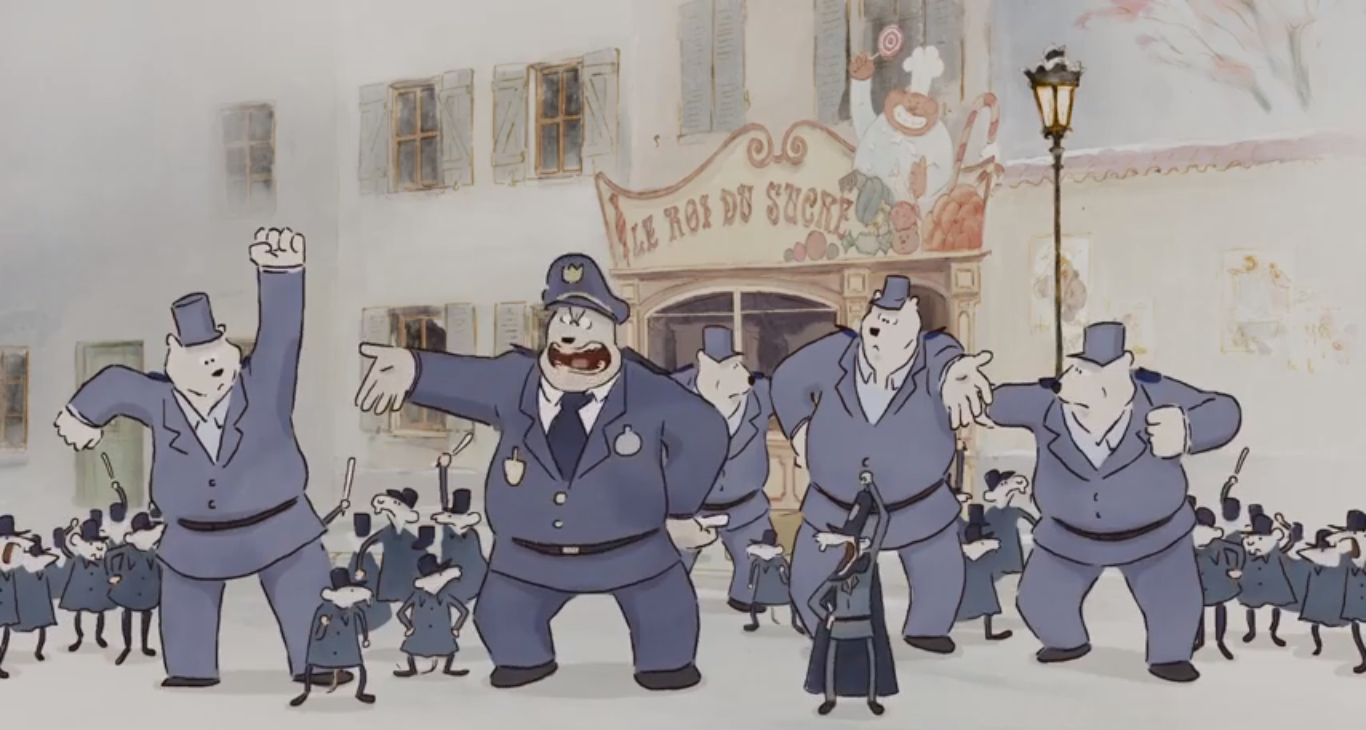
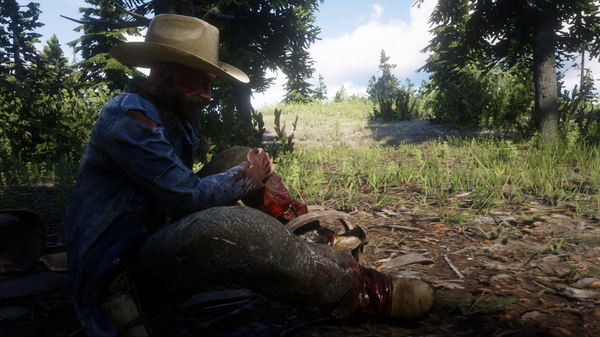 “You Are Not a Bear”
1 point -
-
1 point1 point

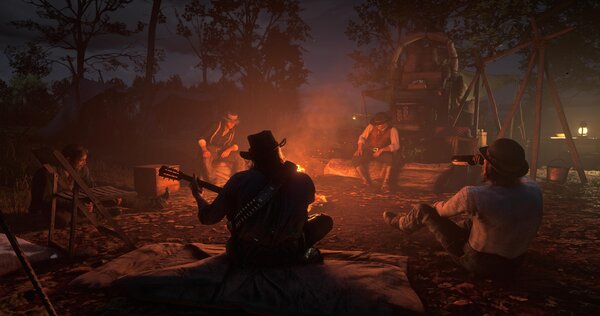
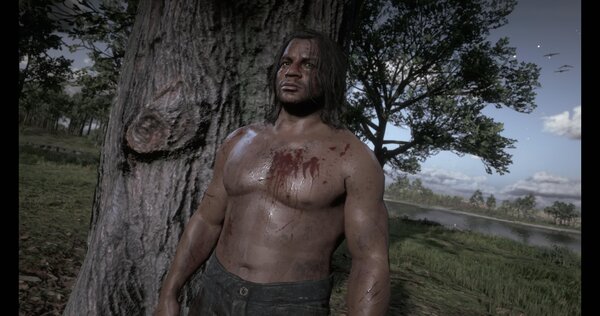
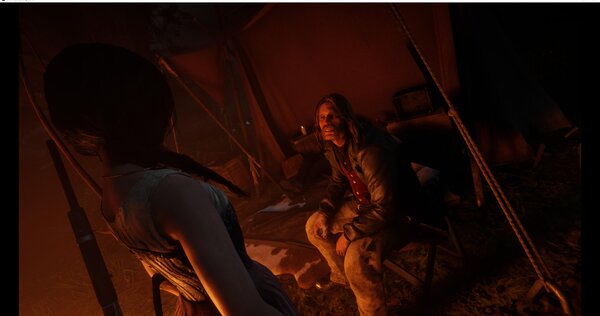
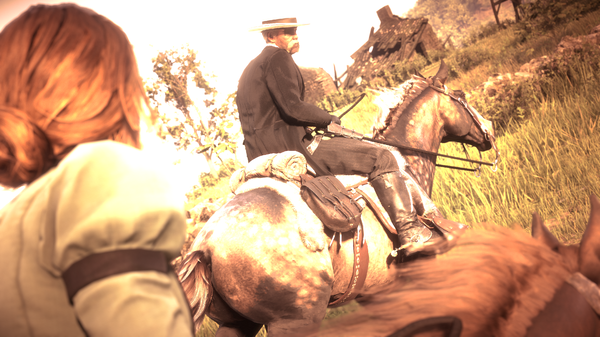
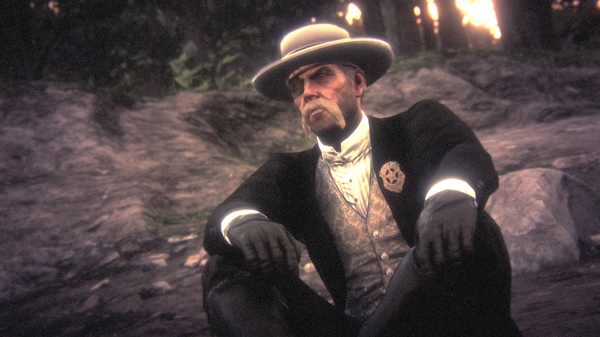
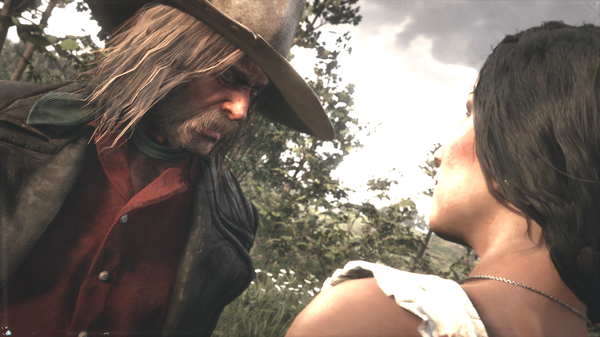
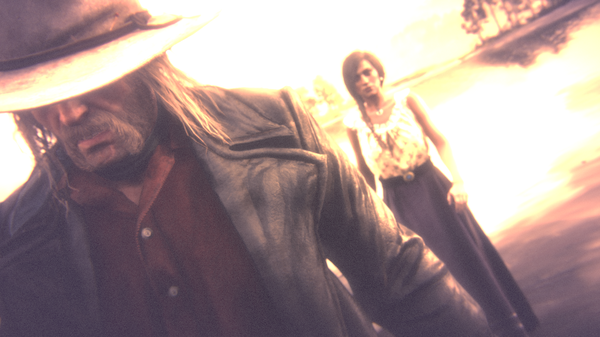

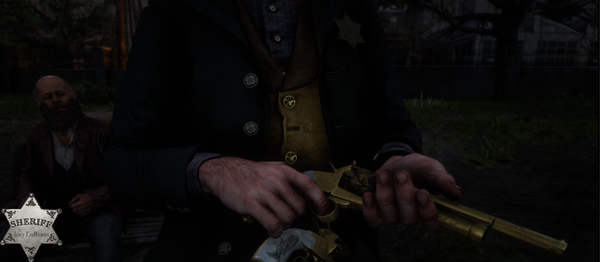
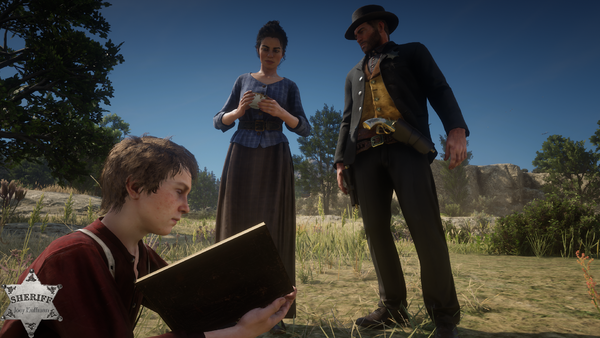
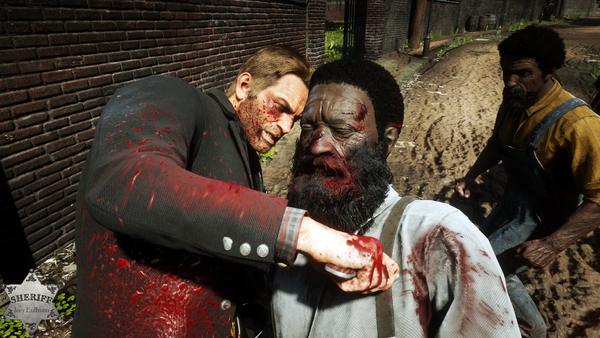
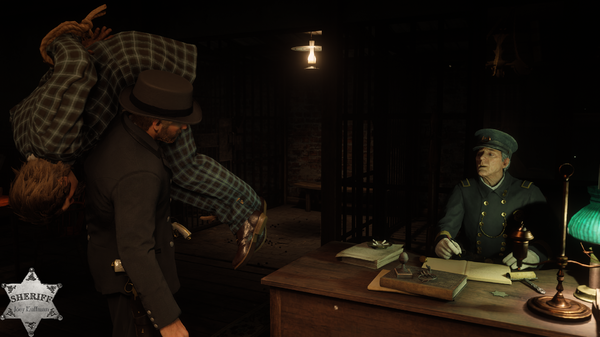
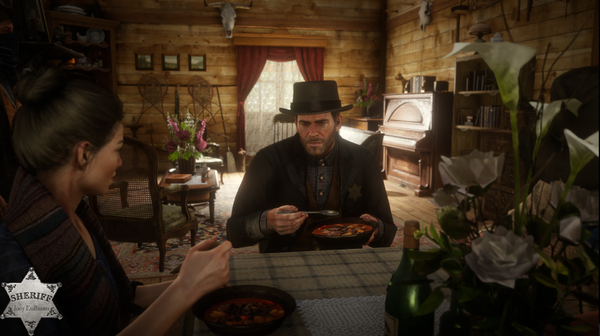
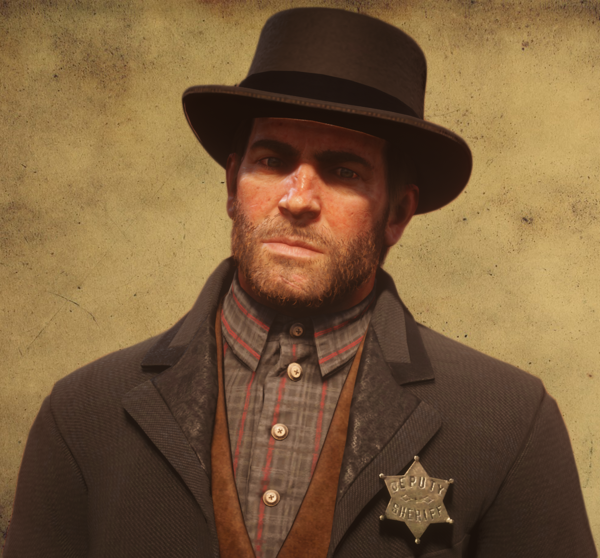
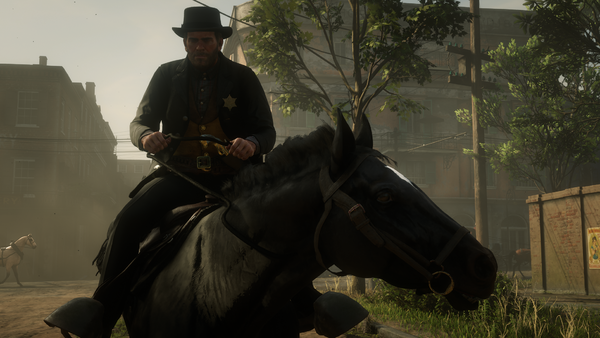
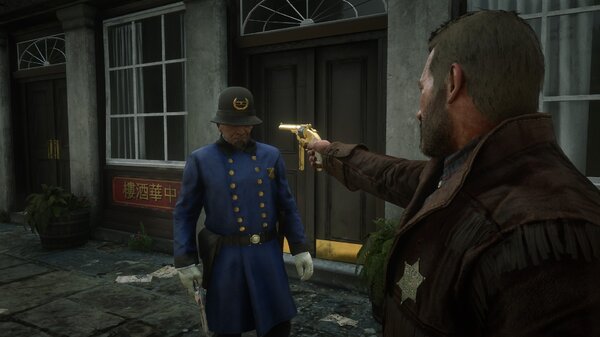
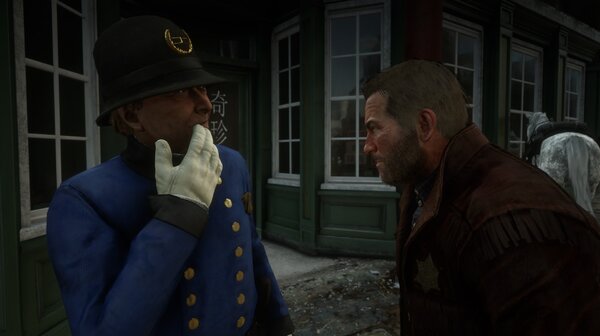
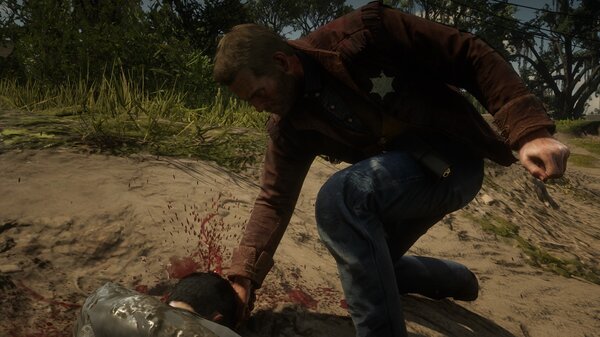
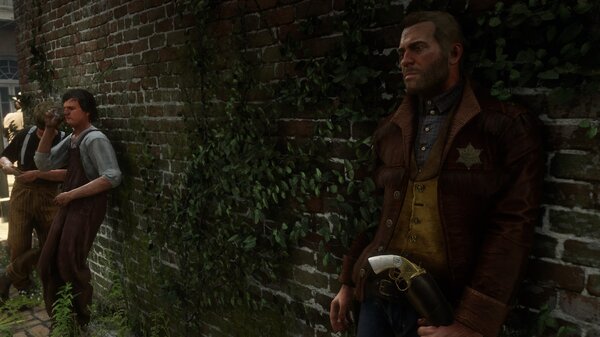
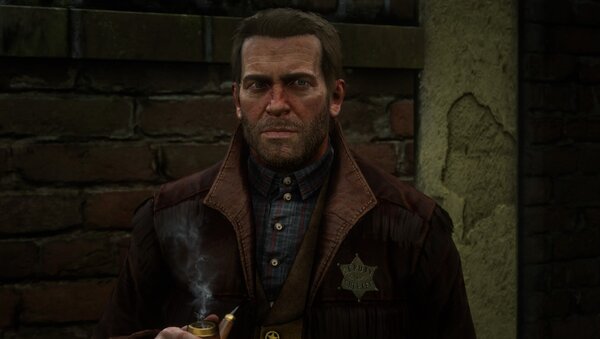


.jpg.1ab9d83636bea04e9f5cc7fa6eb5da9e.jpg)