Jump to content
View in the app

A better way to browse. Learn more.

RDR2Mods.com

A full-screen app on your home screen with push notifications, badges and more.

To install this app on iOS and iPadOS
  1. Tap the Share icon in Safari
  2. Scroll the menu and tap Add to Home Screen.
  3. Tap Add in the top-right corner.
To install this app on Android
  1. Tap the 3-dot menu (⋮) in the top-right corner of the browser.
  2. Tap Add to Home screen or Install app.
  3. Confirm by tapping Install.
6 files
  1. Shoot it out with bandits, hunt down outlaws and walk the streets with a star.
    • 148,771 Downloads
    • 730707 Views
    • 17.34 MB File Size
    • 132 Comments
    LMS in RDRFR
    Updated
  2. A callout pack with in depth & longer callouts
    • 2,460 Downloads
    • 27398 Views
    • 112.25 kB File Size
    • 3 Comments
    Updated
  3. Basic callouts for RDRFR
    • 20,267 Downloads
    • 117505 Views
    • 174.57 kB File Size
    • 27 Comments
    Updated
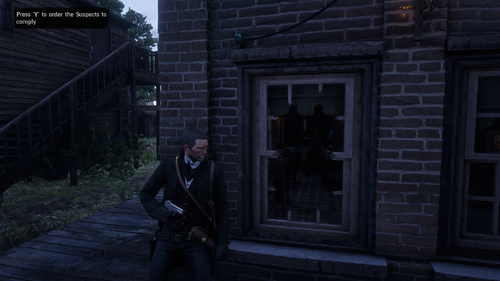
  4. Deputy, you've got work to do! These callouts will make you feel like a true lawman in the Wild West
    • 19,363 Downloads
    • 153762 Views
    • 27.27 kB File Size
    • 28 Comments
    Updated
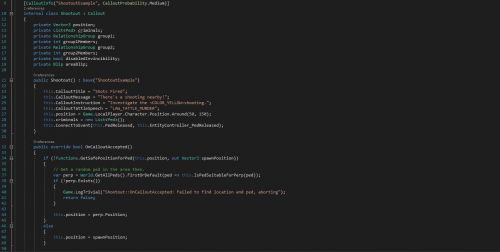
  5. Callout example for RDRFR
    • 1,128 Downloads
    • 29804 Views
    • 683.24 kB File Size
    • 4 Comments
    Updated
  6. A callouts pack for RDRFR
    • 13,973 Downloads
    • 97061 Views
    • 18.31 kB File Size
    • 18 Comments
    Updated

Configure browser push notifications

Chrome (Android)
  1. Tap the lock icon next to the address bar.
  2. Tap Permissions → Notifications.
  3. Adjust your preference.
Chrome (Desktop)
  1. Click the padlock icon in the address bar.
  2. Select Site settings.
  3. Find Notifications and adjust your preference.