




YMT TRAINER | EASYTHEN & CID9
YMT Trainer is a powerful utility designed to parse folders of unhashed YMTs and present them through an easy-to-use in-game interface. Whether you're a new or seasoned custom character modder, this utility is a must-have. The trainer handles the technical heavy lifting so you can focus on your character.
MAIN FEATURES
Intelligent Parsing
Automatically reads unhashed YMT files for instant in-game access, viewing, and management.
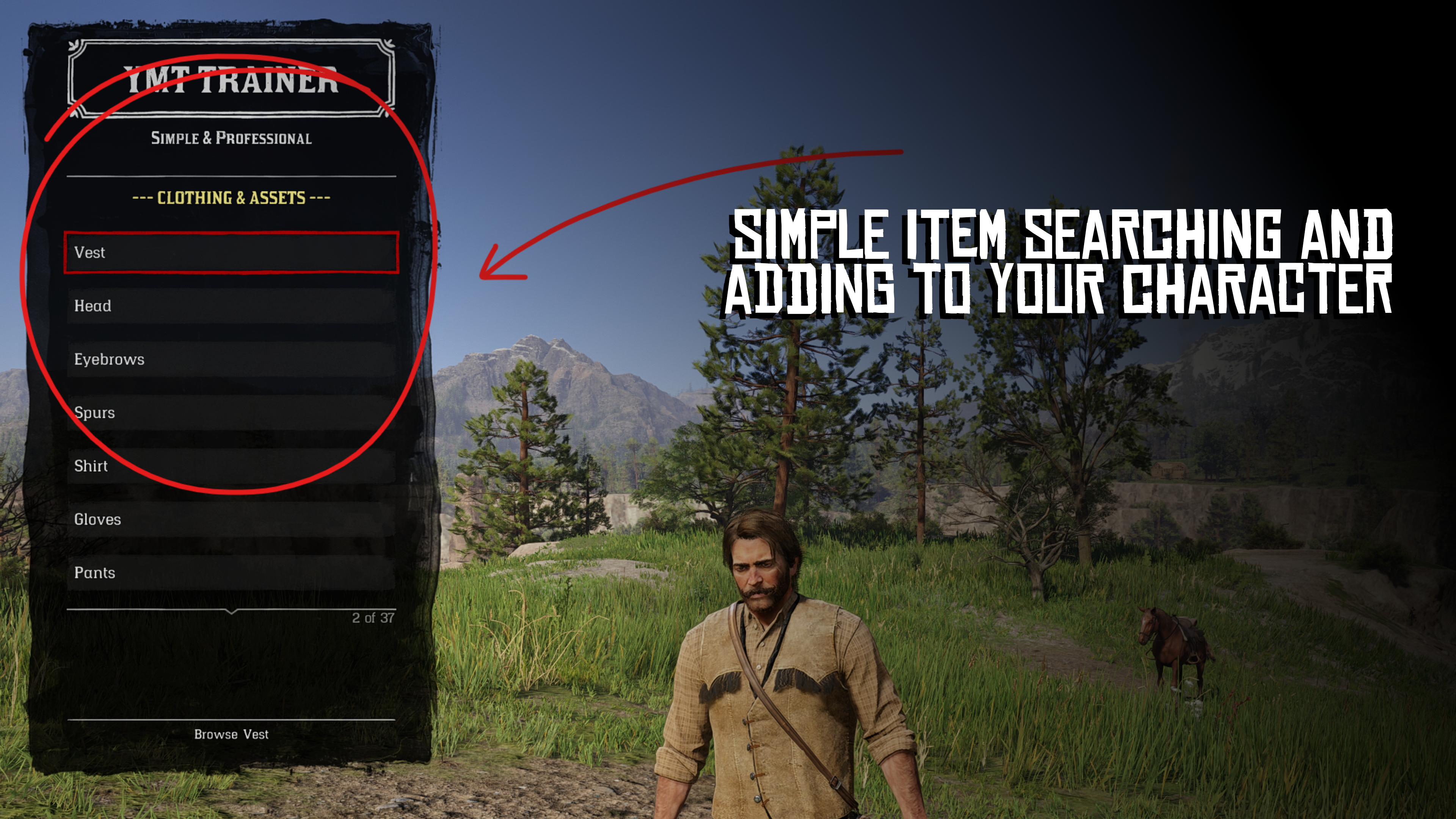
Item Management
Full control over assets and clothing items.
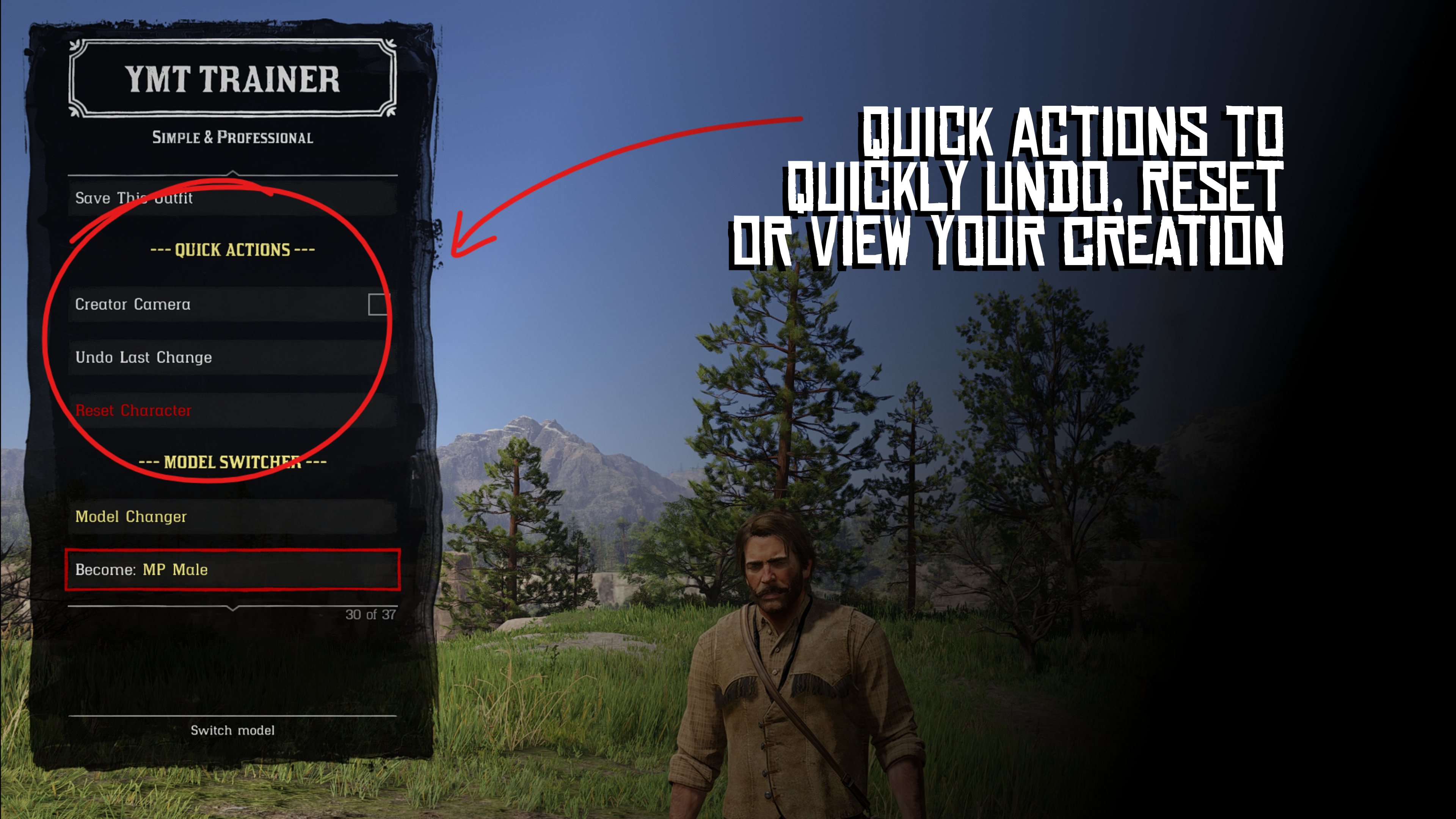
Ped Switching
Quickly switch between different important peds with ease.
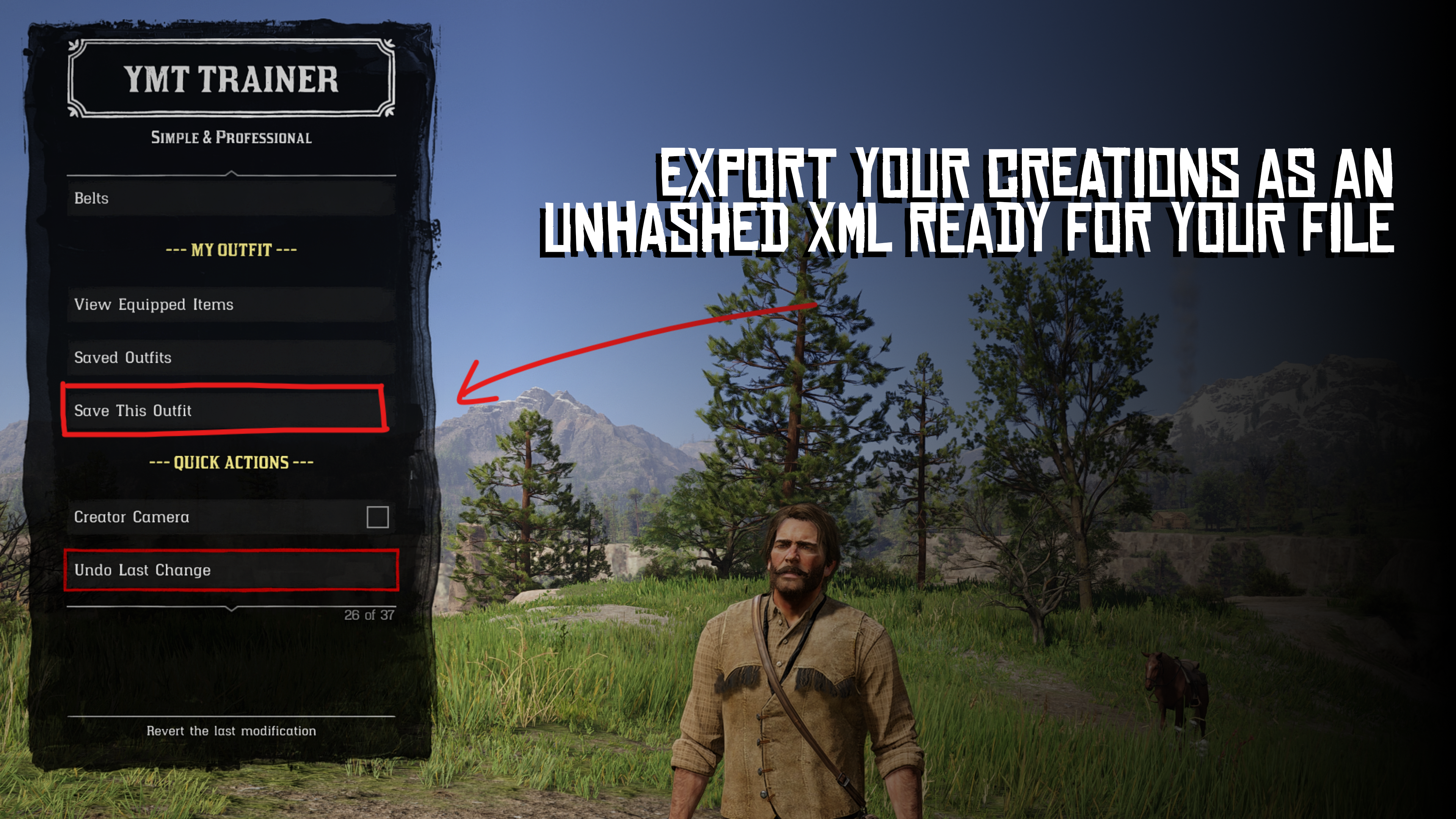
Outfit Saving
Save your custom creations directly to an XML file for quick and easy copying into your own file.
Native UI
Built with a clean interface that feels natural within the RDR2 environment. Courtesy of a base by EmperorLvl.
REQUIRED DEPENDENCIES
IMPORTANT: This mod requires a list of Unhashed YMTs to function. Without this list, the mod will be unable to load any items.
Download Unhashed YMTs:
unhashedymts.easythen.com
INSTALLATION GUIDE
Follow these steps carefully to ensure the trainer loads correctly:
Install Unhashed YMTs
Extract your downloaded "Unhashed YMTs" and drag the folder into your lml folder. Do not rename this folder.Install Trainer
Open the YMT Trainer folder and drag the contents of the mod folder into your main RDR2 directory.
Note:
YMTTrainer.asi must be in the same location as rdr2.exe
Booting the Game
When you start RDR2, it is normal to experience a slightly longer loading time or a brief black screen. This is simply the mod loading the YMT files into memory.
TROUBLESHOOTING
"NO YMTS FOUND" or error under Clothing & Assets
This usually occurs if the Unhashed YMTs are missing, in the wrong location, or the folder was renamed.
Solution:
Ensure the folder is named exactly unhashed ymts and is located inside your lml directory.
Trainer won't open (F1 key)
If the menu fails to appear and there are no error messages, the mod was likely installed in the wrong directory.
Solution:
Double-check that the contents of the mod folder were moved to the main RDR2 directory, not a sub-folder.
COMMUNITY & SUPPORT
Stay updated and get help through the official channels:
Official easythen Discord:
discord.easythen.com
YMT Trainer Discord:
ymtt.easythen.com
CREDITS
CID9 (@C1D9)
Lead Developer, Logic, and Systems
EASYTHEN (@EASYTHEN)
Support Developer, UX Lead, Branding, and Documentation
EMPERORLVL
Creator of NativeMenuBase
LEGAL & DISCLAIMER
Redistribution
Redistribution of the YMT Trainer is strictly prohibited. Please link back to the official page:
ymttdl.easythen.com
Warranty
This software is provided "AS IS", without warranty of any kind. The authors are not liable for any claims or damages arising from the use of this software. By installing, you automatically accept these terms.
Make sure to check this page frequently for updates to ensure you aren't missing out on new features.
Edited by CID9
Recommended Comments
Create an account or sign in to comment